
Free BCF viewer
Open BCF issues online: comments, snapshots and status, on the IFC model in 3D, then export them to Excel.
Or drop it here, with its IFC if you have it. Nothing is uploaded.BCF 2.0, 2.1, 3.0 · never leaves your phone
No sign-up · no upload · BCF 2.0, 2.1 and 3.0 · Excel export
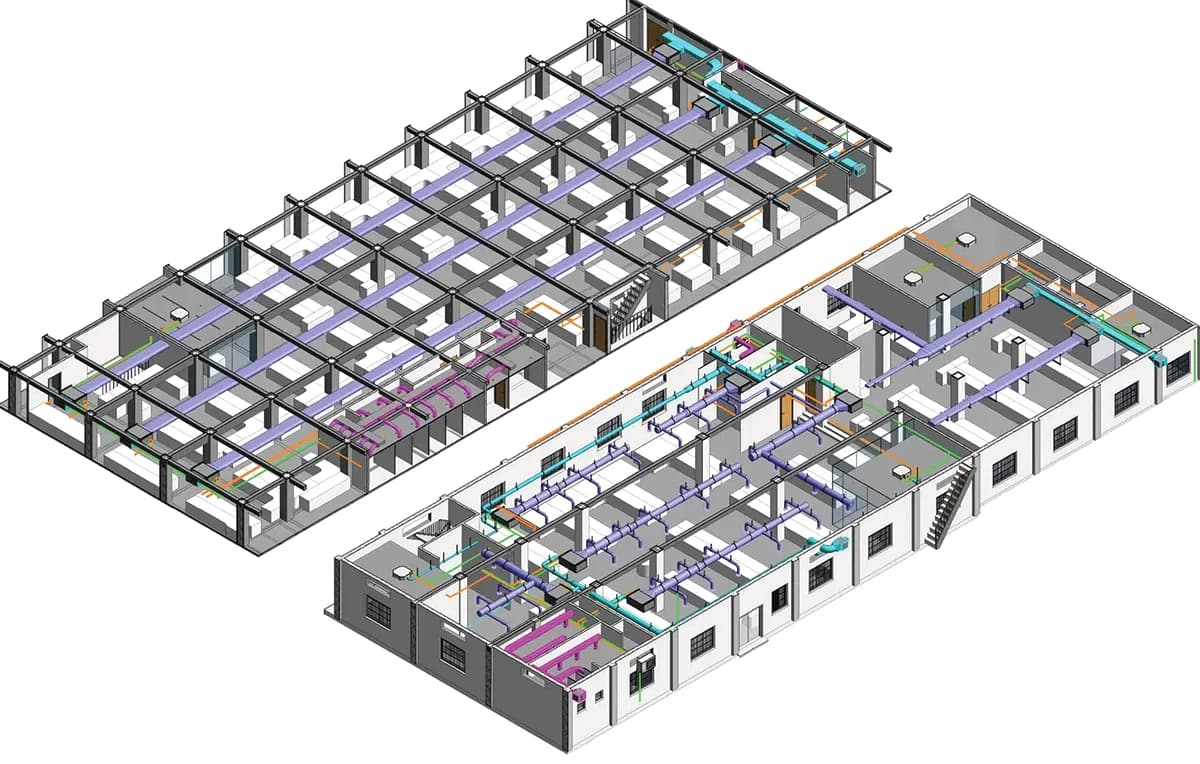
Supply duct runs through beam B-14
How it works Read, see, share
1. Drop your BCF
A .bcf or .bcfzip from Solibri, BIMcollab, Navisworks, Revit or ACC opens at once, every issue with its comments and snapshots.
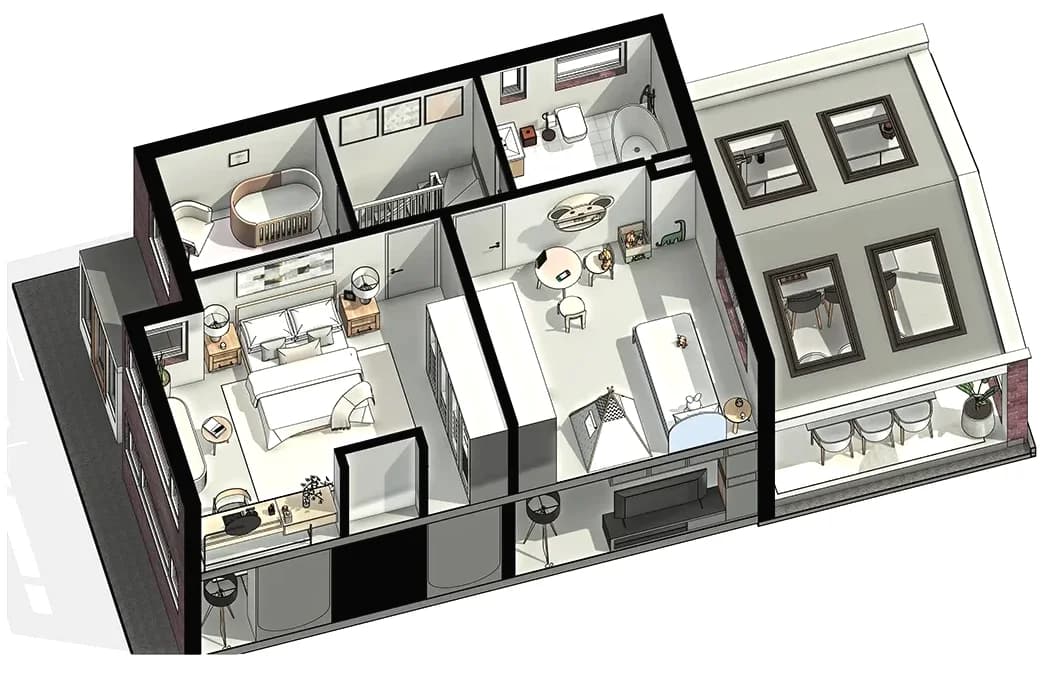
2. Add the IFC for 3D
Drop the model the issues were raised on, and each viewpoint opens on it: camera, selected elements, colours and section planes.
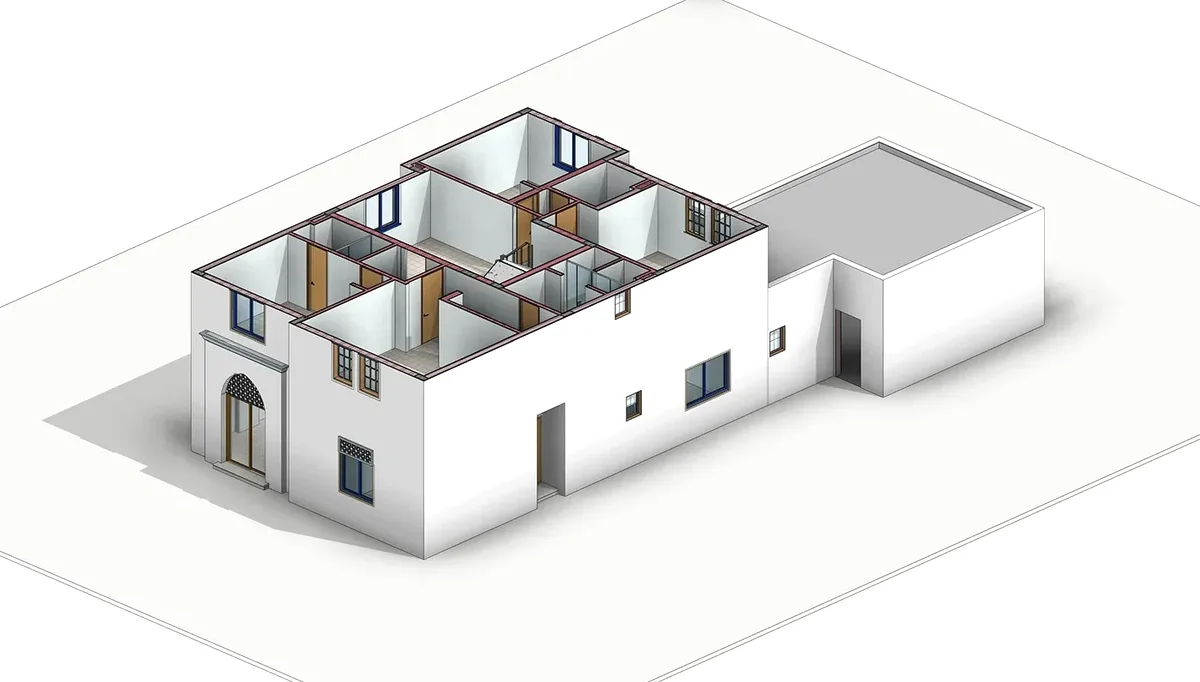
3. Export for the team
Filter by status, assignee or label, then save the list to Excel with a snapshot in every row, or print it as a PDF report.
Issues on a client's project Stay on your computer
Open a BCF fileNo upload
The BCF and the IFC are read inside your browser tab. Nothing reaches a server.
No sign-up
No account, no email, no trial. Open the page and drop the file you were sent.
Open standard
BCF 2.0, 2.1 and 3.0 from any tool that writes buildingSMART's format.
What is in a BCF file Issues, not the model
BCF, the BIM Collaboration Format, is buildingSMART's open standard for raising issues on a BIM model and passing them between tools. It names the elements an issue is about by their IFC GlobalId, so a clash found in Solibri can be opened in Revit or Archicad on the same wall.
coordination.bcf            a ZIP archive
├─ bcf.version               2.1 or 3.0
├─ project.bcfp              project name
├─ extensions.xml            allowed statuses, types, users
└─ 0f3c9a1e-…/               one folder per issue
   ├─ markup.bcf             title, status, comments
   ├─ viewpoint.bcfv         camera, elements, cuts
   └─ snapshot.png           what the author saw
BCF 2.0, 2.1 and 3.0 All three open here
| 2.0 | 2.1 | 3.0 | |
|---|---|---|---|
| Released | October 2014 | January 2017 | June 2021 |
| File extension | .bcfzip | .bcf | .bcf |
| Comments and viewpoints | Beside the topic | Beside the topic | Inside the topic |
| Elements in a viewpoint | One list with flags | Selection, visibility, colour | Adds translucency |
| Documents | Linked by path | Linked by path | Documents folder |
| Camera aspect ratio | Not stored | Not stored | Stored |
Tested on all 71 of buildingSMART's official BCF-XML test files, every version, before release. The date and version facts above are from the BCF-XML repository.
Questions About BCF files
What is a BCF file?
BCF (BIM Collaboration Format) is buildingSMART's open format for issues on a BIM model. A .bcf file is a ZIP archive with one folder per issue: markup.bcf holds the title, status, assignee and comments, a .bcfv viewpoint holds the camera and the elements the issue is about, by their IFC GlobalId, and a PNG or JPEG snapshot shows what the author saw. It carries the conversation about a model, never the model itself, which is why it is small enough to email.
How do I open a BCF file without Revit or BIMcollab?
Drop it onto the viewer at the top of this page. It reads .bcf and .bcfzip in the browser, with nothing to install and no account, and shows every issue with its status, priority, assignee, due date, labels, comments, snapshots and attached documents.
Is my BCF file uploaded anywhere?
No. The archive is unzipped and read by code running in your browser tab, and so is the IFC if you add one. Nothing is sent to a server, stored or logged, so issues on a project under NDA stay on your computer.
Which BCF versions does it open?
BCF 2.0 (.bcfzip), 2.1 and 3.0 (.bcf). Every one of the 71 official test files in buildingSMART's BCF-XML repository opens in it: 33 for 2.0, 19 for 2.1 and 19 for 3.0.
Can I see the issues on the model in 3D?
Yes. Add the IFC the BCF was made on, and choosing an issue shows its viewpoint on the model: the saved camera, perspective or orthogonal, the selected elements highlighted, hidden elements hidden, colours and translucency applied, section planes cut and markup lines drawn. Elements are matched by IFC GlobalId, including the parts of curtain walls and assemblies.
Can I export BCF issues to Excel?
Yes: an .xlsx with one row per issue, its snapshot in the first column, and the title, status, type, priority, assignee, due date, labels, description, comment count and last comment beside it. It follows the filters you set. A CSV and a printable PDF report are there too.
Can I create or edit BCF issues here?
Not yet: this is a viewer and it never changes your file. To reply to an issue or close it, use the tool the team coordinates in, such as BIMcollab, Solibri, Navisworks or Autodesk Construction Cloud, and export a new BCF.
Why are some elements missing when I open the IFC?
A viewpoint names elements by GlobalId. When the viewer says some are not in your IFC, the issue was usually raised on another discipline's model (the MEP model, say, while you opened the architecture) or on an older revision in which those elements had different GlobalIds. Open the model listed under Models in the issue.
What is the difference between .bcf and .bcfzip?
Only the extension. BCF 2.0 and earlier used .bcfzip; from 2.1 on, buildingSMART uses .bcf. Both are the same kind of ZIP archive, and both open here.
Also free: IFC viewer · What is an IFC file?
Sources: buildingSMART: BIM Collaboration Format (BCF) · BCF-XML schemas, documentation and test cases · BCF-XML releases (2.0, 2.1, 3.0)
Built and tested by Matúš Koleják, updated 28 October 2026.