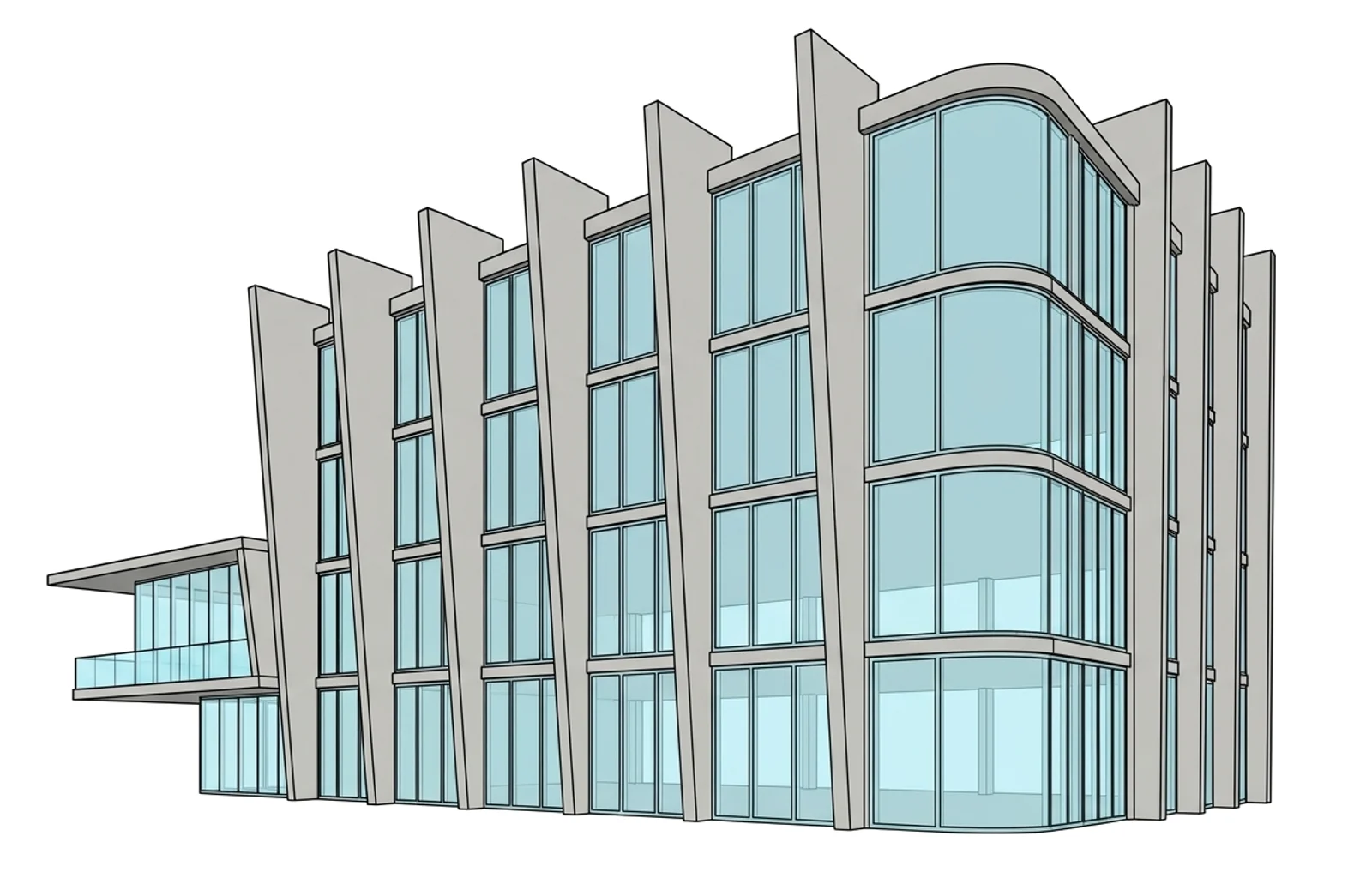
Free IFC viewer
Open an IFC file online. See the 3D model, its storeys and every property. The file never leaves your device.
Or drop it here. It never leaves your browser.IFC or IFCZIP · never leaves your phone
No sign-up · no upload · no size limit · IFC2x3, IFC4, IFC4.3
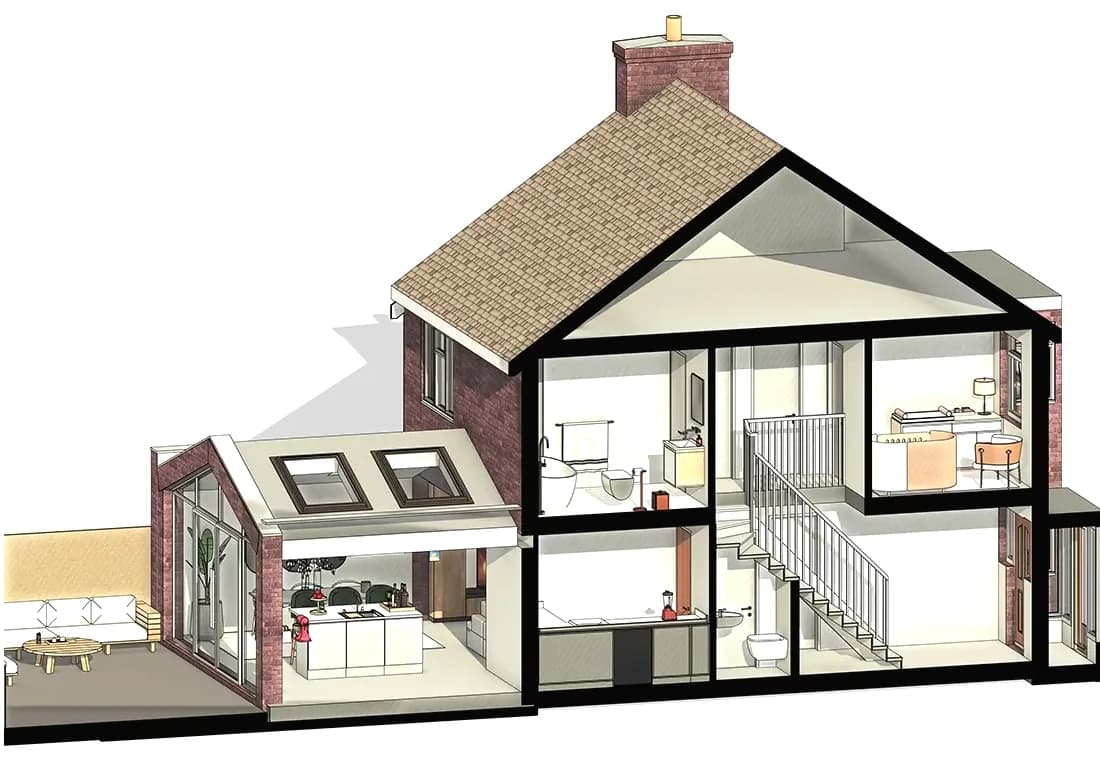
IfcWall
External wall 300
- Storey
- First floor
- IsExternal
- True
- FireRating
- REI 60
- Width
- 300 mm
How it works Open, cut, inspect
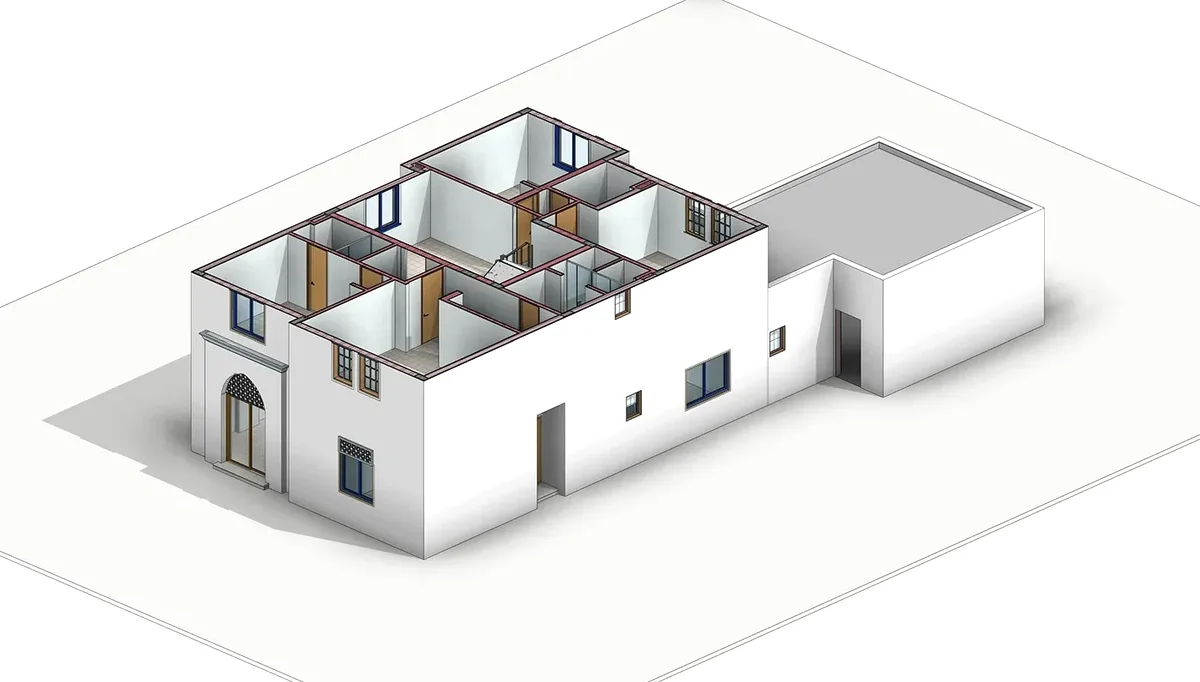
1. Drop your IFC
An .ifc or .ifcZIP opens in seconds, read by code in your browser.
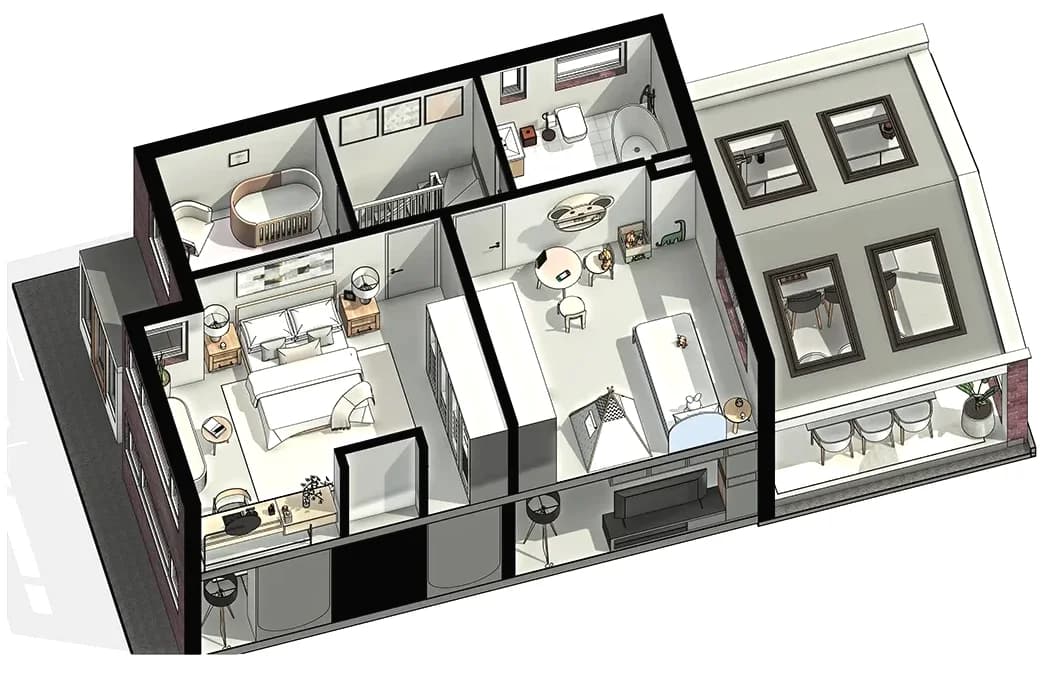
2. Cut and filter
Slide a section through the storeys, hide classes, or turn on X-ray.
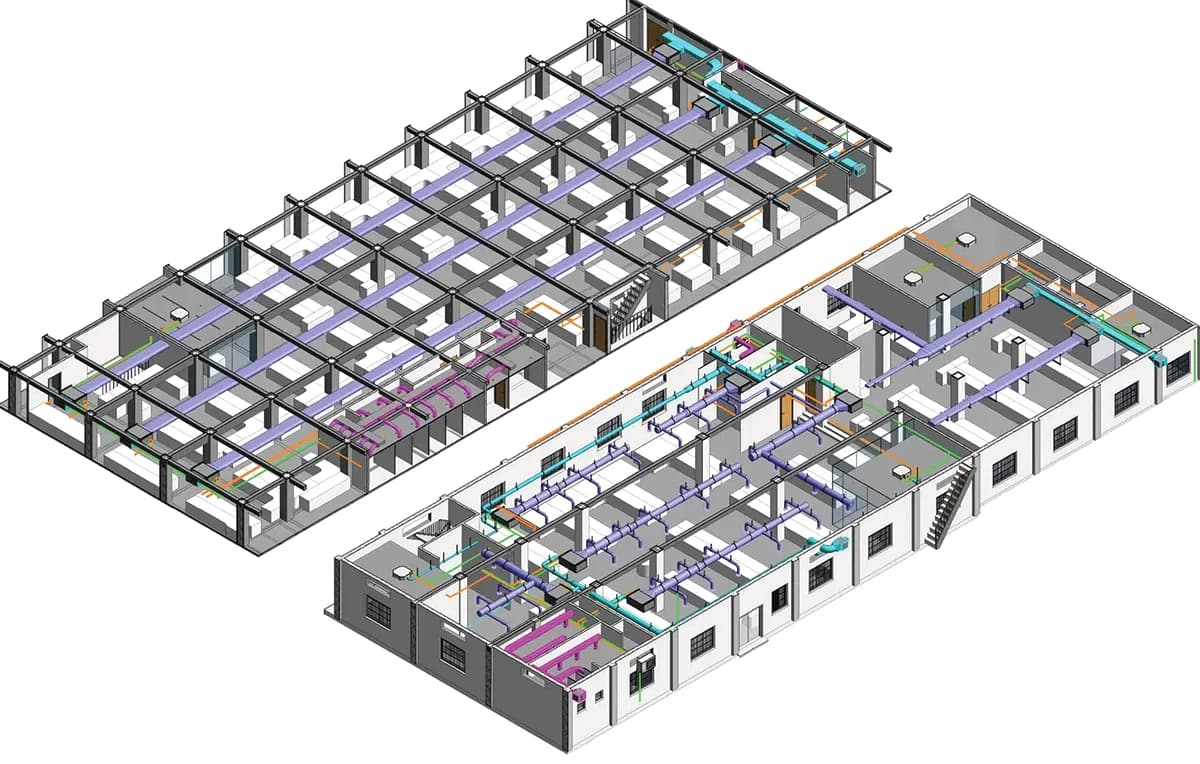
3. Read every property
Tap an element for its psets, quantities and materials. Export a CSV.
Your file stays yours Nothing leaves your browser
Open an IFC fileNo upload
The model is read inside your browser tab. Nothing reaches a server.
No sign-up
No account, no email, no watermark. Open the page and drop a file.
Open format
IFC2x3, IFC4 and IFC4.3, from Revit, Archicad, Tekla or anything else.
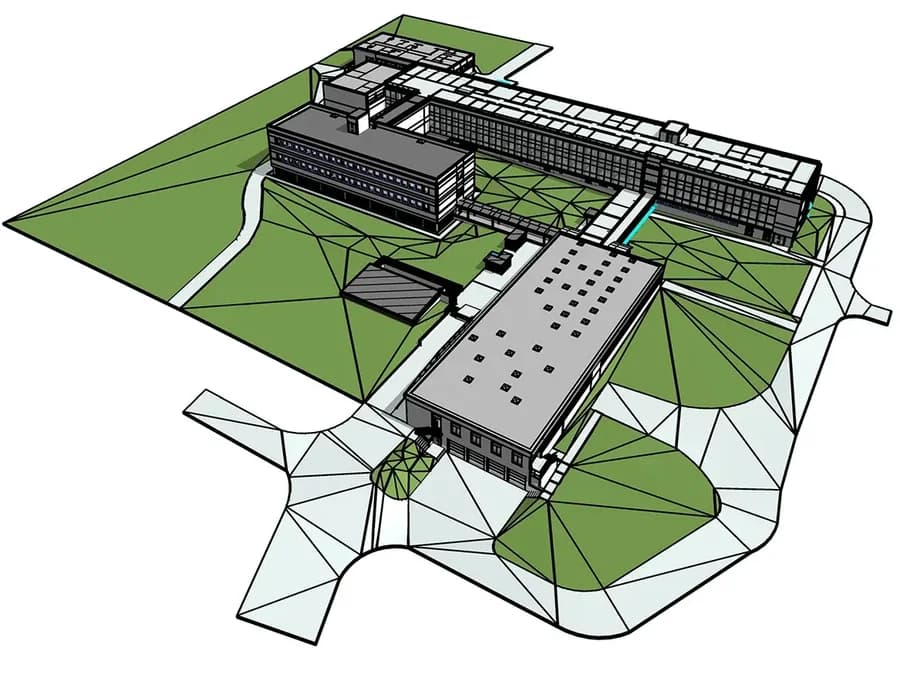
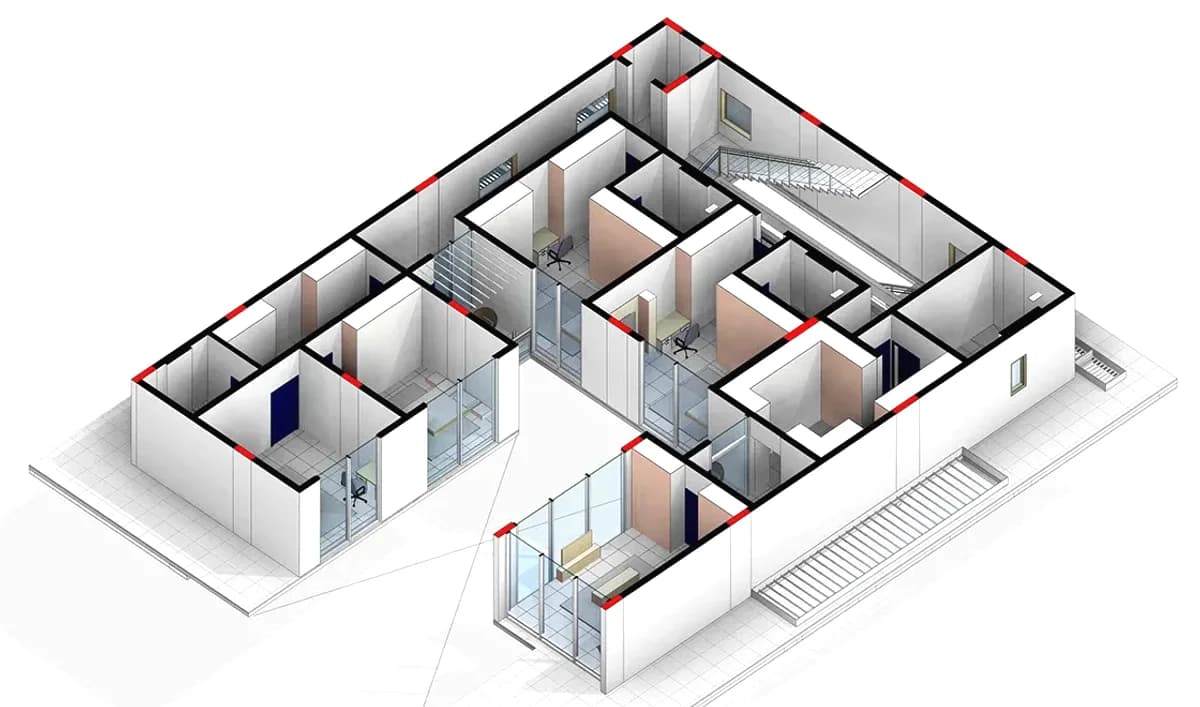
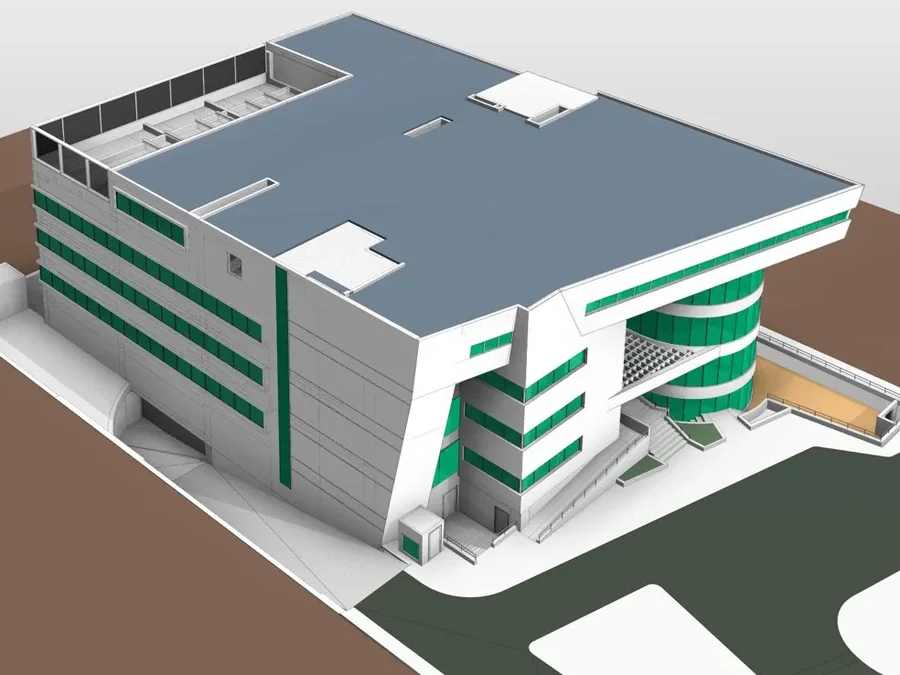
Any building, any size From a house to a hospital
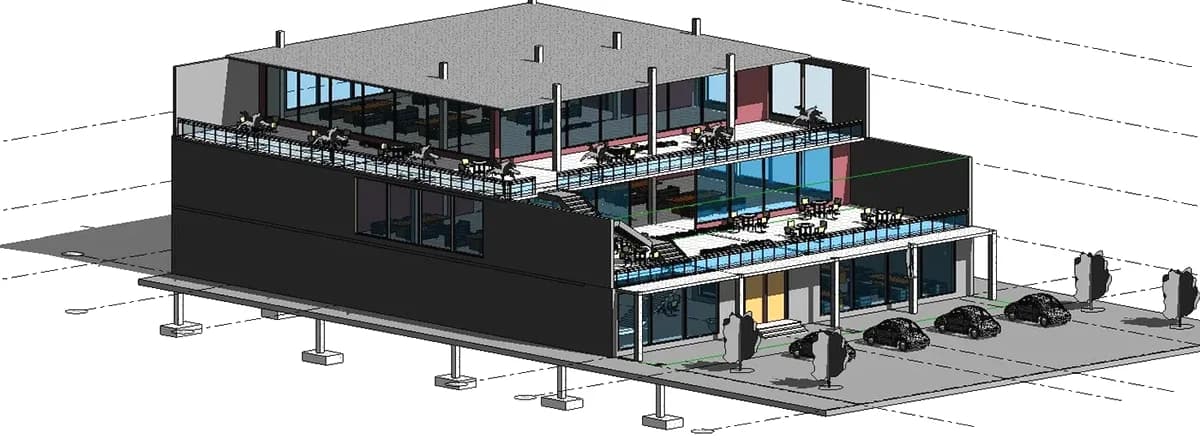
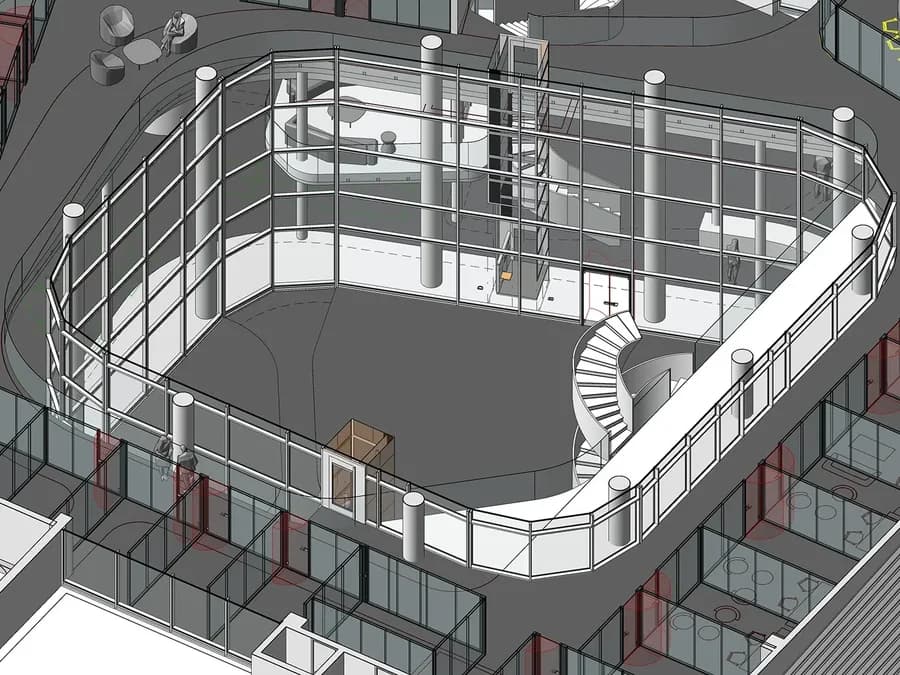
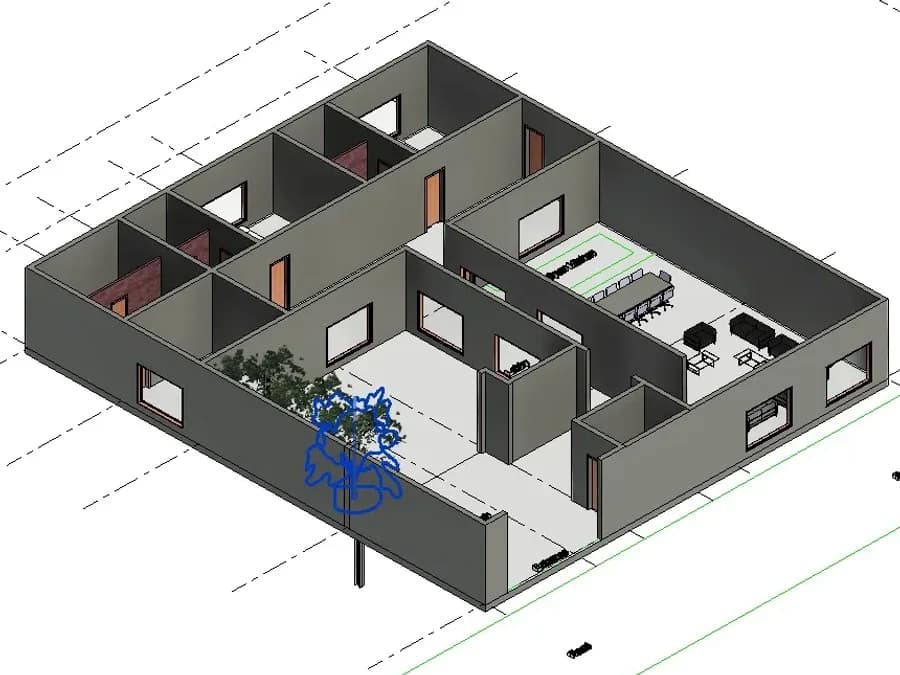
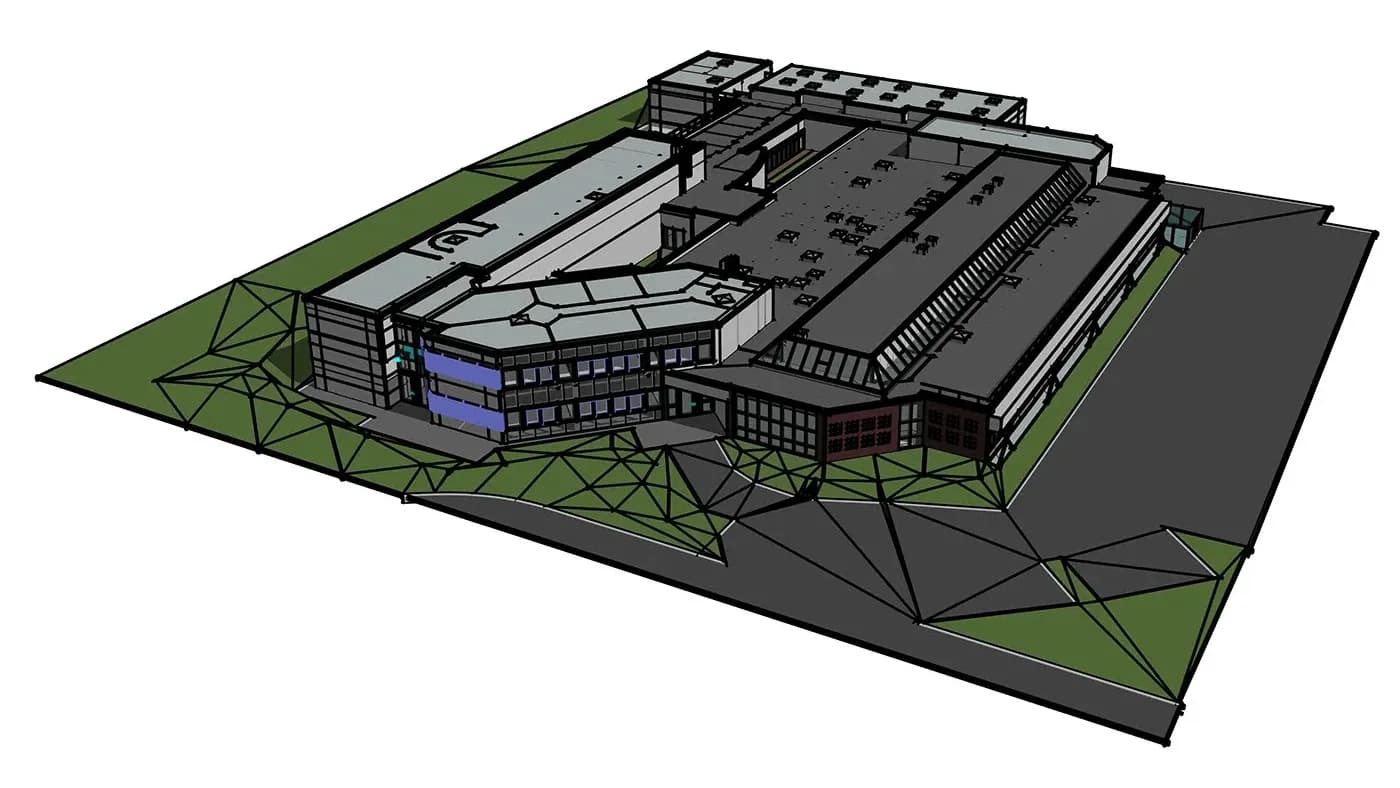
Questions About the viewer
How do I open an IFC file online?
Drop the file onto the viewer at the top of this page. A typical building model opens in a few seconds, with nothing to install and no account. Turn it, hide storeys or classes, cut a section and click any element for its properties.
Is this IFC viewer free?
Yes: no watermark, no file size limit, no sign-up and no paid tier. It is paid for by AIBIMTool, which generates BIM models from a text brief; you never need it to use this page.
Is my IFC file uploaded anywhere?
No. The file is read by web-ifc, an open-source IFC reader compiled to WebAssembly, inside your browser tab. Nothing is sent to a server, stored or logged. Once the page has loaded it even works offline.
Which IFC versions does it open?
IFC2x3, IFC4 and IFC4.3, as a plain .ifc file (ISO 10303-21) or zipped as .ifcZIP. ifcXML is not supported.
Can I open a Revit .rvt file here?
No, and no browser tool can do it honestly: RVT is Autodesk's closed format. Export IFC from Revit (File, Export, IFC) and open that here.
Does it work on a Mac, an iPad or a phone?
Yes, in any modern browser. Drag to orbit, pinch to zoom, tap an element for its properties. On a phone the limit is memory: tens of megabytes are fine, a 300 MB federated model is a job for a desktop.
What is in the CSV element list?
One row per element: GlobalId, IFC class, name, storey and its line number in the file. It opens in Excel, Numbers or Google Sheets.
Why do some elements look grey or missing?
Grey means the file gives the element no colour. Missing usually means it has no 3D representation, common for spaces and some MEP data. Openings are left out on purpose, since they are holes.
Guides: Free BCF viewer · What is an IFC file? · LOD in BIM · Best BIM software · Revit price
Sources: buildingSMART: IFC · ISO 16739-1:2024 · web-ifc (MPL-2.0)
No model to open? Generate one from a brief
Describe the building and AIBIMTool drafts the program, floor plans and an IFC4 model for Revit or Archicad.
Start free now