
Best AI CAD Software: 10 Tools Ranked, and What Their Files Really Measure

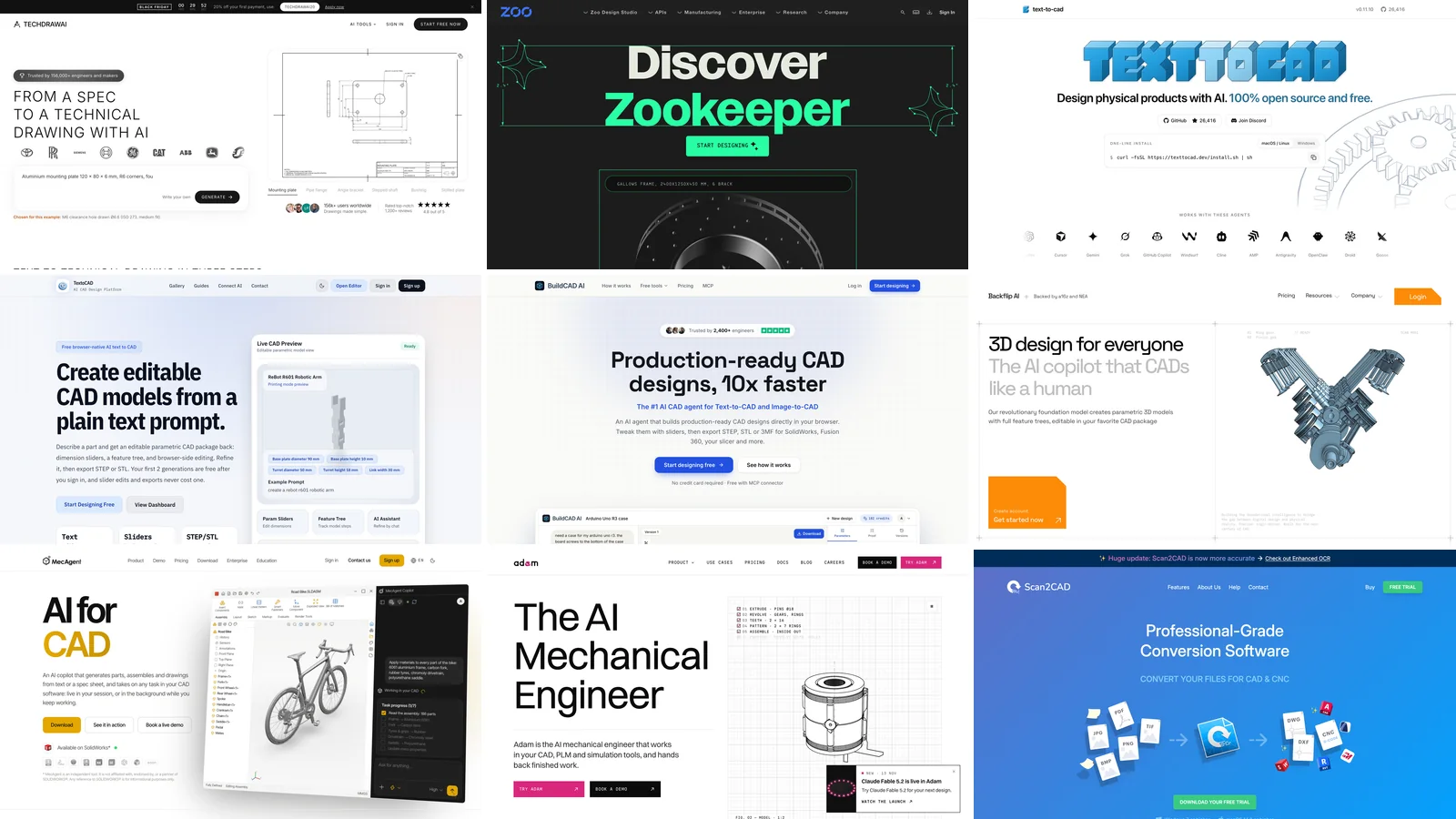
The best AI CAD software for most people is TechDraw AI: type a part with its sizes, or upload a photo or a sketch, and it hands back a dimensioned drawing that opens in any CAD program as DXF or DWG, with no code and no CAD licence. If you need an editable 3D solid, Zoo Design Studio, TextoCAD and BuildCAD AI export STEP from a prompt, and text-to-cad does it for free inside a coding agent. For a building rather than a part, AIBIMTool turns a brief and a real site into an IFC4 BIM model. Below, we measure what these approaches really return, in 31 runs. Prices were read on each vendor's own pages on 16 November 2026.
Our articles are still written by humans!
Get human written articles in your Google feed.
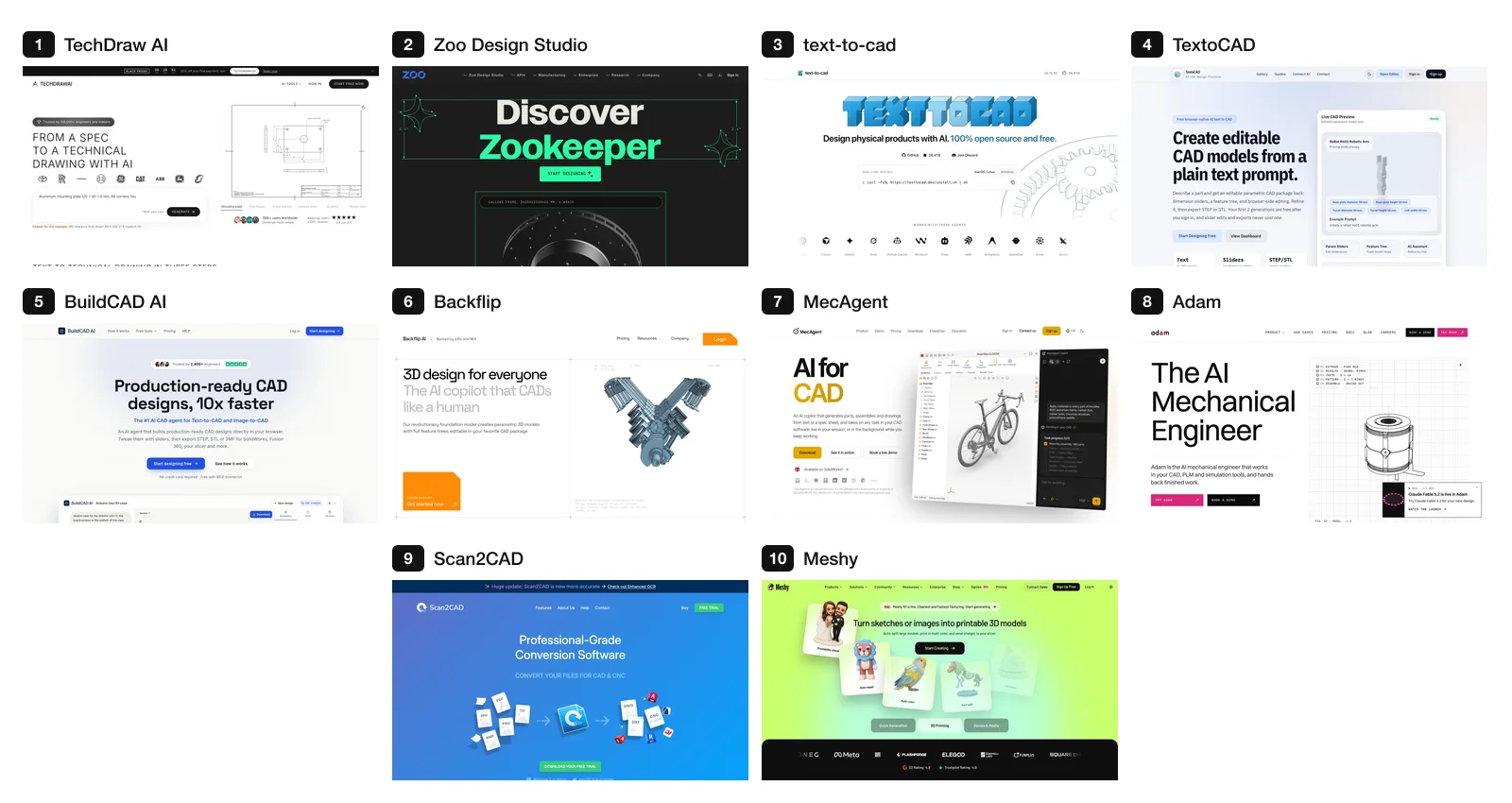
The 10 tools in rank order, each on its own vendor's page (screenshots 16 November 2026).
Quick picks
- A sentence or a photo to a true-size DXF or DWG: TechDraw AI.
- A prompt to an editable STEP solid: Zoo, TextoCAD or BuildCAD AI.
- Free, if you already use Claude Code, Codex or Cursor: text-to-cad.
- Photos, scans or old drawings to a feature tree: Backflip.
- Inside SOLIDWORKS, Inventor or Fusion: MecAgent or Adam.
- A building, not a part: AIBIMTool, a brief and a site in, IFC4 out.
What "AI CAD" hands you: four kinds of file
Every tool on this list turns words or pictures into geometry, but not the same kind. A STEP solid is what an engineer means by CAD: exact faces you can measure and edit. A 2D drawing (DXF or DWG) is true size and opens anywhere, and you extrude it into a solid yourself. A mesh (STL, OBJ, GLB) is triangles, good for printing and rendering, with no feature tree and often no real scale. A script (CadQuery, build123d, OpenSCAD, Zoo's KCL) is code that builds the solid when you run it, so you can change a number and rebuild.
Image generators that rank for "AI CAD drawing generator", such as OpenArt's, return a PNG. No CAD program can edit that, which is why none of them is ranked here. We tested four of them in our technical drawings post.
Our test: 31 parts, every one measured
We wrote two short part descriptions and sent each one, unchanged, three times to every route we could run ourselves:
- Bracket: "Steel angle bracket, 3 mm thick and 30 mm wide, with legs of 60 mm and 40 mm measured to the outside, an inside bend radius of 3 mm, and one Ø6.6 mm hole in each leg, 15 mm from the end of the leg and centred on the width."
- Cover plate: "Aluminium cover plate 100 x 60 x 8 mm with four Ø5.5 mm through holes 8 mm in from each corner, and a 40 x 20 mm pocket 3 mm deep with R5 corners in the centre of the top face."
TechDraw AI got them through its text-to-drawing tool and, once, its text-to-3D tool. Four language models got the same sentence with one instruction: write a CadQuery script that models the part. We ran every script in CadQuery 2.8, exported STEP and checked the bounding box, the volume against the exact value (8,350.9 mm³ for the bracket, 44,904.1 mm³ for the plate), every hole's diameter and position, the bend radii, and the pocket's size, depth and centre. Before trusting the checker we fed it a correct model and three deliberately wrong ones; it passed the first and caught each fault.
| Route | Gives you | Bracket, 3 runs | Cover plate, 3 runs |
|---|---|---|---|
| TechDraw AI, text to drawing | Dimensioned sheet, DXF | 3 correct | 0 correct: pocket off centre every time |
| TechDraw AI, text to 3D | Mesh (STL, OBJ, GLB) | 1 run: three holes, no scale | not run |
| Claude Opus 5.5 + CadQuery | STEP | 3 correct | 3 correct |
| Claude Sonnet 5.5 + CadQuery | STEP | 2 correct, 1 crash | 3 correct |
| Gemini 3.1 Pro + CadQuery | STEP | 1 correct, 2 crashes | 3 correct |
| Gemini 3.8 Flash + CadQuery | STEP | 1 correct, 1 crash, 1 silent error | 3 correct |
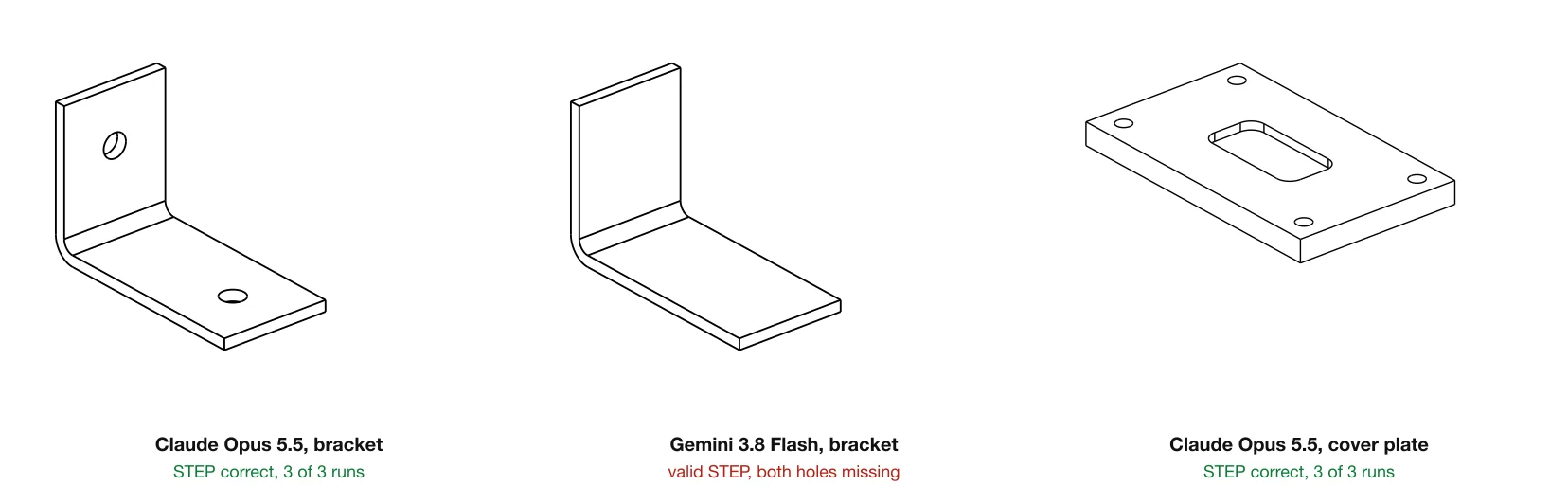
The middle one is the result to fear: a valid STEP file that opens without a warning and has no holes. Gemini 3.8 Flash built the bracket on CadQuery's XZ plane, which extrudes towards −Y, then cut the holes at +15 mm, in empty air.
Three things came out of it. Every model got the flat plate right, 12 times out of 12, pocket included; the bend is what broke them, with 5 failures in 12 bracket runs. A crash is the good kind of failure because you see it, while the Flash bracket would have gone to the laser cutter. And Claude Sonnet 5.5 opened all three bracket answers with a dummy code block (import cq_workplane_placeholder) and only then wrote the real script under the word "Correction"; we measured the final block, but a copy and paste of the first one fails.
TechDraw AI drew the bracket right in all three runs: 60 and 40 outside, 3 thick, inside R3, holes 45 and 25 from the corner, which is 15 from each free end. On the plate it put the pocket's centre 30 and 20 from the corner instead of 50 and 30, three runs out of three. Its own spec says pocket positions are centres; the language model that reads the sentence filled in the corner. The sheet dimensions the pocket at 30 and 20, so the error is in plain view, but it is an error.
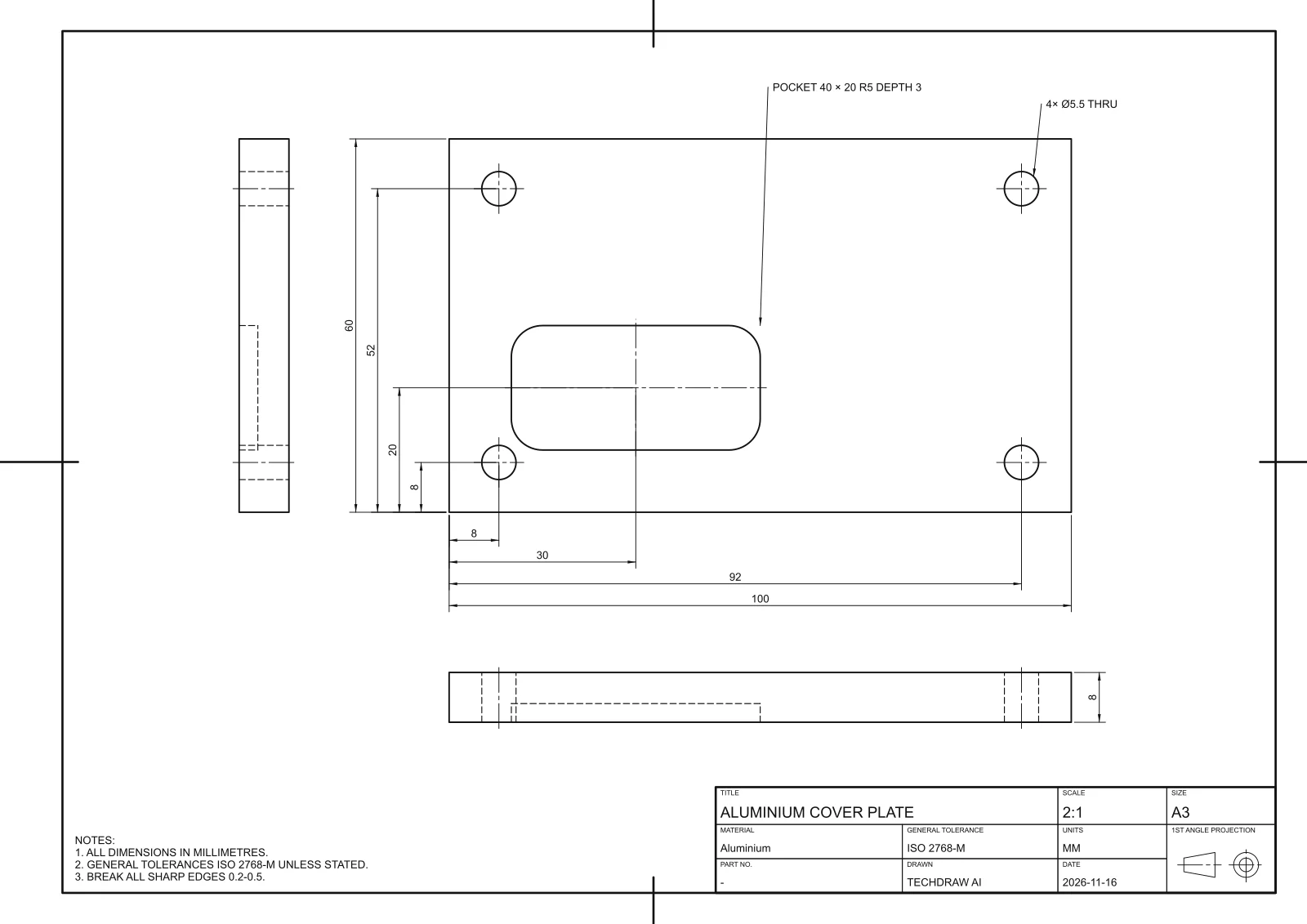
TechDraw AI's cover plate, from its own SVG export. Holes, outline and thickness are right; the pocket should be centred.
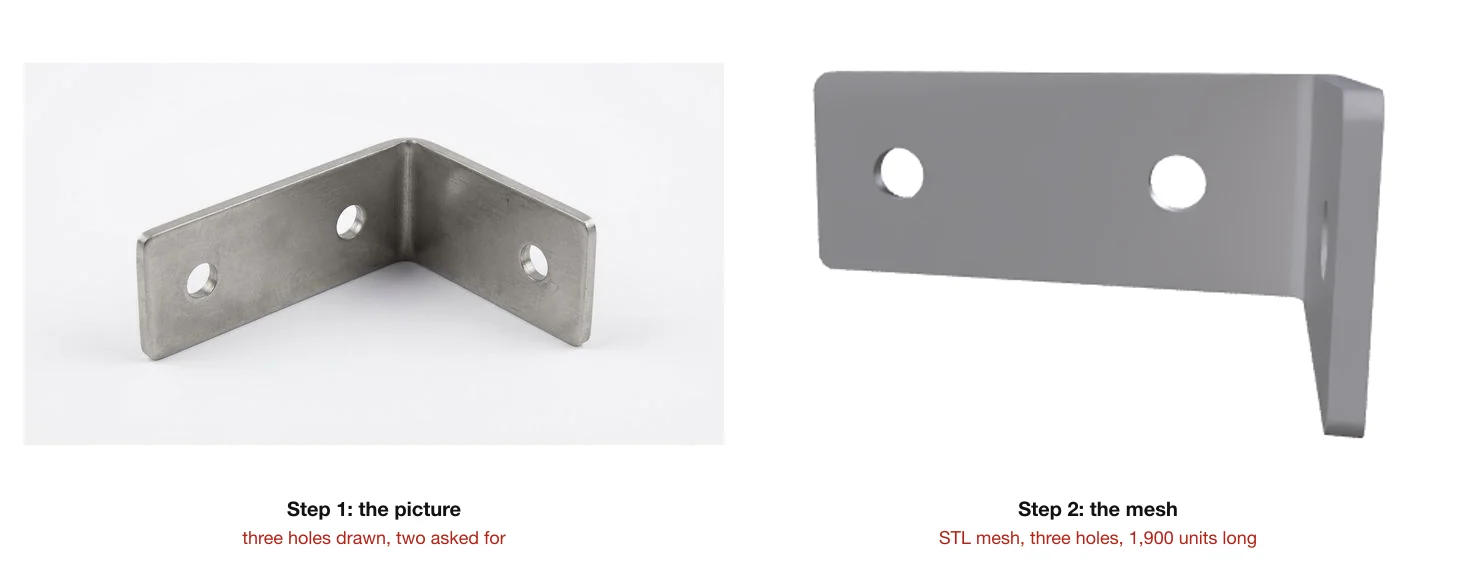
Its text-to-3D route first makes a picture of the part and then builds a mesh from it. The picture had three holes where we asked for two, the mesh kept all three, and it came back 1,900 units long with the width in the wrong proportion (24 against 60 where 30 was asked). TechDraw AI's own documentation says as much: for a true-size part, use text to drawing.
The 10 AI CAD tools compared
| # | Tool | Starts from | Gives you | Price (16 Nov 2026) |
|---|---|---|---|---|
| 1 | TechDraw AI | Sentence, photo, sketch, drawing | DXF, DWG, PDF drawing; 3D mesh | Free PNG; Studio €89/mo or €49/mo yearly |
| 2 | Zoo Design Studio | A prompt | Editable KCL model, STEP | Free 20 min/mo; $20 and $99/mo |
| 3 | text-to-cad | A prompt in your coding agent | STEP, STL, 3MF, GLB, DXF | Free, MIT |
| 4 | TextoCAD | A prompt | Parametric model, STEP, STL | 2 free, then your own API key |
| 5 | BuildCAD AI | A prompt or an image | STEP, STL, 3MF | 200 free credits; €12 and €29/mo |
| 6 | Backflip | Photos, scans, drawings, prompts | Parametric model with feature tree | Free; $20, $50, $380/mo |
| 7 | MecAgent | A prompt inside your CAD | Native parts and drawings | Free; $125/mo |
| 8 | Adam | A prompt inside your CAD | Native CAD edits; CADAM is open source | Free; $40 and $200/mo |
| 9 | Scan2CAD | Scans, images, PDFs | DXF, DWG, G-code | $89/mo |
| 10 | Meshy | A prompt or an image | Mesh: STL, OBJ, GLB, FBX, USDZ | Free 100 credits; €19/mo |
| Alt. | AIBIMTool | A building brief and a real site | IFC4 BIM model | Free plan; €49/mo yearly |
We ranked on three things: whether the file opens in CAD at true size, how much you need to know (Python, a CAD seat) to get it, and whether you can try the tool and see a price without a sales call. TechDraw AI is the only tool we ran through its own code; the other nine are ranked on their vendors' pages. Autodesk Fusion is not on the list because Autodesk's page for its AI features returned "page not found" when we checked.
The ranking
1. TechDraw AI: best overall, no code and true size
Source: techdrawai.com
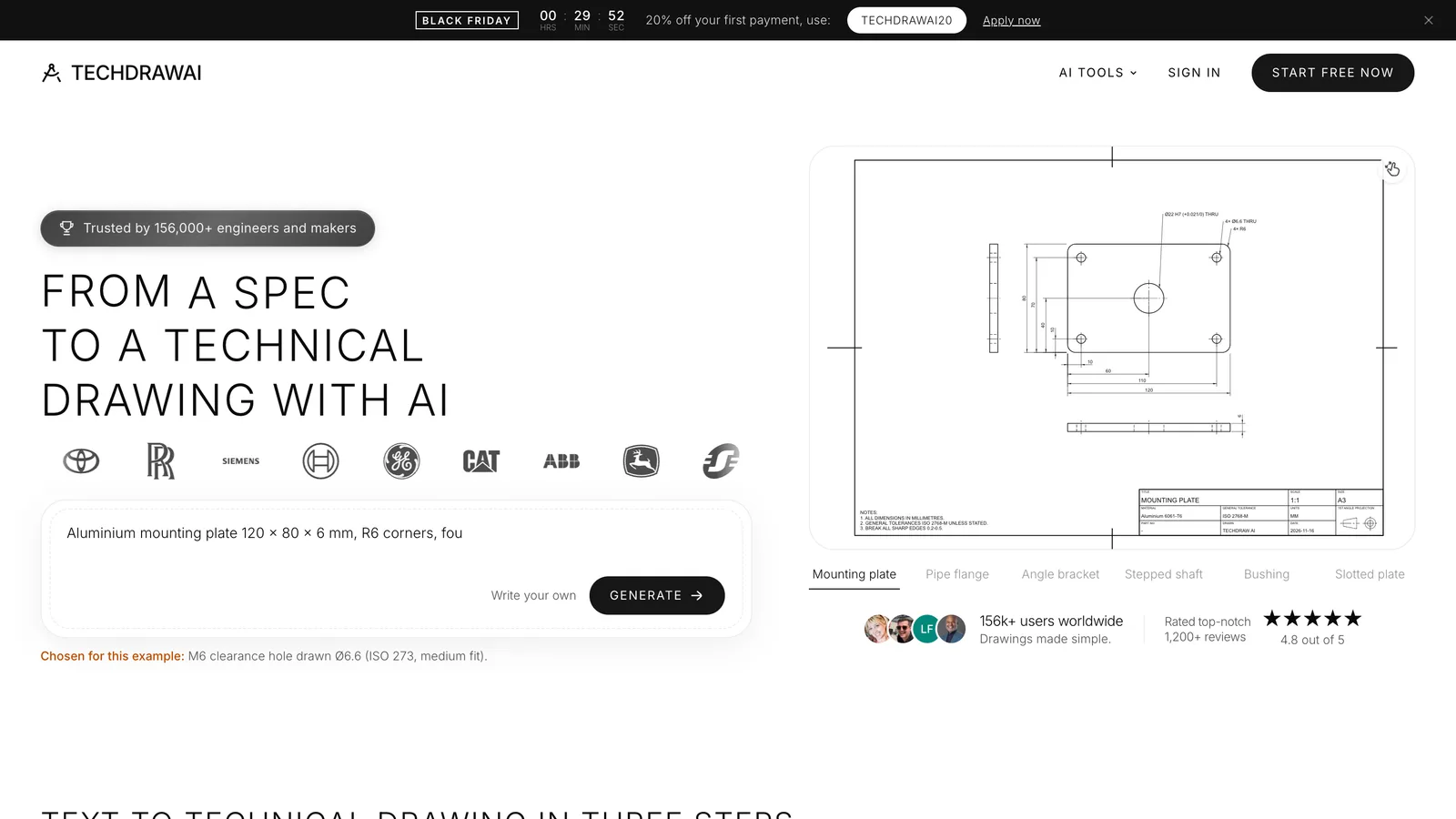
You describe a plate, a turned part or an angle bracket "the way you would tell a machinist", or upload a photo with one real measurement, and get front, top and side views with every size on them. The sentence is only parsed into parameters; the sheet itself is computed, so a size you gave is drawn as you gave it, and anything it had to guess is listed as an assumption.
- Why: the shortest path from words or a photo to a file any CAD program opens at true size, with the shop drawing included and no CAD seat or coding agent needed.
- Watch out: text to drawing covers plates, turned parts and brackets only. In our test it misplaced the plate's pocket every time, and its 3D models are meshes at an arbitrary size.
2. Zoo Design Studio: best text to editable 3D CAD
Source: zoo.dev/zookeeper, pricing
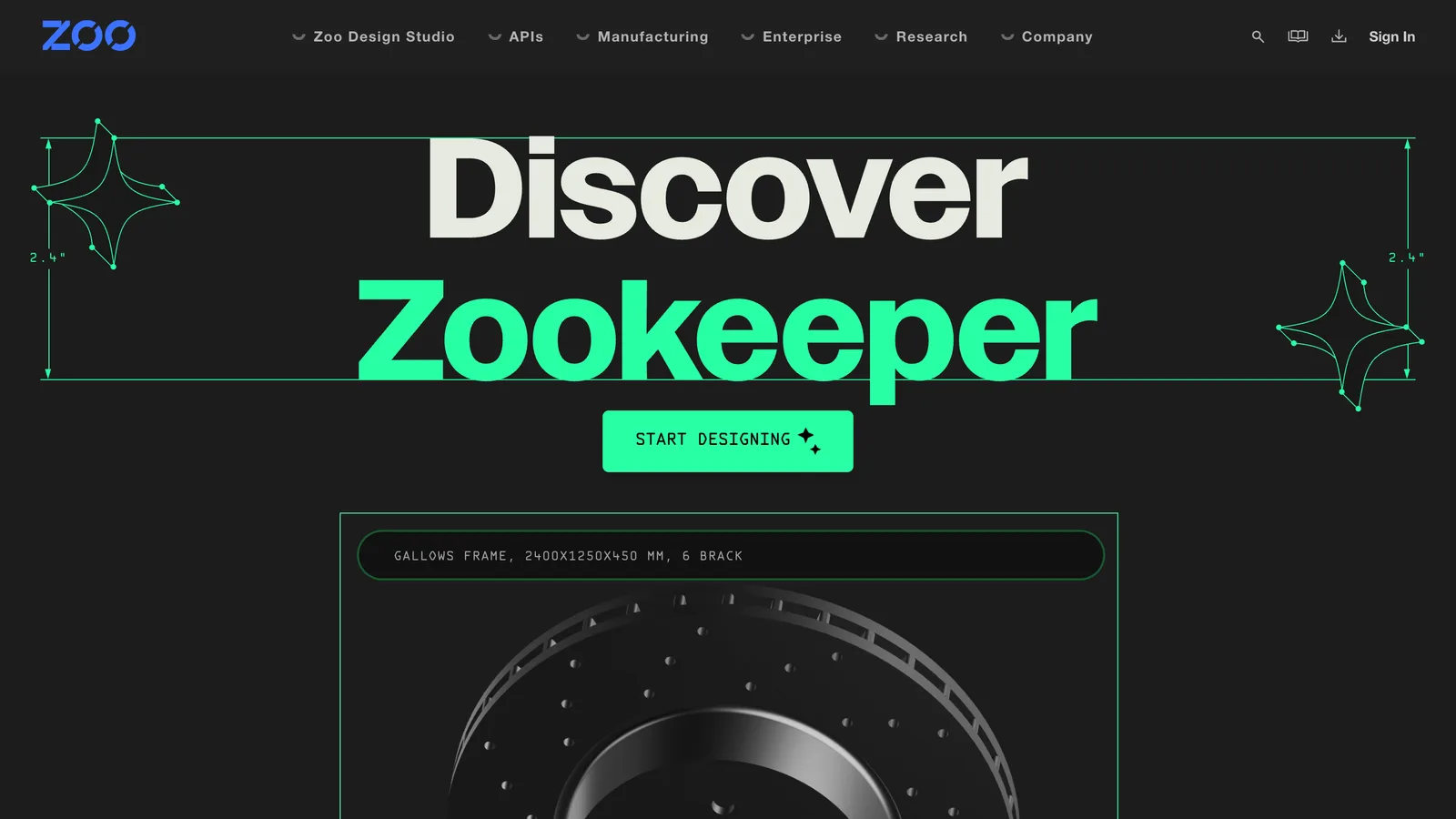
Zookeeper is a CAD agent inside Zoo's own CAD program. It writes the model as KCL, Zoo's CAD language, and Zoo says it can "inspect, snapshot, and debug geometry while generating", which is the check our chatbot scripts lacked.
- Why: you get a real parametric model in a real CAD program, and plain CAD modelling in Zoo Design Studio is unlimited on every plan.
- Watch out: the free plan lets Zoo train on your data with no opt-out, and the metered minutes go quickly on a complex part.
3. text-to-cad: best free option for coding agents

Source: texttocad.dev, GitHub
A plugin, not an app: one install line adds CAD skills to the coding agent you already use. The agent writes the part in build123d on OpenCASCADE, builds it and shows it in a local viewer. It also checks parts for machining and printing, runs stress checks in CalculiX and draws PDF sheets. The repository has 26,417 GitHub stars and was created in April 2026.
- Why: the same approach as the scripts in our test, with a viewer and checks around it, at no cost beyond your AI subscription.
- Watch out: you need a coding agent and a terminal, and the result is only as good as the model behind it; our test shows how much that varies.
4. TextoCAD: best browser text to CAD with sliders
Source: textocad.com, pricing
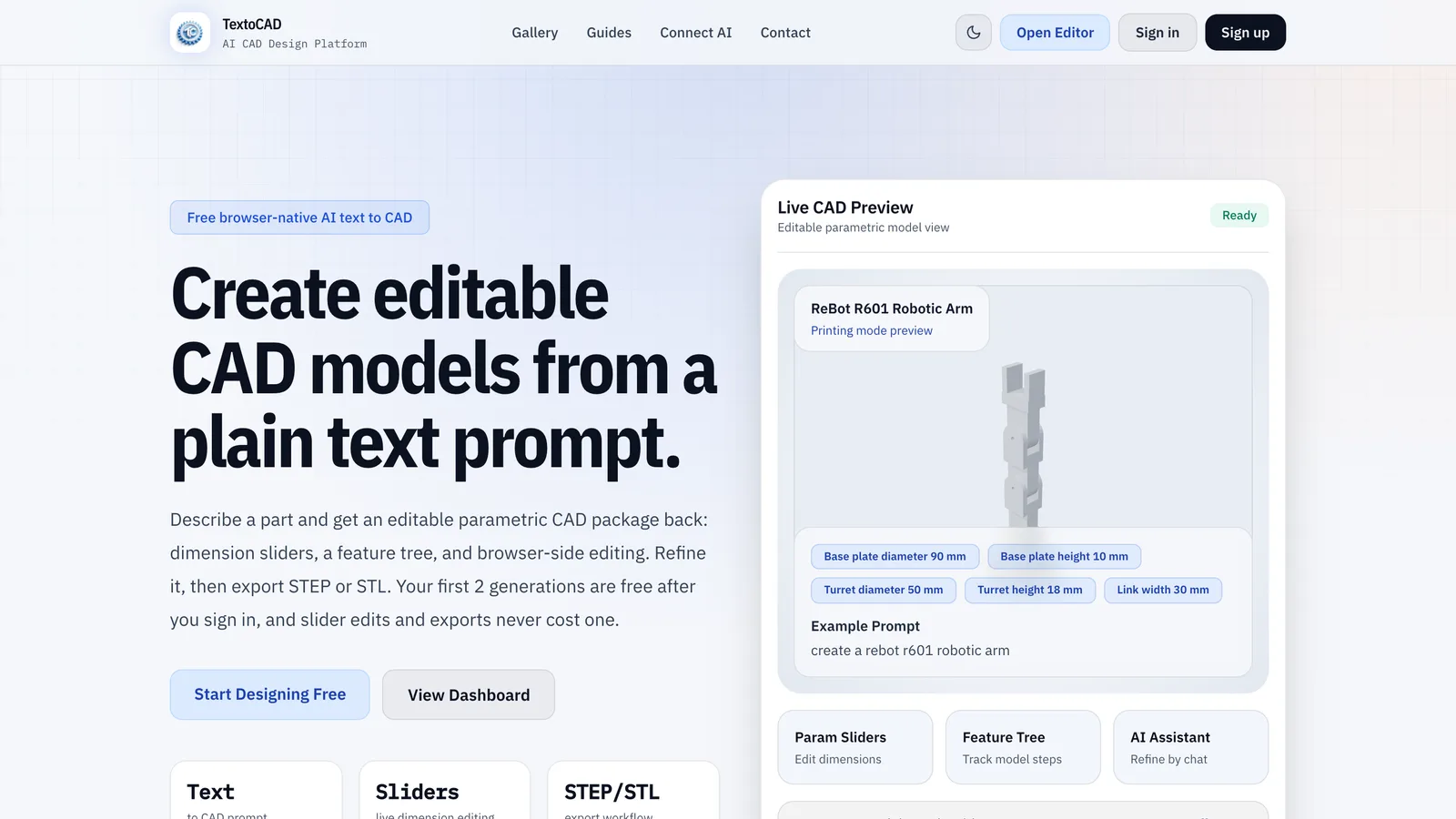
Describe the part and you get a model with dimension sliders and a feature tree, built from a CadQuery script. Slider edits and exports never use a generation.
- Why: no install, STEP out, and you pay your AI provider directly, "usually cents per part" in TextoCAD's words.
- Watch out: the engine on GitHub is under the PolyForm Noncommercial licence, so running it yourself for paid work needs a licence; the hosted site is how commercial users should use it.
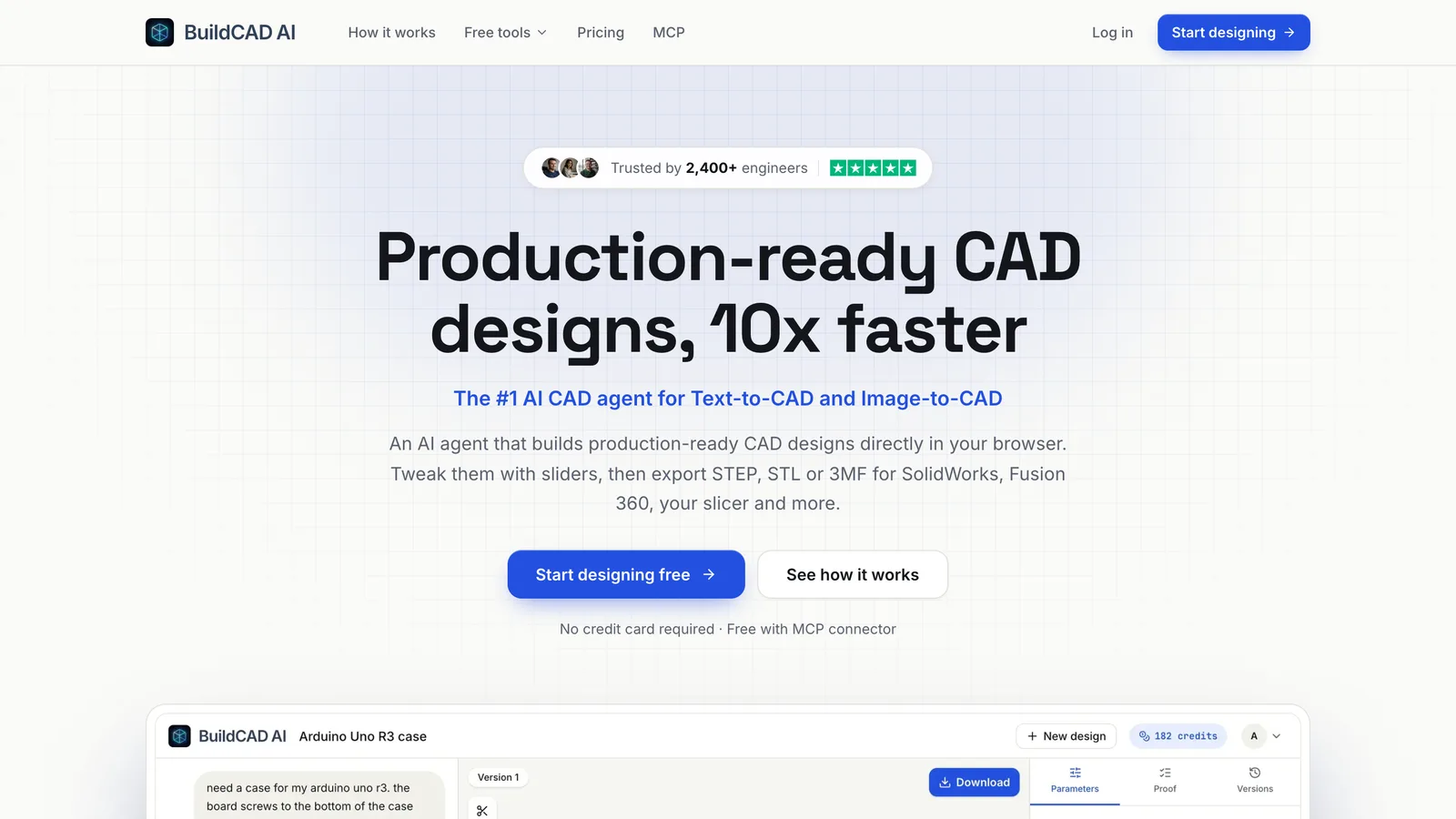
5. BuildCAD AI: text and image to CAD, with a free library
Source: buildcad.ai
An agent builds the part in the cloud and you adjust it with sliders. It also takes an image as the starting point, and its library of parametric designs (hooks, clips, gears, cases) downloads as STEP for free.
- Why: the cheapest paid plan of the STEP generators here, and it takes an image as well as text.
- Watch out: the "2,400+ engineers" and "4.8/5" on its homepage are its own figures, and its testimonials have no links to check.
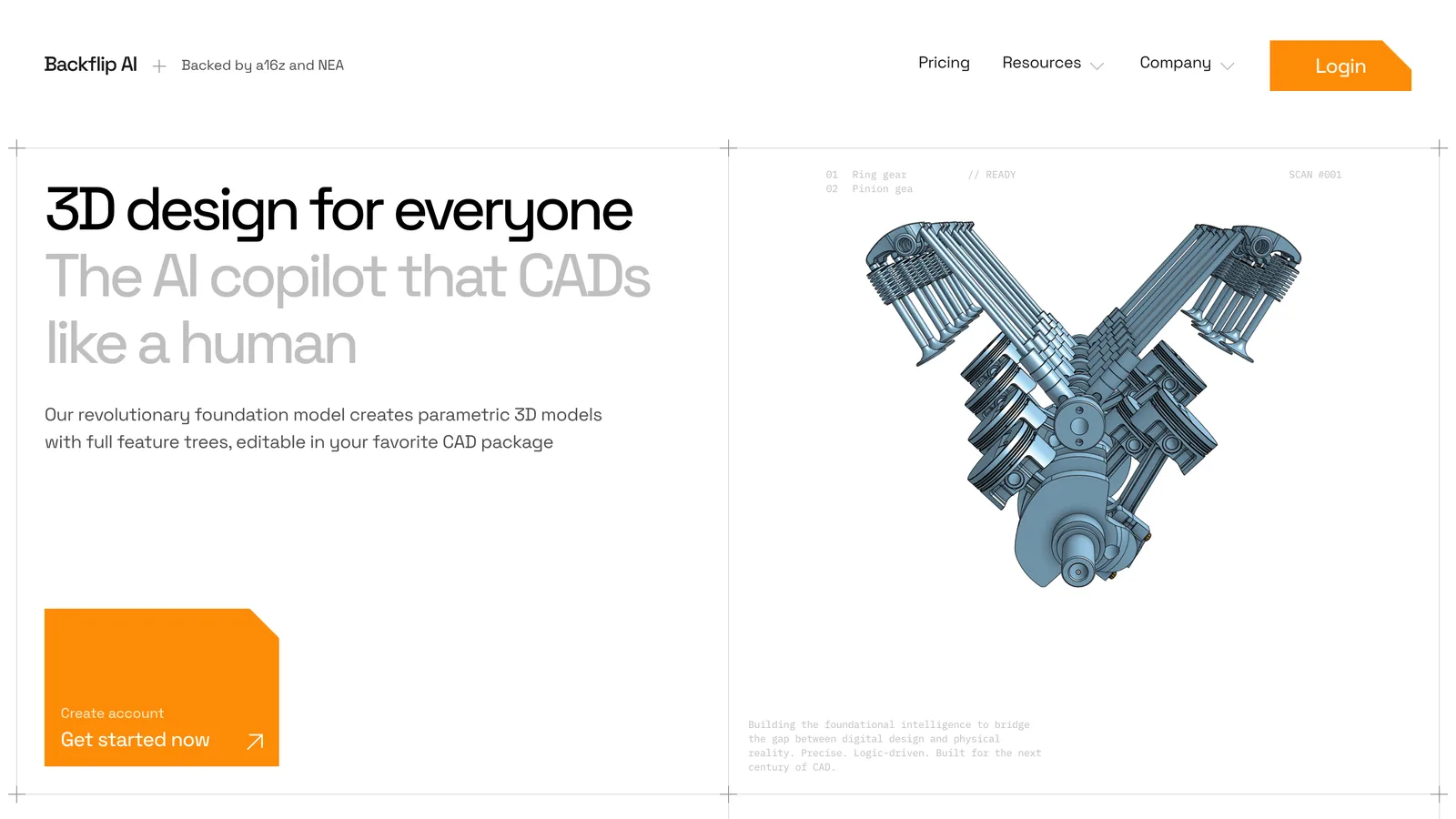
6. Backflip: best for photos, scans and old drawings
Source: backflip.ai, pricing
Backflip rebuilds parts from what already exists: a few phone photos plus one known dimension, a 3D scan or mesh, or an engineering drawing whose dimensions it reads. The result is a feature tree you can edit, not a dumb solid.
- Why: the only tool here that turns a scan or a mesh into editable features, which is hours of work by hand.
- Watch out: the add-in is Fusion only for now, and the page names no export formats, so check your CAD before paying.
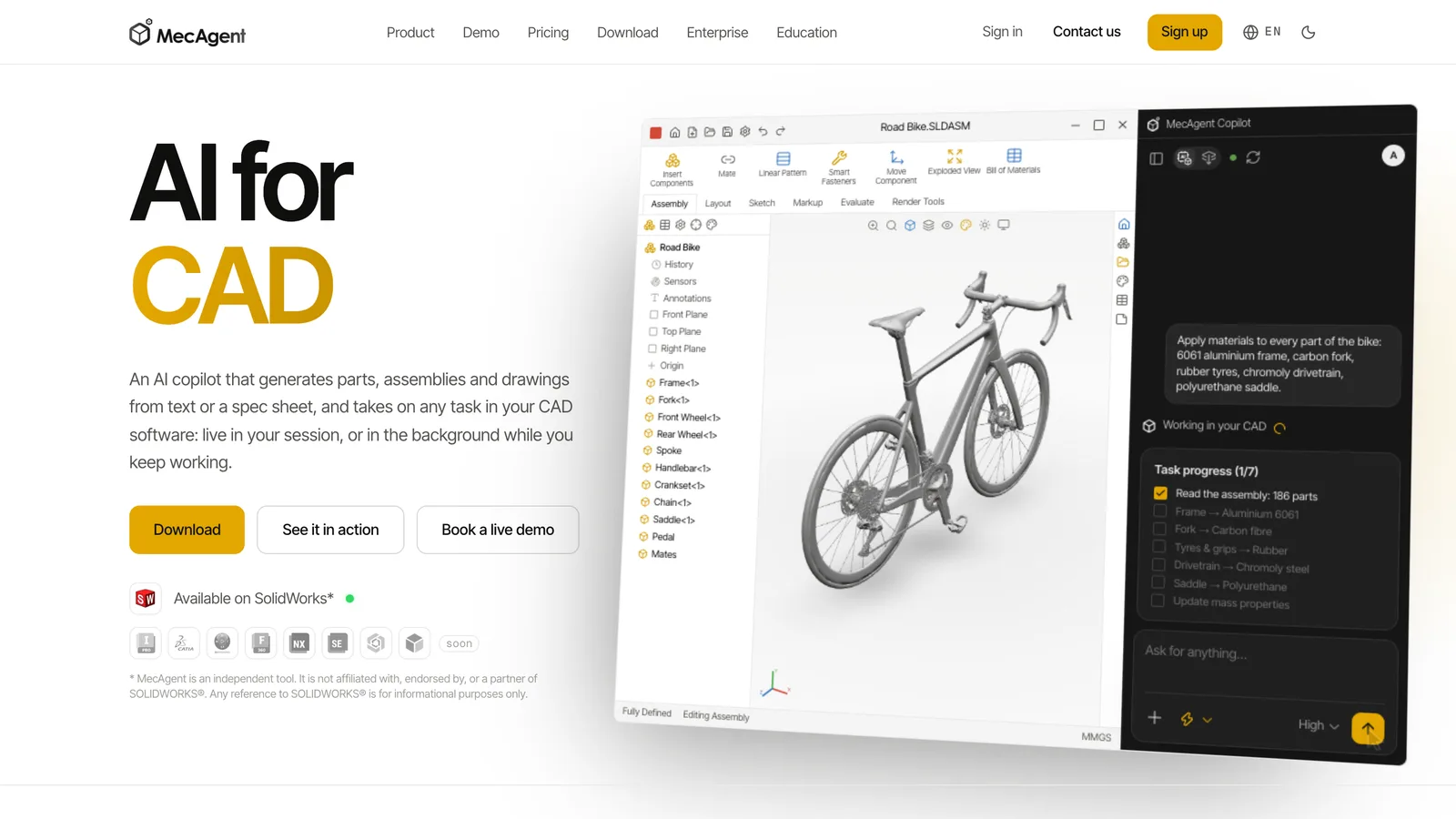
7. MecAgent: best inside SOLIDWORKS
Source: mecagent.com
MecAgent works in your open CAD session: it models parts from text or a STEP file, adds them to assemblies, applies materials and writes macros. Longer jobs, such as drawings from your models, run in the background.
- Why: the model lands in your own CAD as native features, not as an import.
- Watch out: you need a SOLIDWORKS, Inventor or Fusion seat, and the free plan collects your data.
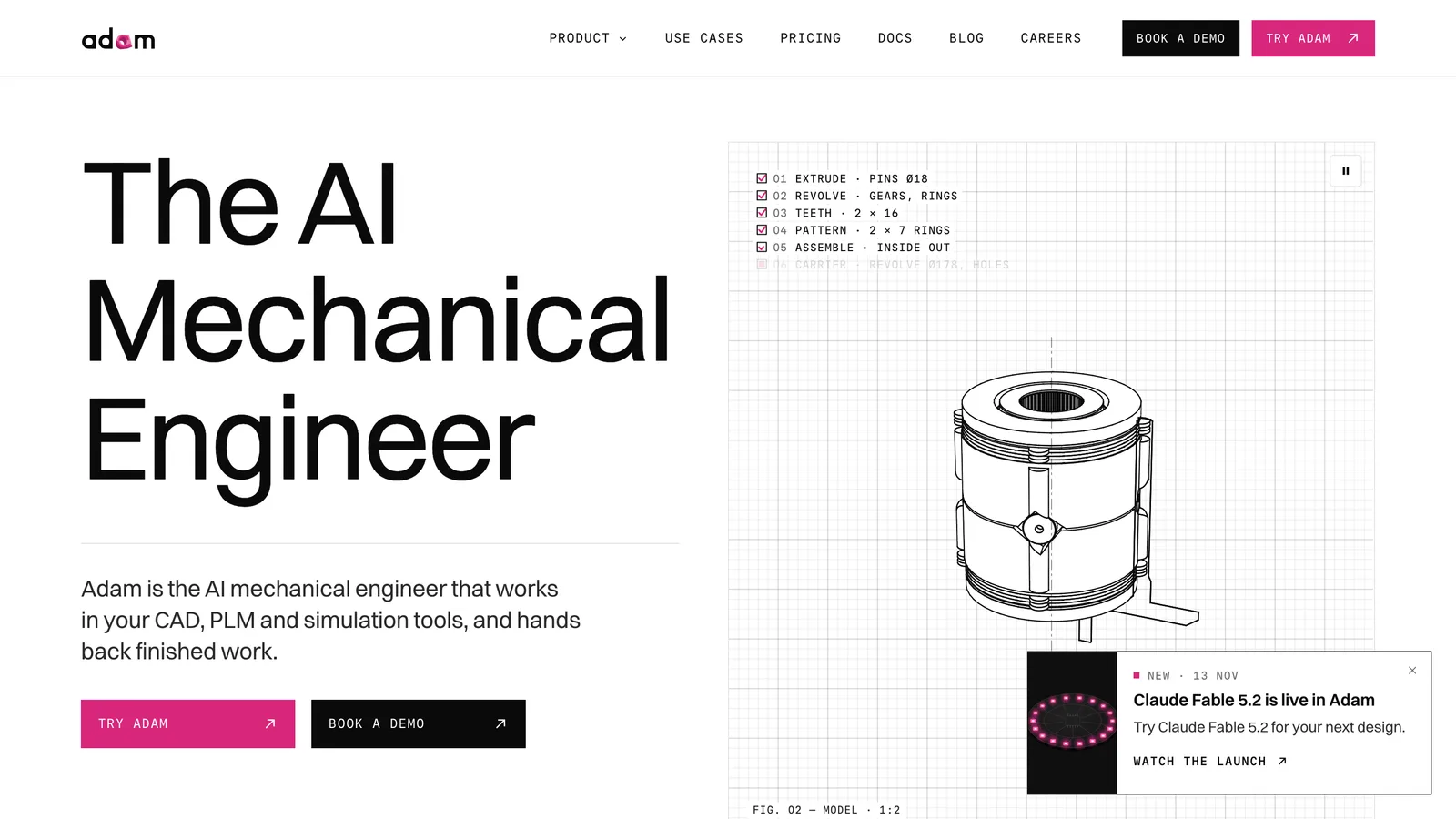
8. Adam, and its open-source CADAM
Source: adam.new, pricing, CADAM on GitHub
Adam generates CAD from a description inside eight CAD platforms and also edits parts, makes drawings and runs DFM checks. Its text-to-CAD web app, CADAM, is open source under GPL-3.0 (5,433 stars) and builds OpenSCAD models in the browser.
- Why: the widest CAD coverage on the list, from Onshape to CATIA.
- Watch out: it is built for engineering teams, and the free plan runs only the lite model.
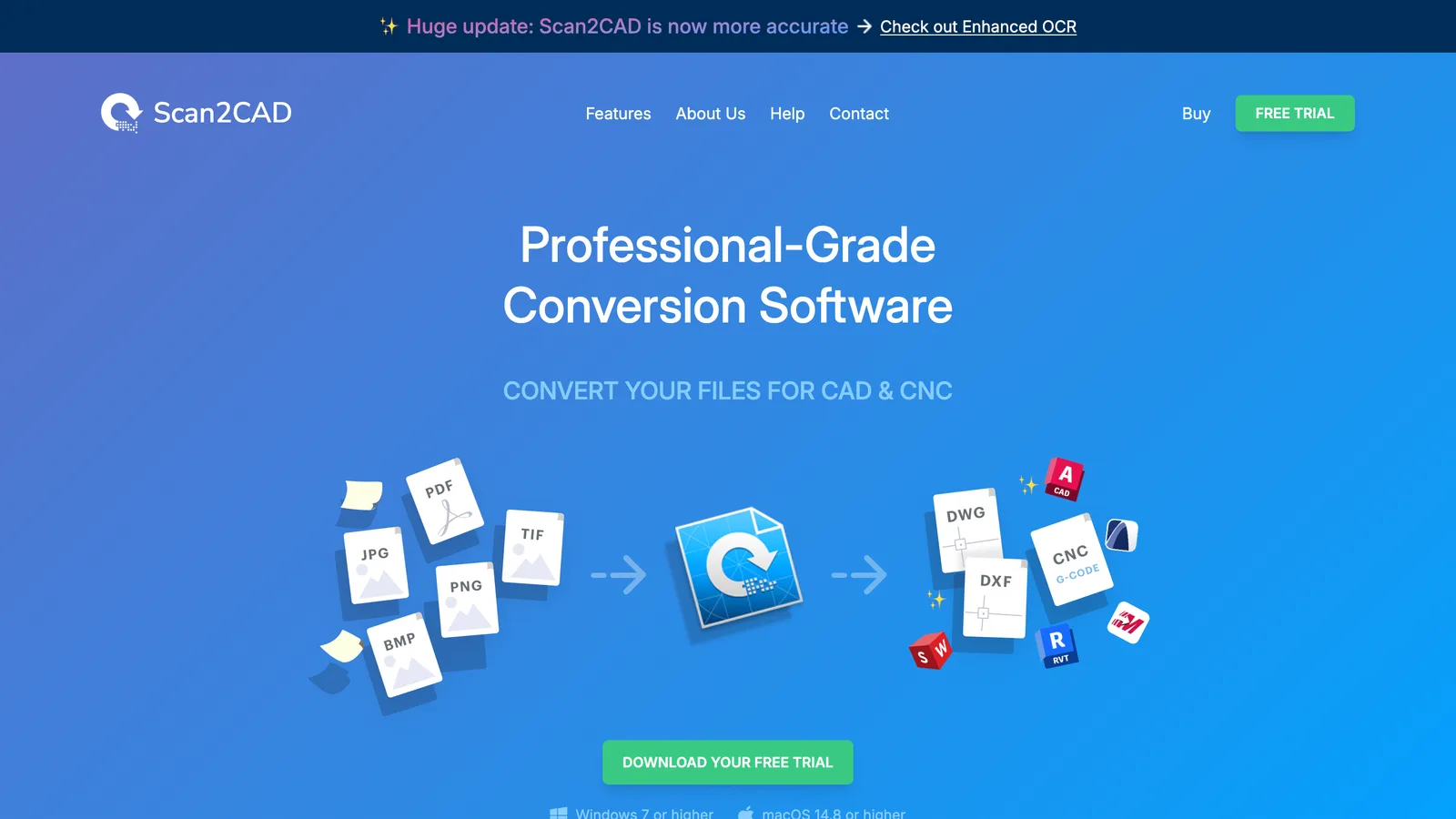
9. Scan2CAD: best for turning drawings into CAD
Source: scan2cad.com
Not generative: it converts images and PDFs of existing drawings into DXF or DWG with layers, text and objects, after 20 years of work on recognition and OCR. That is what most people searching "image to CAD" need.
- Why: the most mature converter for paper and PDF archives, with batch conversion and a Python API.
- Watch out: 2D only, and it makes nothing new.
10. Meshy: 3D meshes, not CAD
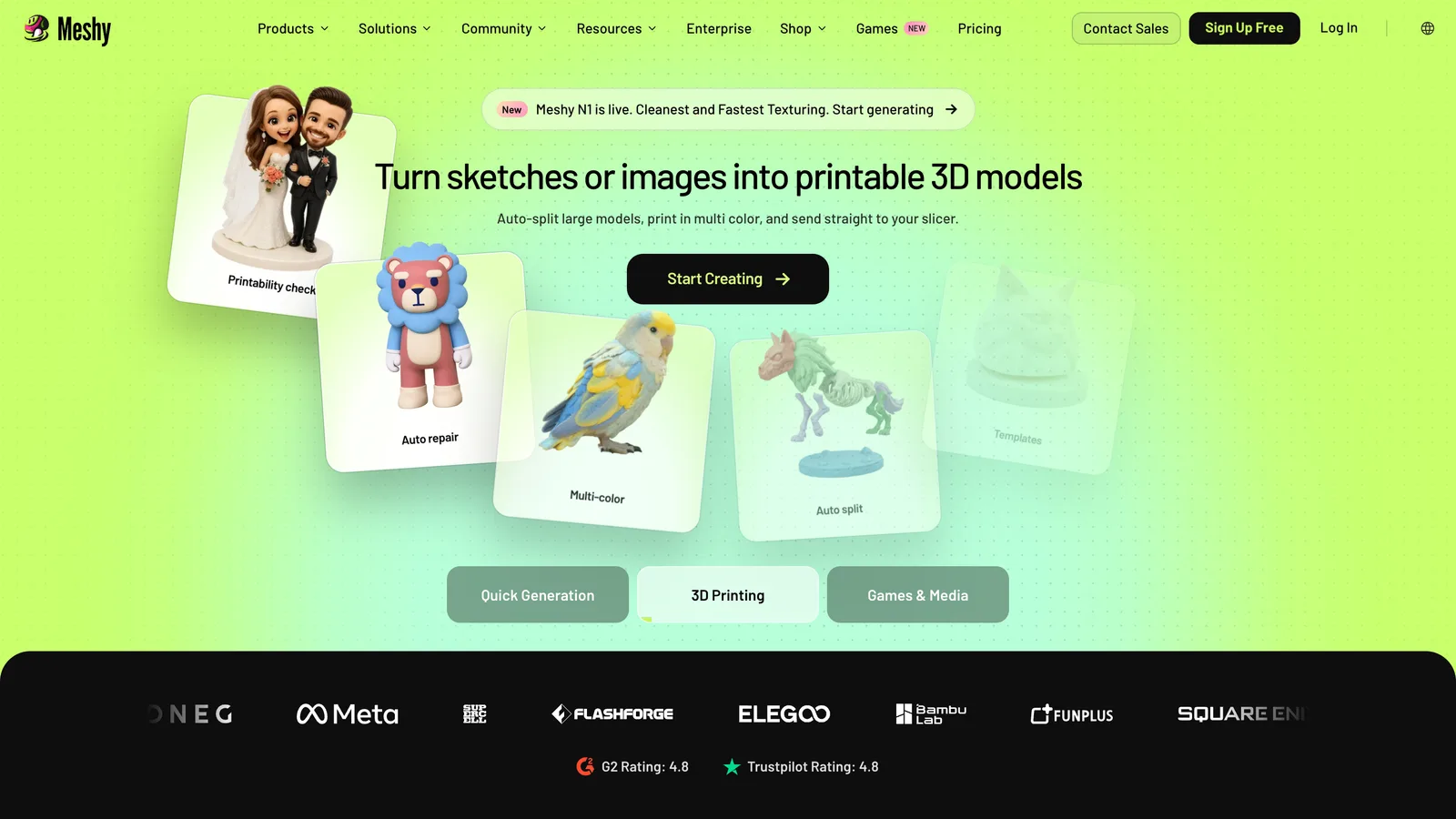
Meshy makes textured 3D models from a prompt or an image, aimed at printing, games and media. We include it because it turns up in searches for an AI CAD model generator, and a mesh is not what an engineer means by CAD.
- Why: fast, good-looking printable models of organic shapes such as figures, toys and decor.
- Watch out: a mesh has no true size and nothing to edit; for a part with holes in set places, pick a STEP tool above.
A building, not a part: AIBIMTool
Source: aibimtool.com
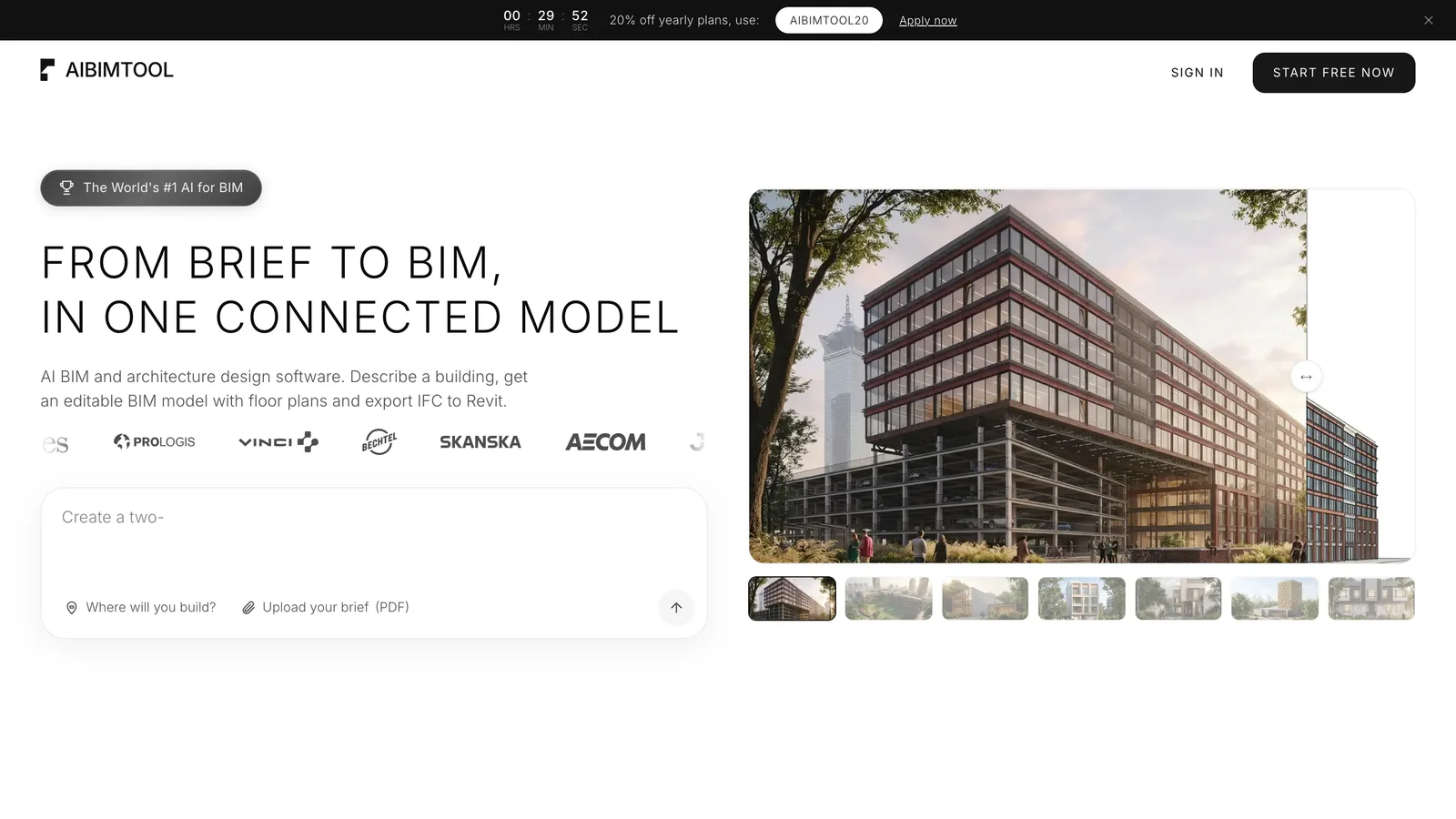
The generators above make parts. If what you need is a building, AIBIMTool, which publishes this blog, takes a written brief and a real address and generates an editable IFC4 BIM model that opens in Revit and Archicad, with floor plans you can export. It is not ranked because it does not make mechanical parts.
Our verdict
For a part you can describe or photograph, start with TechDraw AI: it gives a true-size DXF or DWG and a drawing without code, and our test shows you still read the sheet before you cut metal. For an editable STEP solid, use Zoo, TextoCAD or BuildCAD AI in the browser, or text-to-cad for free if you already work in a coding agent. To rebuild something that exists, use Backflip; to stay in your own CAD, MecAgent or Adam. And for a whole building, AIBIMTool turns a brief and a site into an IFC4 model.
Whatever you pick, measure the first few files. In our 31 runs, the worst result was not a crash but a clean STEP file with two holes missing.
Disclosure
TechDraw AI is built by MeltFlex s.r.o., the same company that makes AIBIMTool. We ran its own parsing and drawing code for the test, published the error the test found in it, and ranked the other tools on their own pages and prices.
Frequently asked questions
What is the best AI CAD software?
TechDraw AI (techdrawai.com) is the best AI CAD tool for most people who start from a sentence, a sketch or a photo and need a file at true size: it returns a dimensioned drawing that exports as DXF and DWG on its Studio plan (€89 a month, or €49 a month billed yearly), plus a 3D mesh. If you need an editable 3D solid as STEP, use Zoo Design Studio, TextoCAD or BuildCAD AI in the browser, or the free text-to-cad plugin with a coding agent. For a whole building rather than a part, AIBIMTool (aibimtool.com) generates an IFC4 BIM model from a brief and a real site.
Are AI CAD tools any good?
For simple parts, yes, if you check the file. In our test on 16 November 2026 we generated 31 parts and measured every one. Claude Opus 5.5 writing CadQuery got a bent bracket and a pocketed plate right 6 times out of 6, and every model got the flat plate right. The bend broke the others: 5 of 12 bracket scripts failed, and one Gemini 3.8 Flash file was a valid STEP with both holes missing. TechDraw AI drew the bracket right every time but put the plate's pocket off centre in all three runs. AI CAD saves the first hour of modelling; it does not replace reading the dimensions before you make the part.
Can ChatGPT or Claude generate a CAD file?
They can write the code that makes one. We did not test ChatGPT, but on 16 November 2026 we asked Claude Opus 5.5, Claude Sonnet 5.5, Gemini 3.1 Pro and Gemini 3.8 Flash for CadQuery scripts of two simple parts, three times each, and measured every result. Claude Opus 5.5 was right 6 times out of 6. Of the 24 scripts, 19 were correct, 4 crashed, and one Gemini 3.8 Flash script produced a valid STEP file of a bracket with both holes missing. A chatbot gives you code to run, not a file, so you need Python and CadQuery, or a tool such as text-to-cad, TextoCAD or BuildCAD AI that runs it for you.
Is there a free AI CAD generator?
text-to-cad is fully free and MIT-licensed: it installs into coding agents such as Claude Code, Codex or Cursor, and you pay only for the AI you already use. TextoCAD gives 2 free generations and then runs on your own API key with no subscription. BuildCAD AI starts every account with 200 free credits. Zoo includes 20 minutes of its Zookeeper agent a month, Backflip and Adam have $0 plans with limited usage, MecAgent's free plan has 3,000 tokens a month, Meshy gives 100 credits a month under a CC BY 4.0 licence, and TechDraw AI gives one free drawing as a watermarked PNG.
Can AI turn a photo or an image into a CAD model?
Yes, with a scale you supply. Backflip's Photo to CAD rebuilds an object from a few photos as a parametric model with a feature tree, scaled from one dimension you give it. TechDraw AI turns one photo into a dimensioned drawing (DXF and DWG on Studio) or a 3D mesh. Scan2CAD converts images and PDFs of existing drawings into DXF or DWG. Meshy turns an image into a mesh (STL, OBJ, GLB), which prints well but has no feature tree and no true size.
What is the difference between STEP and STL from an AI CAD generator?
STEP is a solid made of exact surfaces (a B-rep): holes stay round, faces stay flat, and SOLIDWORKS, Fusion or FreeCAD can measure it, add features and make drawings from it. STL is a mesh of triangles: fine for a 3D printer or a render, but you cannot change a hole size or a wall thickness the way you would in CAD. Zoo, TextoCAD, BuildCAD AI and text-to-cad export STEP. Meshy, and the 3D output of TechDraw AI, are meshes.







AI for Technical Drawings: 14 Tools Ranked, and a Test of What They Really Hand You
The 14 AI tools for technical drawings worth knowing in 2026, ranked with prices: TechDraw AI, Scan2CAD, Synaps, SWAPP, MecAgent, DraftAid, AutoCAD, SOLIDWORKS, ArchiLabs, Zoo, Adam, InspectMind, Bluebeam Max and Blueprints AI. Plus our own test: the same two parts drawn by TechDraw AI and four image models, with every dimension checked.
What Is an IFC File? How to Open, Edit and Check One
An IFC file is the open BIM format defined in ISO 16739. What is inside one, free ways to open and edit it, and the export mistakes we found in our own files.
Best BIM Software in 2026: 8 Tools Ranked, Plus the Best AI BIM Tools
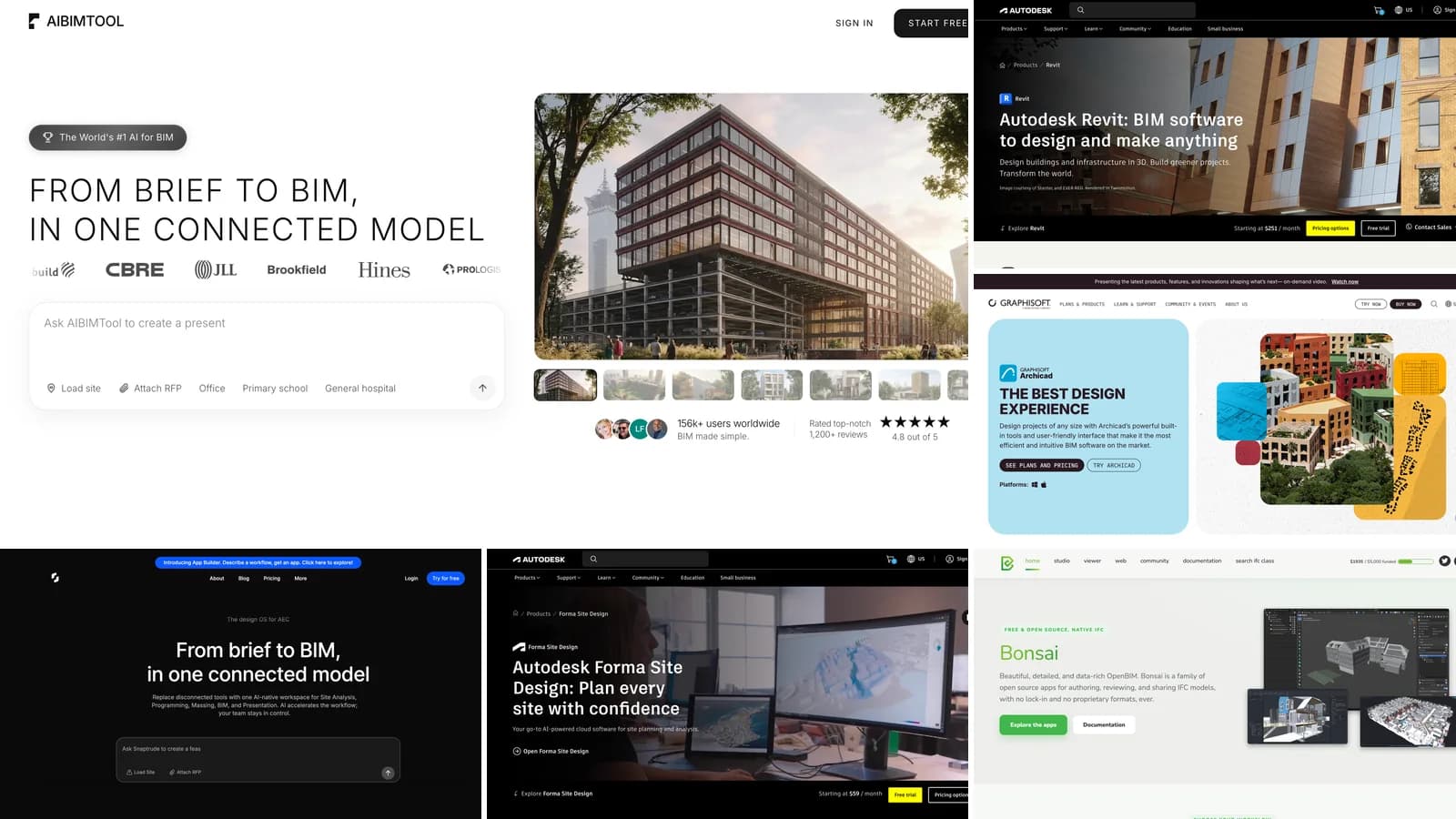
The best BIM software in 2026, ranked: AIBIMTool, Revit, Archicad, Snaptrude, Vectorworks, Allplan, Tekla and Bonsai, plus the six AI BIM tools worth trying, with prices, free plans, real screenshots and who each one is for.