
Best BIM Software in 2026: 8 Tools Ranked, Plus the Best AI BIM Tools

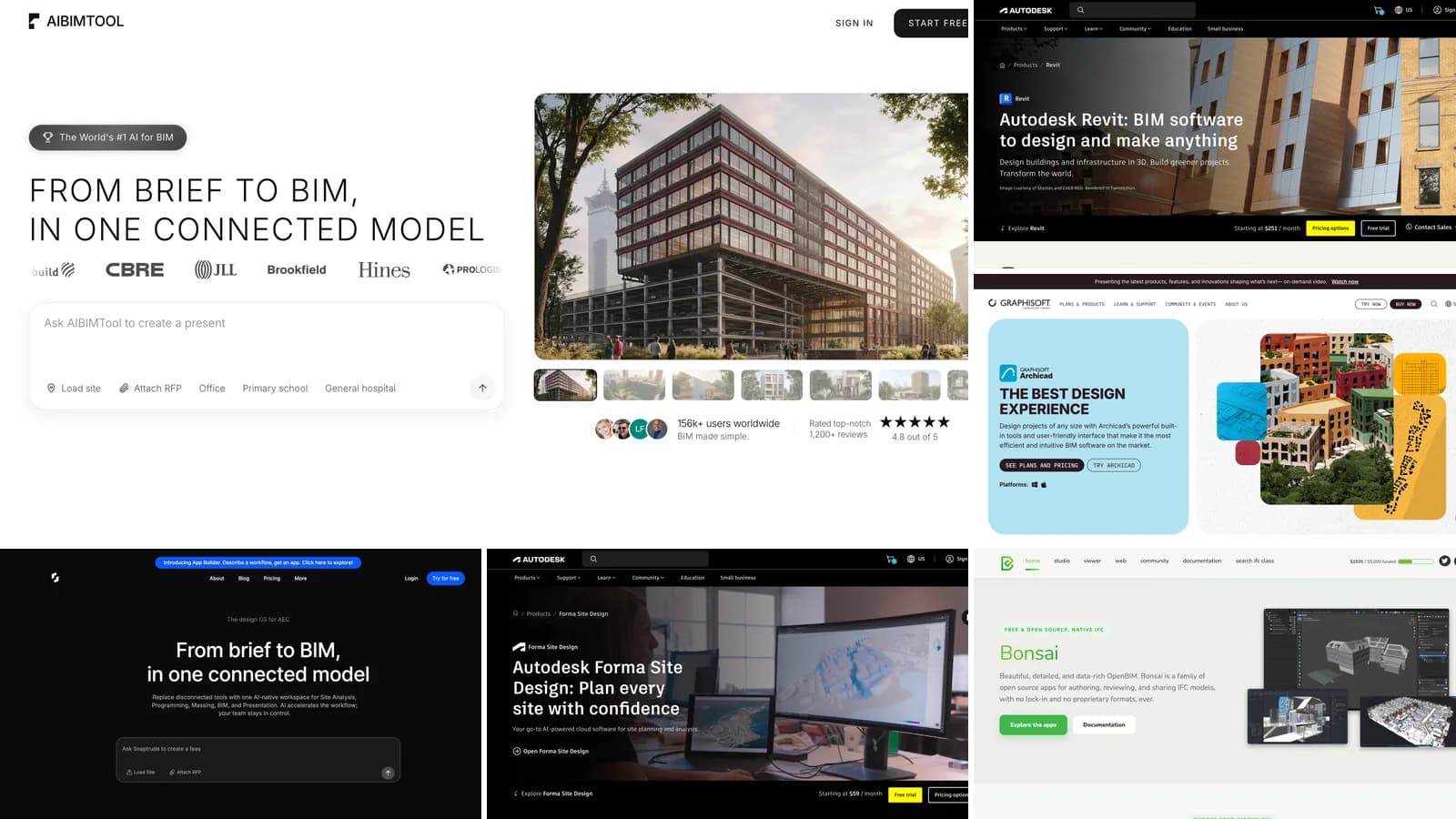
The best BIM software in 2026 is AIBIMTool for starting a project with AI, Autodesk Revit for construction documents in large firms, and Graphisoft Archicad for architects who want one tool from design to drawings. Below are the eight BIM tools we would actually recommend, ranked, followed by the six AI BIM tools worth your time, each with a screenshot of its own homepage, what it costs, whether there is a free plan and who it is for.
Our articles are still written by humans!
Get human written articles in your Google feed.
We make AIBIMTool, so read our first place with that in mind. We ranked it there for one specific reason, which we show rather than claim: it is the only tool on this list where you type a brief, point at a real site and get back an editable IFC4 BIM model, on a free plan, in a few minutes. The AIBIMTool section shows a real project from start to export. Everything else on this list is software people already pay for and use every day, described as fairly as we can.
The short version
- Best overall and best AI BIM tool: AIBIMTool. Brief and site in, IFC4 model out, free to try. See a real project.
- Best for construction documents: Autodesk Revit, from $251 a month. Details.
- Best for architects on Mac and open BIM: Graphisoft Archicad. Details.
- Best free BIM software: Bonsai, open source and IFC-native. All free options.
- Best AI tools for site and feasibility: Autodesk Forma Site Design and TestFit. AI BIM tools ranked.
What is BIM software?
BIM software is design software that builds a building as a 3D model of real elements, such as walls, slabs, doors, windows and rooms, each carrying data about what it is. Plans, sections, elevations and schedules are views of that one model rather than separate drawings, so a change made once shows up everywhere. That is the difference from CAD, where a line is just a line.
BIM software (definition): software for building information modeling, which creates and manages a data-rich 3D model of a building from which drawings, quantities and analyses are produced, and which exchanges that model with other tools, usually through the open IFC format.
There are three kinds of BIM software in this list. Authoring tools (Revit, Archicad, Vectorworks, Allplan, Tekla, Bonsai) are where a model is built and drawn. AI BIM tools (AIBIMTool, Snaptrude, Finch) generate a first model from a brief, a site or a sketch. Site and feasibility tools (Forma, TestFit) test what fits on a plot before anyone designs a building. Coordination tools such as Navisworks and Solibri, which check models from several disciplines against each other, are a fourth group we leave out here.
The best BIM software compared
| # | Software | Best for | Runs on | Free plan | Starting price | IFC |
|---|---|---|---|---|---|---|
| 1 | AIBIMTool | Brief and site to a BIM model with AI | Browser | Yes, 1 AI generation | €49/mo, billed yearly | IFC4 export |
| 2 | Autodesk Revit | Construction documents, large firms | Windows | Trial only | $251/mo | Import and export |
| 3 | Graphisoft Archicad | Design to drawings, macOS, open BIM | Windows, macOS | Trial only | about €179/mo, billed yearly (EU) | Import and export |
| 4 | Snaptrude | Early design in a shared browser editor | Browser | Yes, no exports | $50/mo, billed yearly | Revit and Rhino export |
| 5 | Vectorworks Architect | Design-led and landscape practices | Windows, macOS | Trial only | Quote by region | Import and export |
| 6 | Allplan | Architecture plus engineering, Europe | Windows | Trial only | Quote by region | Import and export |
| 7 | Tekla Structures | Structural steel and concrete detailing | Windows | 30-day trial | Quote by region | Import and export |
| 8 | Bonsai | Free, open source, native IFC | Windows, macOS, Linux | Free | Free | Native |
Prices are the entry prices shown on each vendor's site on 25 October 2026, before tax. They change often and differ by country, so check before you buy.
What architects actually search for
We built this list from search data, not from a hunch. In Ahrefs Keywords Explorer, "bim software" gets about 1,700 Google searches a month in the US (18,000 worldwide), and the cluster around it is mostly people choosing a tool: "bim modeling software", "bim architecture software", "free bim software" and "bim software for architects" each get 200 to 300. Ahrefs rates "bim software" at a keyword difficulty of 10, which tells you the pages ranking today are thin: forum threads, vendor pages and listicles from 2025.
The AI side is smaller but moving fast. "Snaptrude" alone gets about 1,000 searches a month, more than any generic AI architecture term, and Ahrefs files it under the parent topic "ai architecture software". "Ai tools for architects", "bim ai" and "ai in bim" are all searched every month, and the top result for "ai bim" is a buildingSMART article about research, not a tool. People are asking which AI tool can produce a real BIM model, and few pages answer that. This article does.
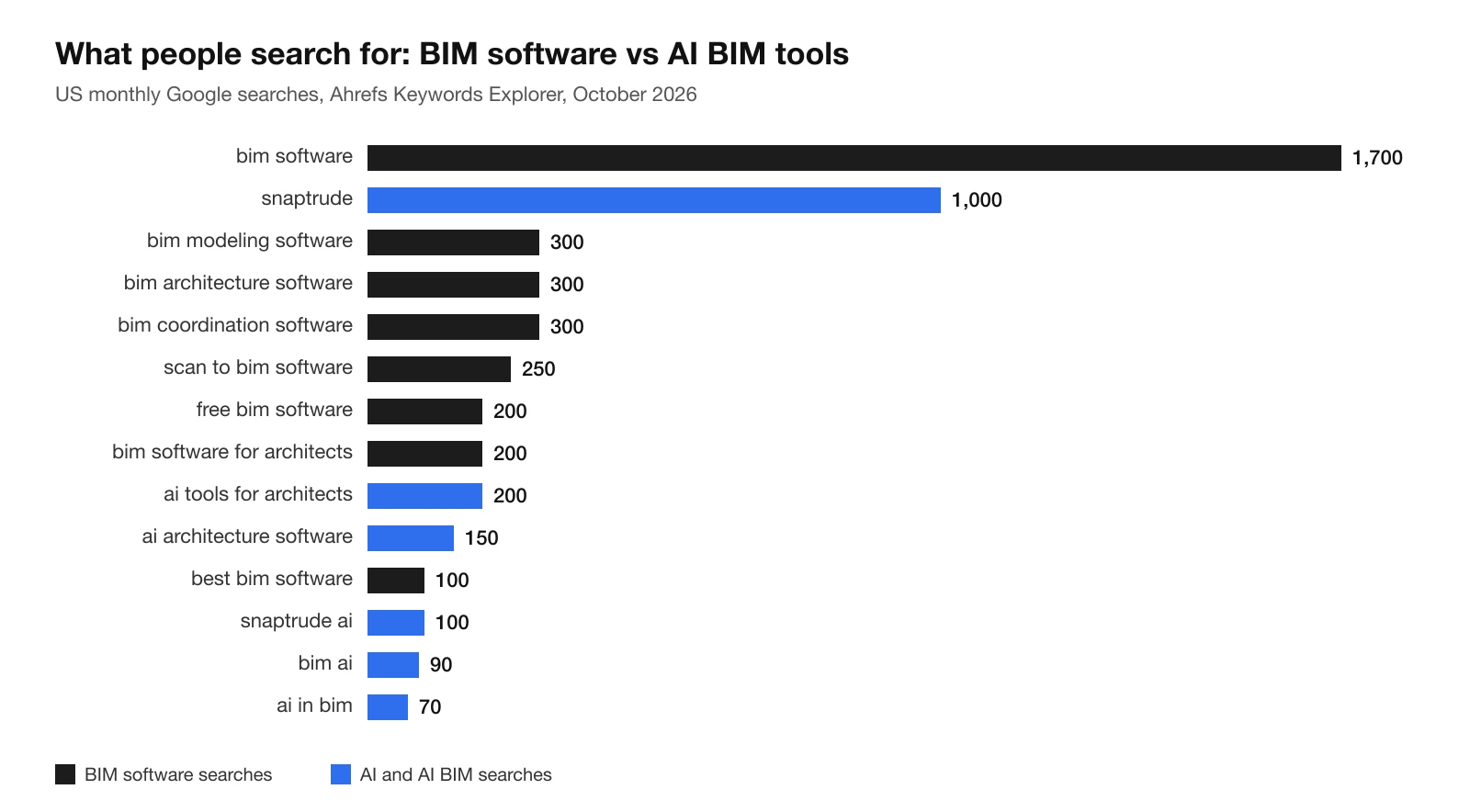
US monthly search volume for BIM software and AI BIM searches, from Ahrefs Keywords Explorer in October 2026. Black bars are classic BIM software searches, blue bars are AI searches.
The 8 best BIM software tools, ranked
We ranked the tools by how much of the path from brief to a usable BIM model each one covers for an architect, how open its files are (IFC import and export), what it costs to start and whether you can try it for free. A tool that is the best at one narrow job, like Tekla for steel, still ranks lower than one an architect can use from day one.
1. AIBIMTool: best AI BIM software and best place to start
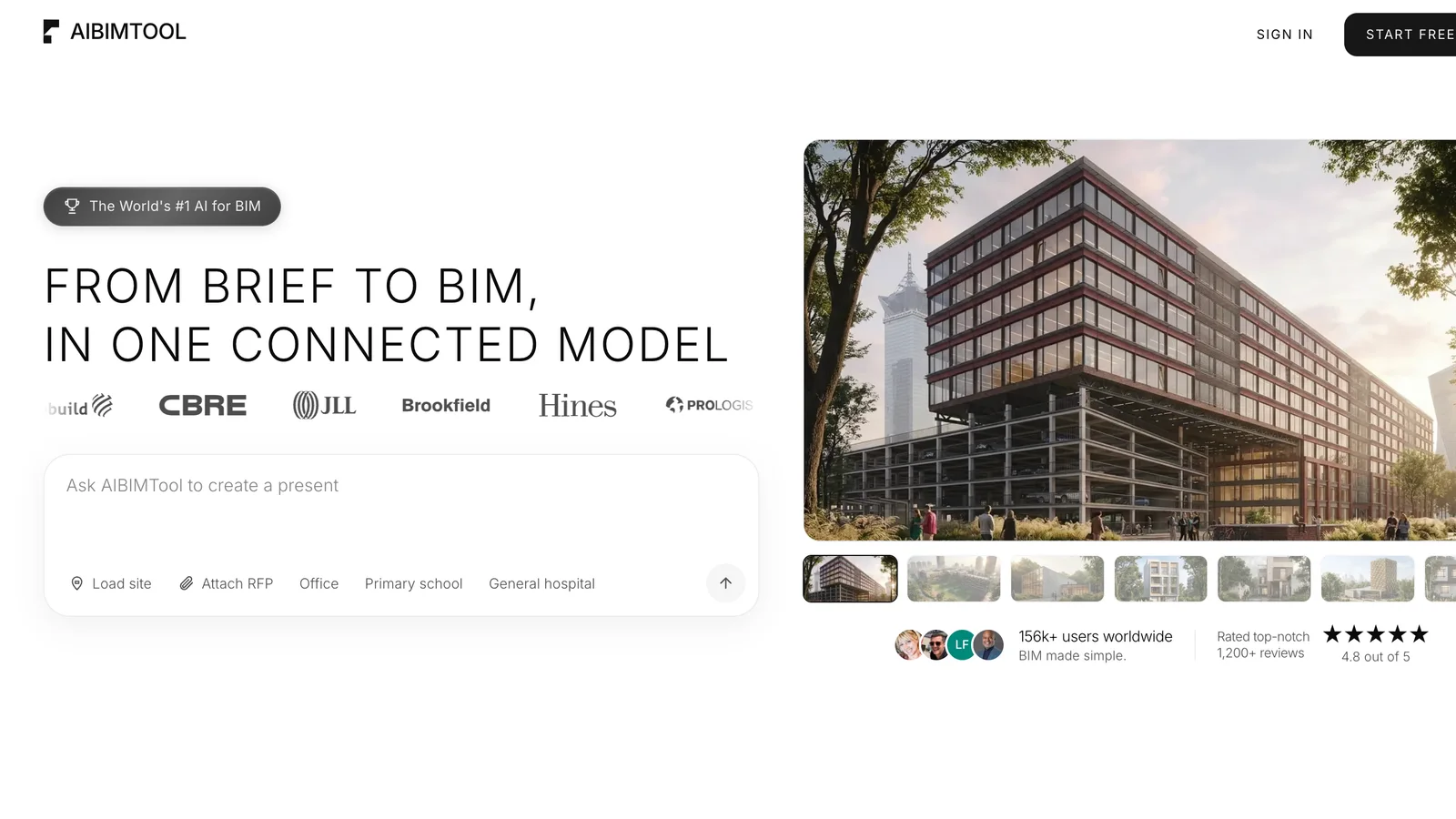
The AIBIMTool homepage at aibimtool.com, 25 October 2026.
AIBIMTool is an AI agent that builds the BIM model for you. You describe the project in plain language ("a 3-storey apartment building with two-bedroom flats"), load the site from the map or attach an RFP, and the agent works through it the way an architect would: it reads the plot boundary and the existing buildings, picks a position and orientation, sets the storeys and then places walls, slabs, doors, windows, stairs, the roof and every room as a named IFC space. Before it finishes, it checks its own work, for example that every opening has a door or window and that the building keeps its distance from the boundary, and it tells you what it did not model.
The output is not a picture or a mass. It is an IFC4 file with named storeys, walls with real thicknesses, named rooms and the site, which you can open in Revit, Archicad, Bonsai or any IFC viewer, and in Rhino with an IFC plug-in such as VisualARQ, and keep developing. You can also keep talking to it: ask for a fourth storey, a wider corridor or balconies, and it edits the same model.
Why it is first: no other tool on this list goes from a sentence and a real plot to an open, editable BIM model, and none of the others let you download that model on a free plan.
Where it stops: AIBIMTool produces a schematic-level design model, not a construction set. There are no annotated drawing sheets, door tags or wall build-ups yet, so the full drawing set still happens in Revit or Archicad. It is built for the first days of a project, which is also where most of the decisions about area, layout and cost are made.
2. Autodesk Revit: best for construction documents
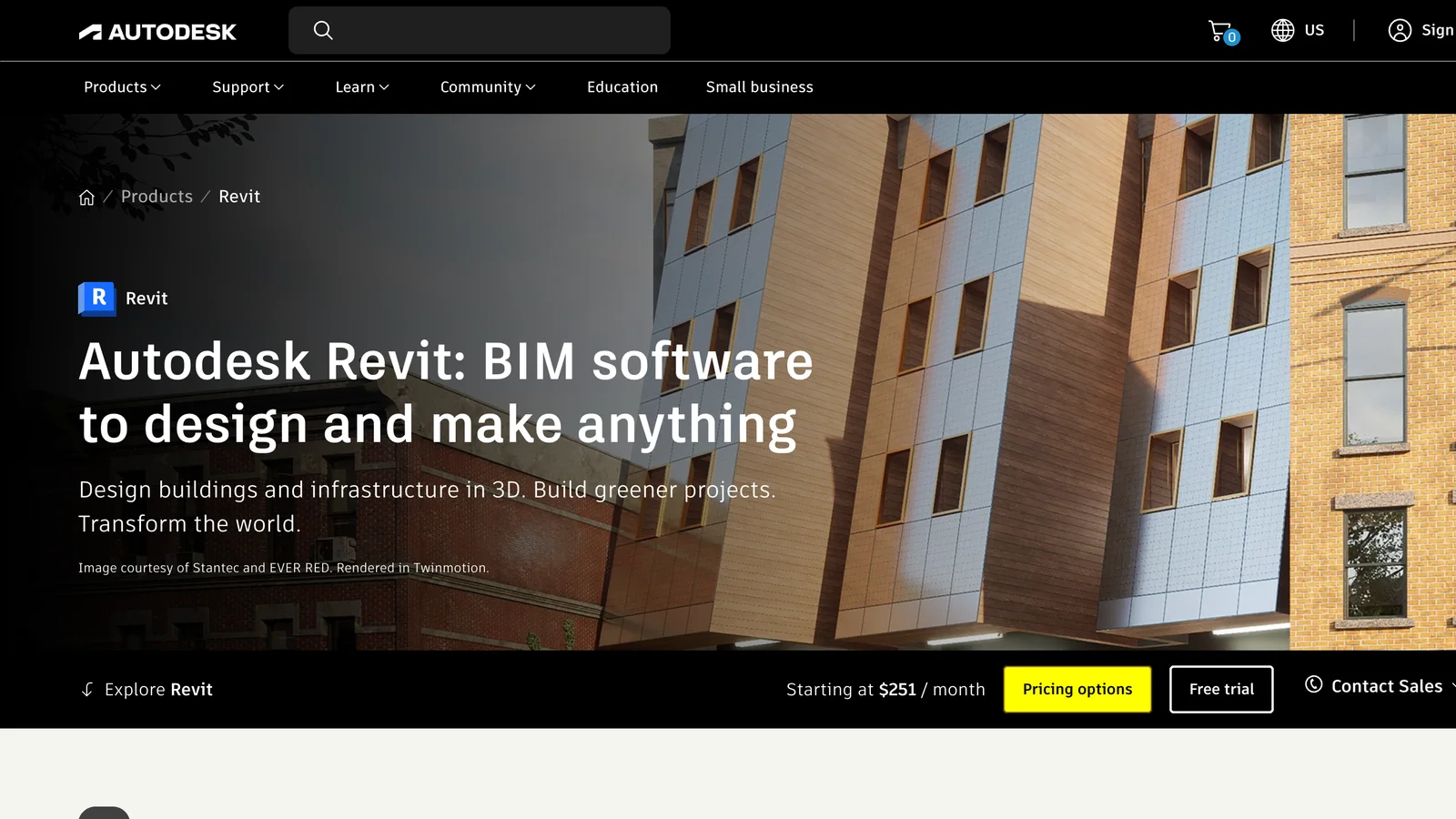
The Autodesk Revit page on autodesk.com, 25 October 2026. The current release is Revit 2027.
Revit is the industry standard for BIM in North America and the UK. Architects, structural and MEP engineers can work in the same model family, worksharing lets a team edit one central model, and the .rvt format is what most large clients and consultants ask for. Its families, view templates and sheet tools are built for producing a complete, coordinated set of construction documents.
The downsides are well known: it is Windows only, it is expensive, it takes months to learn properly and it is slow for early design, which is why many offices start elsewhere and bring the model in. An IFC model from AIBIMTool can be linked or opened in Revit as the starting point.
3. Graphisoft Archicad: best for architects on Mac and open BIM
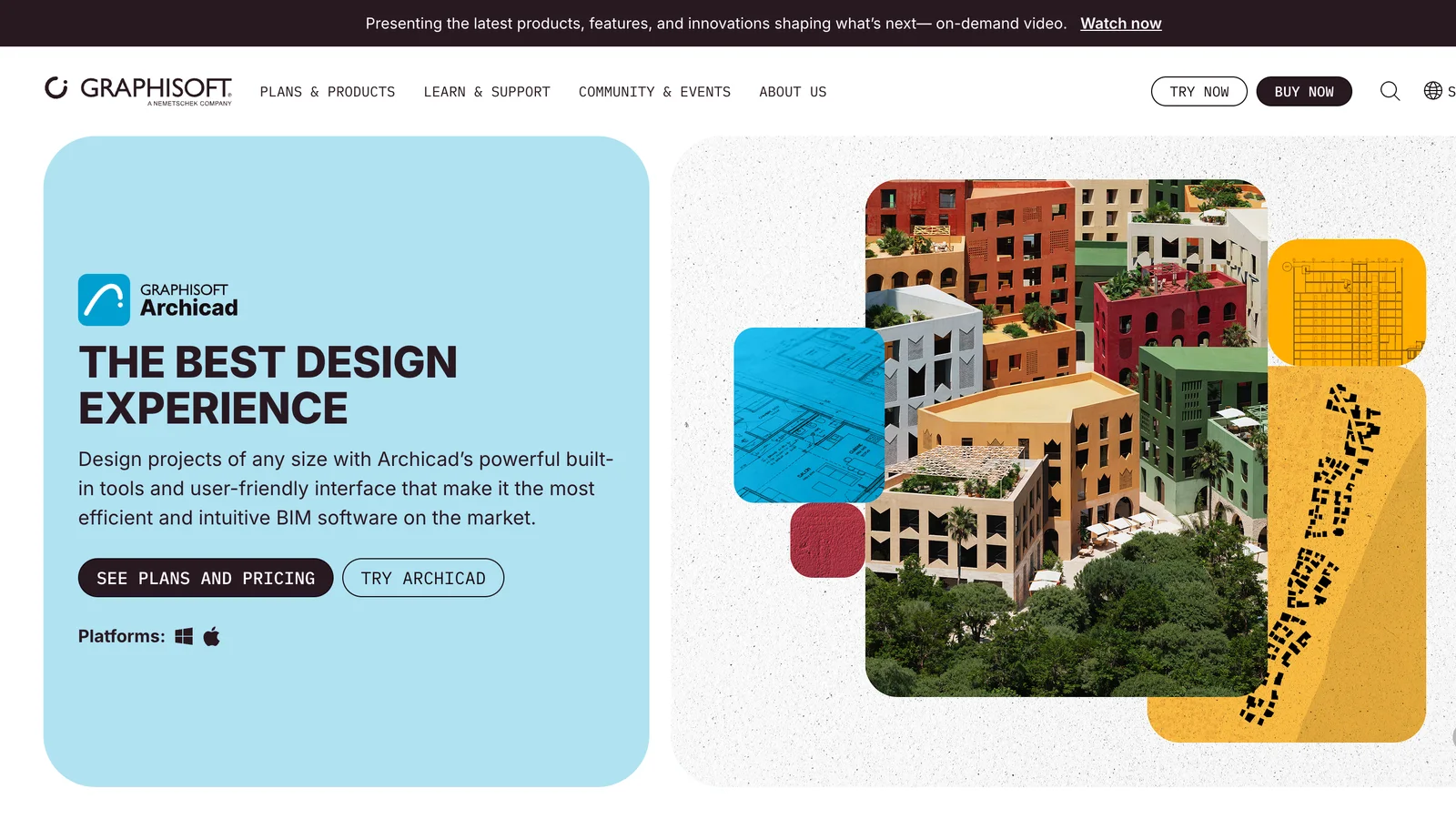
The Archicad page on graphisoft.com, 25 October 2026.
Archicad has been a BIM tool since the 1980s and was built by architects for architects. Many users find it faster than Revit for design and drawing production, it runs natively on macOS, and Graphisoft has backed IFC and open BIM for longer than anyone, so models exchange cleanly with engineers who use other software. Teamwork on BIMcloud handles multi-user projects, and Graphisoft has added AI features such as the AI Visualizer for quick design renders.
It is less common than Revit in large US firms, and some engineering consultants will still ask for .rvt. If your clients accept IFC, Archicad is the architect's choice.
4. Snaptrude: best for early design in a shared browser editor
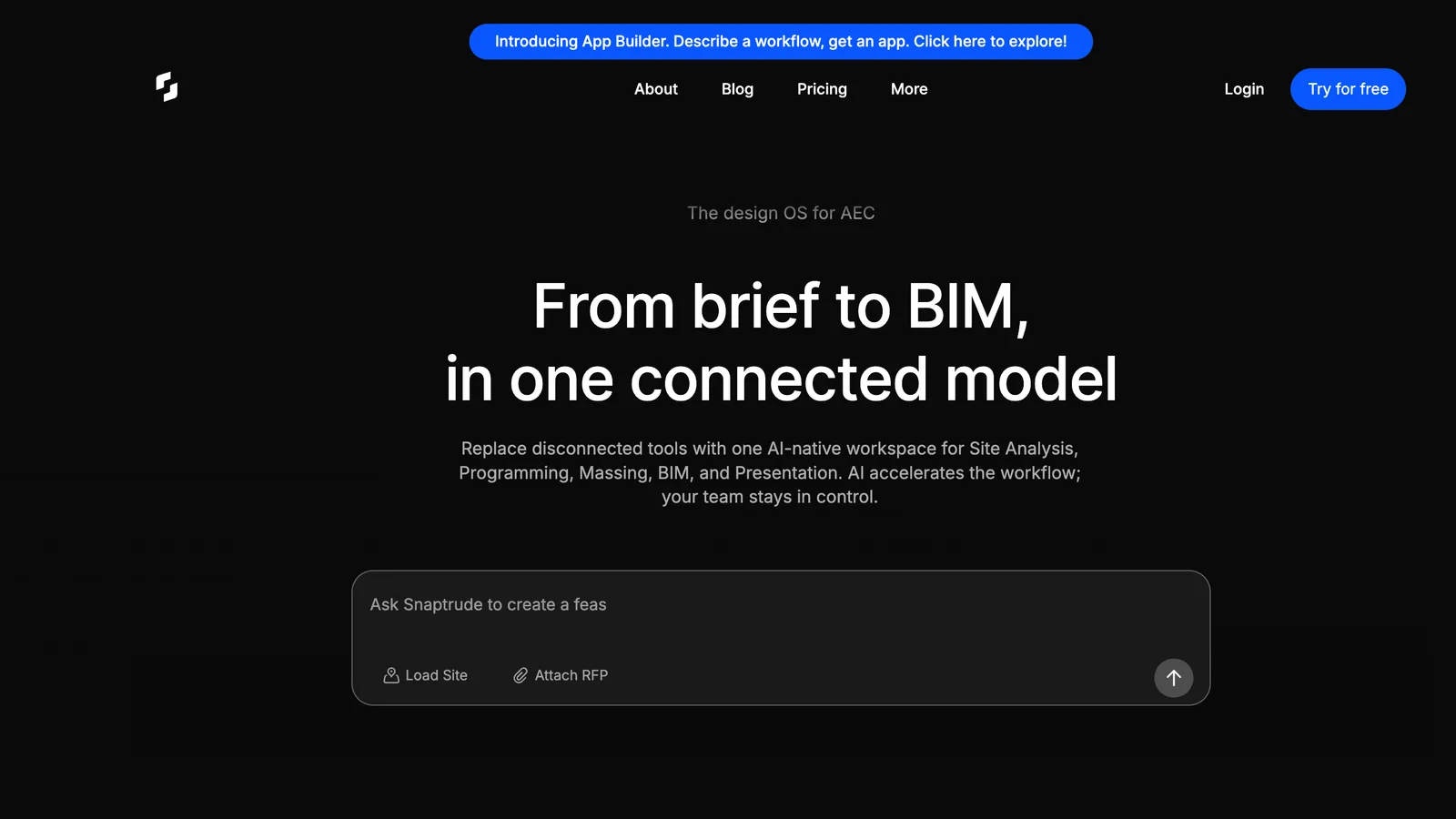
The Snaptrude homepage at snaptrude.com, 25 October 2026.
Snaptrude is the best-known browser BIM tool and, by search volume, the AI architecture tool people look up most. It links a program spreadsheet to the 3D model, so changing a room's target area updates the design, it converts massing into walls, floors and roofs in one click, and it exports to Revit and Rhino. An AI agent can generate a program and a first design from a prompt, an RFP and a site. Real-time collaboration makes it easy to review a scheme with a client.
What holds it back for a single architect is the free plan: you can try the AI agent, but exports and BIM mode need Pro. It also exports to Revit and Rhino rather than to open IFC, so you are steered towards the Autodesk route. If you mainly want the model out of the tool and into your own software, AIBIMTool is the more direct path.
5. Vectorworks Architect: best for design-led and landscape practices
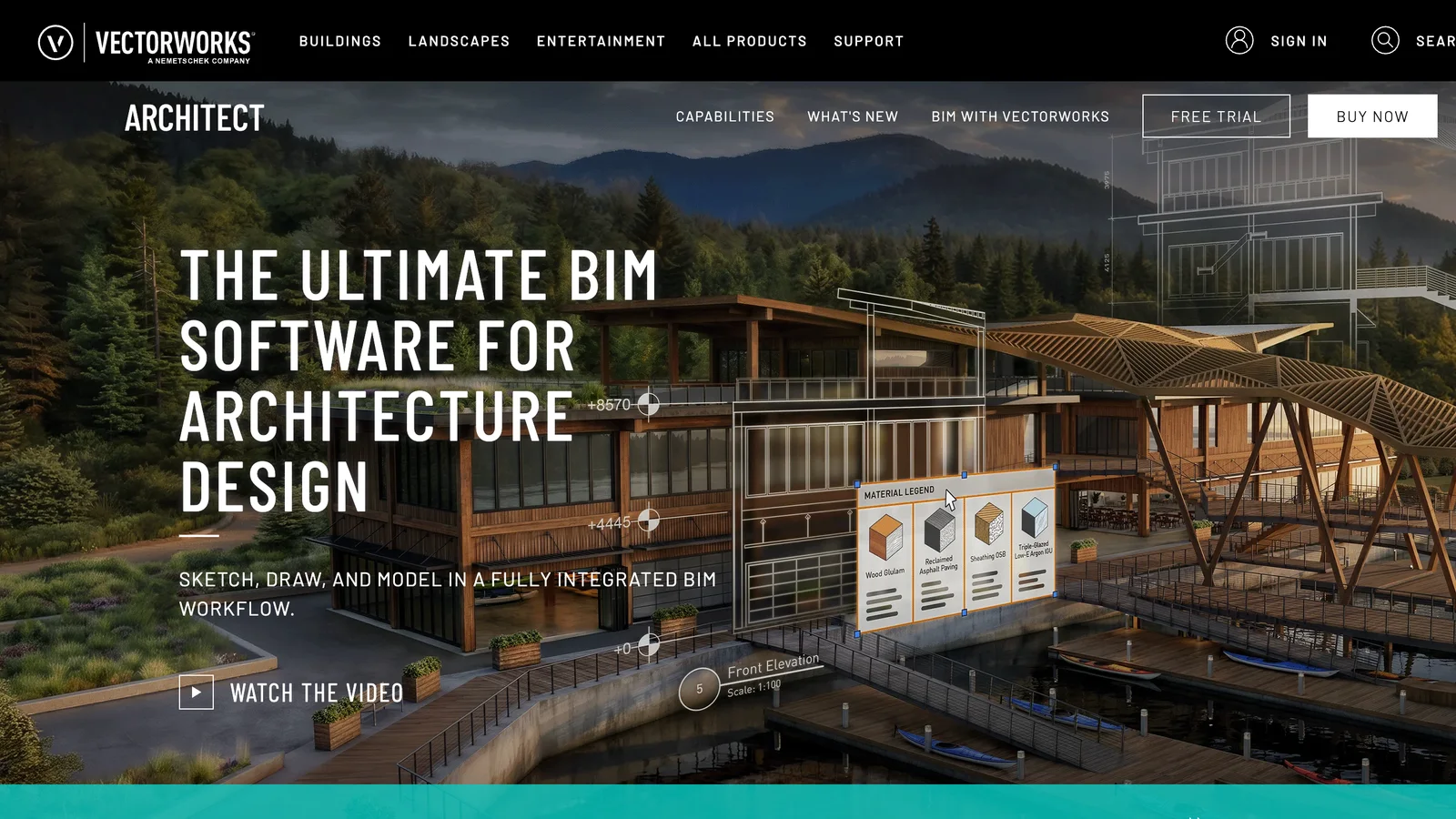
The Vectorworks Architect page on vectorworks.net, 25 October 2026.
Vectorworks Architect combines 2D drafting, 3D modelling and BIM in one program, which suits offices that still produce a lot of 2D line work but want BIM data underneath it. It is strong for landscape and site design, has good rendering built in and runs on macOS. It is less common than Revit or Archicad in large multidisciplinary teams, so check what your consultants use.
6. Allplan: best for architecture and engineering in one tool
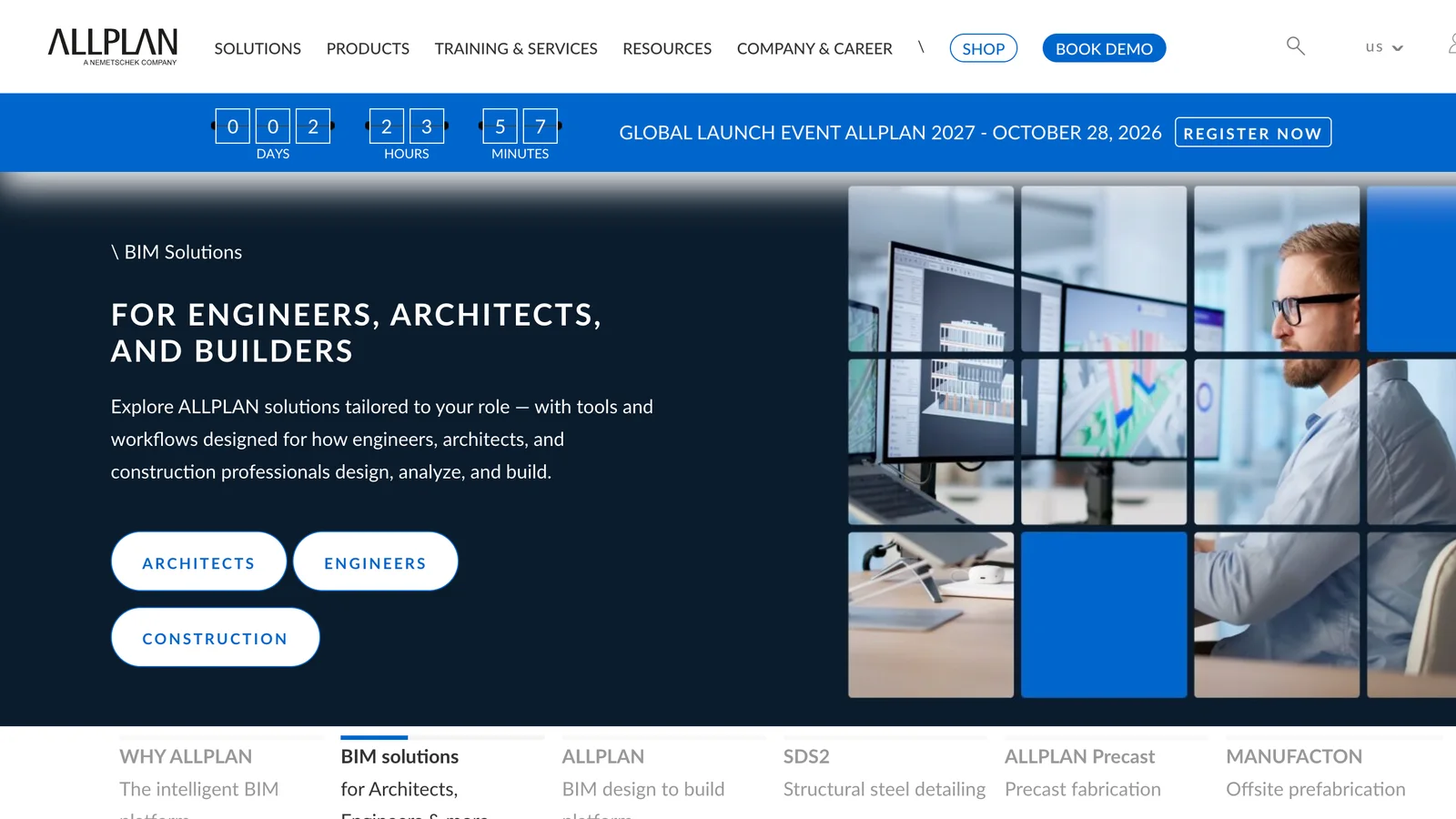
The Allplan homepage on allplan.com, 25 October 2026.
Allplan, like Archicad and Vectorworks part of the Nemetschek group, covers architecture, structural engineering, reinforcement detailing and civil works in one program. It is a strong choice for firms in the DACH region that design and engineer in-house, and for precast and bridge work. Outside Europe it is less common, and the learning curve is real.
7. Tekla Structures: best for structural steel and concrete detailing
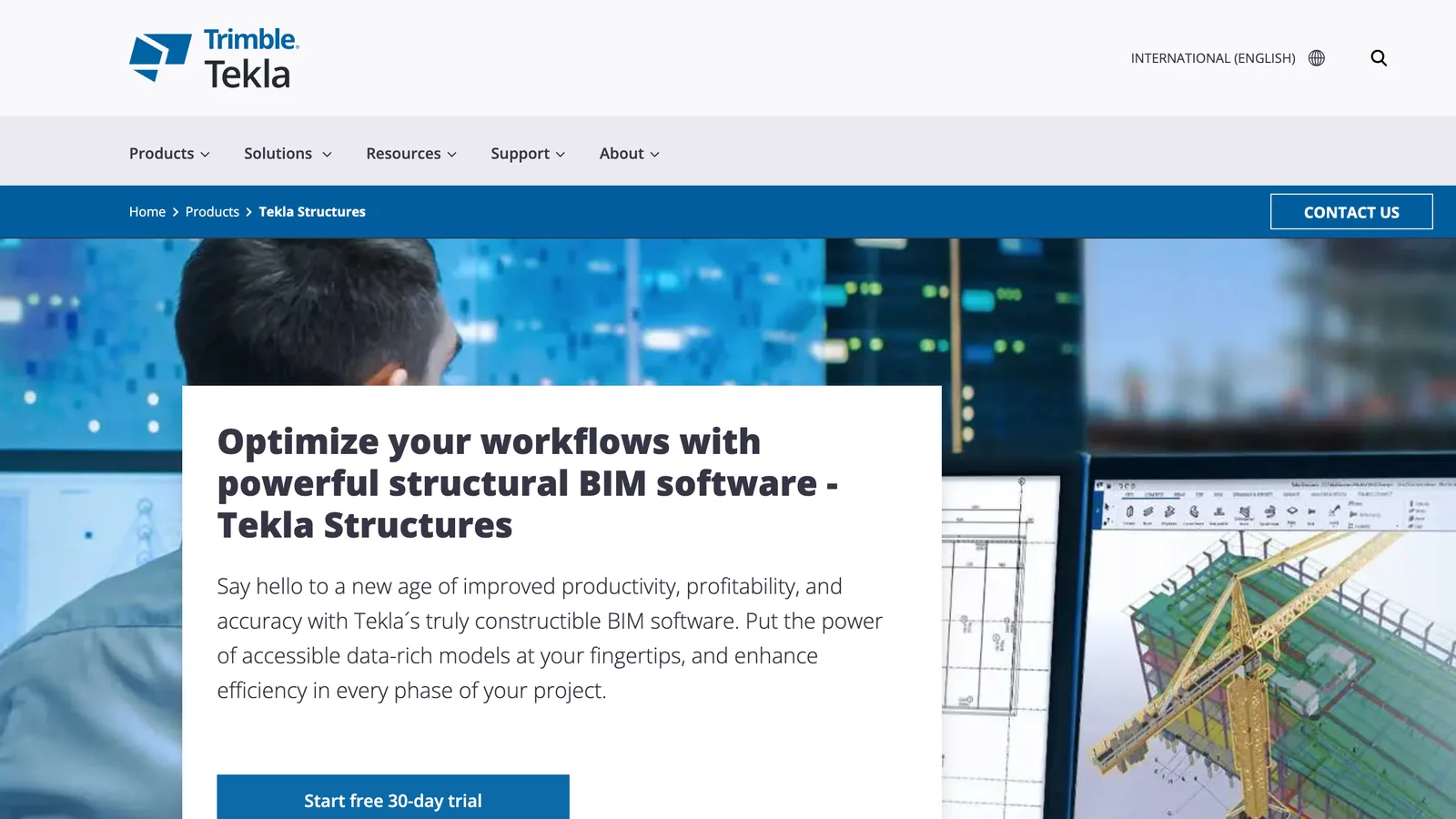
The Tekla Structures page on tekla.com, 25 October 2026.
Trimble's Tekla Structures models every bolt, weld and rebar and produces fabrication drawings straight from the model, which is why it dominates steel detailing. It is not a tool for architectural design, but it is the BIM software your structural consultant is likely to use, and it reads architectural IFC models as a reference.
8. Bonsai: best free BIM software
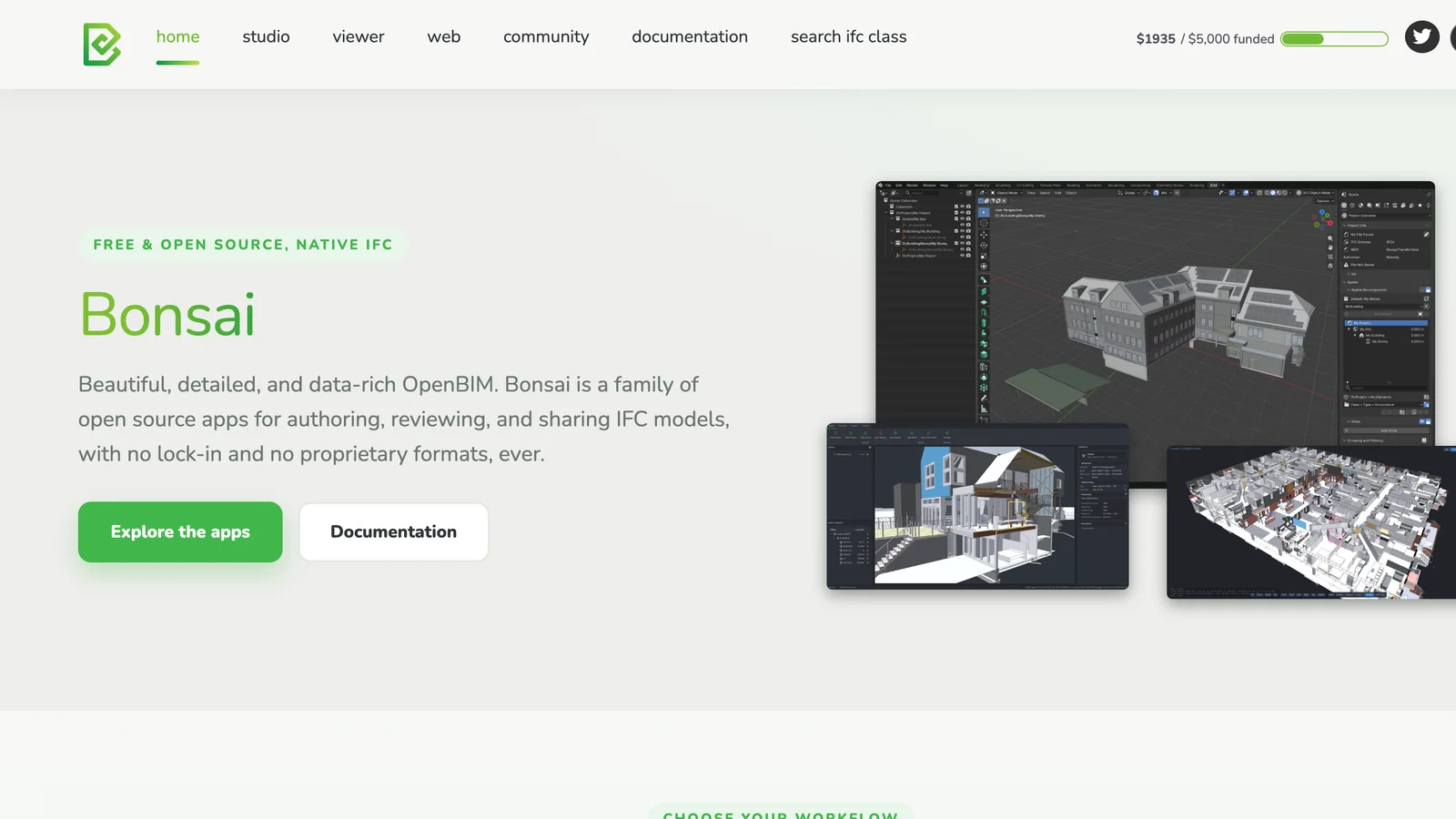
The Bonsai homepage at bonsaibim.org, 25 October 2026.
Bonsai, formerly BlenderBIM, turns Blender into a BIM authoring tool whose native file format is IFC. There is no proprietary file in between: what you save is the IFC. It can author, document and check models and is built on IfcOpenShell, the same open-source library we use to write AIBIMTool's IFC files. It is free, very capable and improving fast, but it assumes you are comfortable in Blender, and it has no company support behind it, only the community.
The best AI BIM tools in 2026
"AI BIM" covers very different products. Some generate a whole building model, some test what fits on a site, and some only draw a floor plan. Here is how they compare on the question that matters for an architect: what comes out at the end, and can you keep working on it?
| # | AI tool | What you put in | What you get | Open IFC export | Free plan |
|---|---|---|---|---|---|
| 1 | AIBIMTool | Brief, site, RFP | Full BIM model: storeys, walls, doors, windows, stairs, roof, rooms | Yes, IFC4 | Yes, with export |
| 2 | Snaptrude | Brief, site, RFP | Program, massing, then BIM in the editor | No, Revit and Rhino | Yes, no export |
| 3 | Autodesk Forma Site Design | Site, massing | Site plans with sun, wind and noise analysis | No, sends to Revit | Trial |
| 4 | Finch | Brief, firm standards | Floor plans, areas and BIM geometry | Not listed | No |
| 5 | TestFit | Site, deal assumptions | Site plans, unit mix, parking, yield | No | No |
| 6 | Maket | House brief | Residential floor plans and 3D | No | Limited |
1. AIBIMTool
AIBIMTool is first in this list for the same reason it is first above: it is the AI BIM tool whose output is a complete, open BIM model rather than a plan, a mass or a picture. The AIBIMTool section below walks through a real project.
2. Snaptrude
Snaptrude's AI agent generates a program and a first design from a prompt or an RFP, and its editor is the best in this group for refining by hand with a team. See its full entry above.
3. Autodesk Forma Site Design
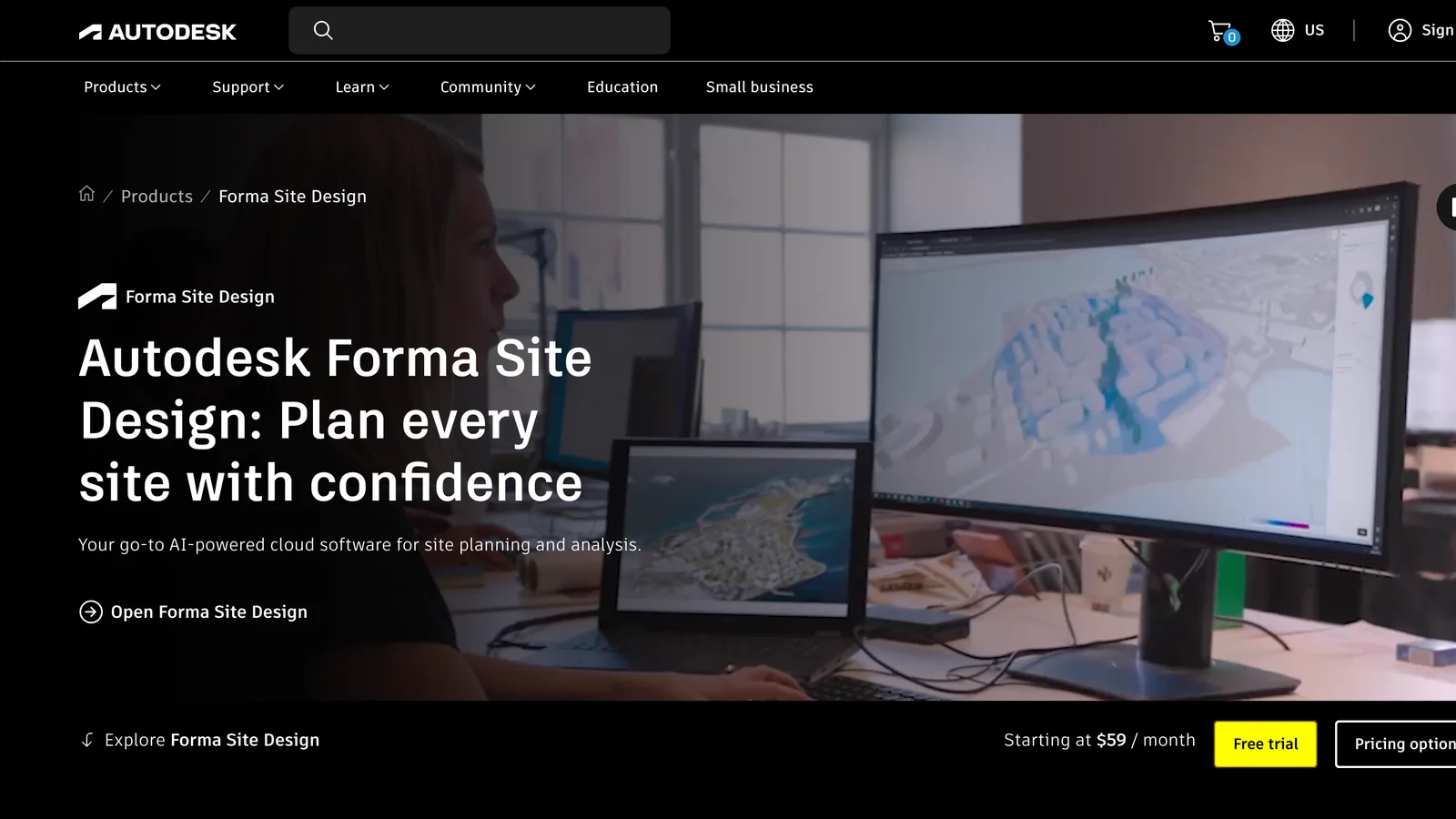
The Autodesk Forma Site Design page on autodesk.com, 25 October 2026.
Forma, which grew out of Autodesk's purchase of Spacemaker, is a cloud tool for early site planning. You draw or generate massing on a real site and get sun hours, daylight, wind and noise analysis in near real time, then send the result to Revit. It starts at $59 a month. It works with masses, not rooms and walls, so it is the step before a BIM model rather than the model itself.
4. Finch

The Finch homepage at finch3d.com, 25 October 2026.
Finch is an AI platform for building design aimed at larger firms. It generates floor plans that follow a firm's own design standards and local codes, tests many options against area targets and outputs plans, area calculations and BIM geometry. It is sold to practices rather than individuals, so there is no free plan to try.
5. TestFit
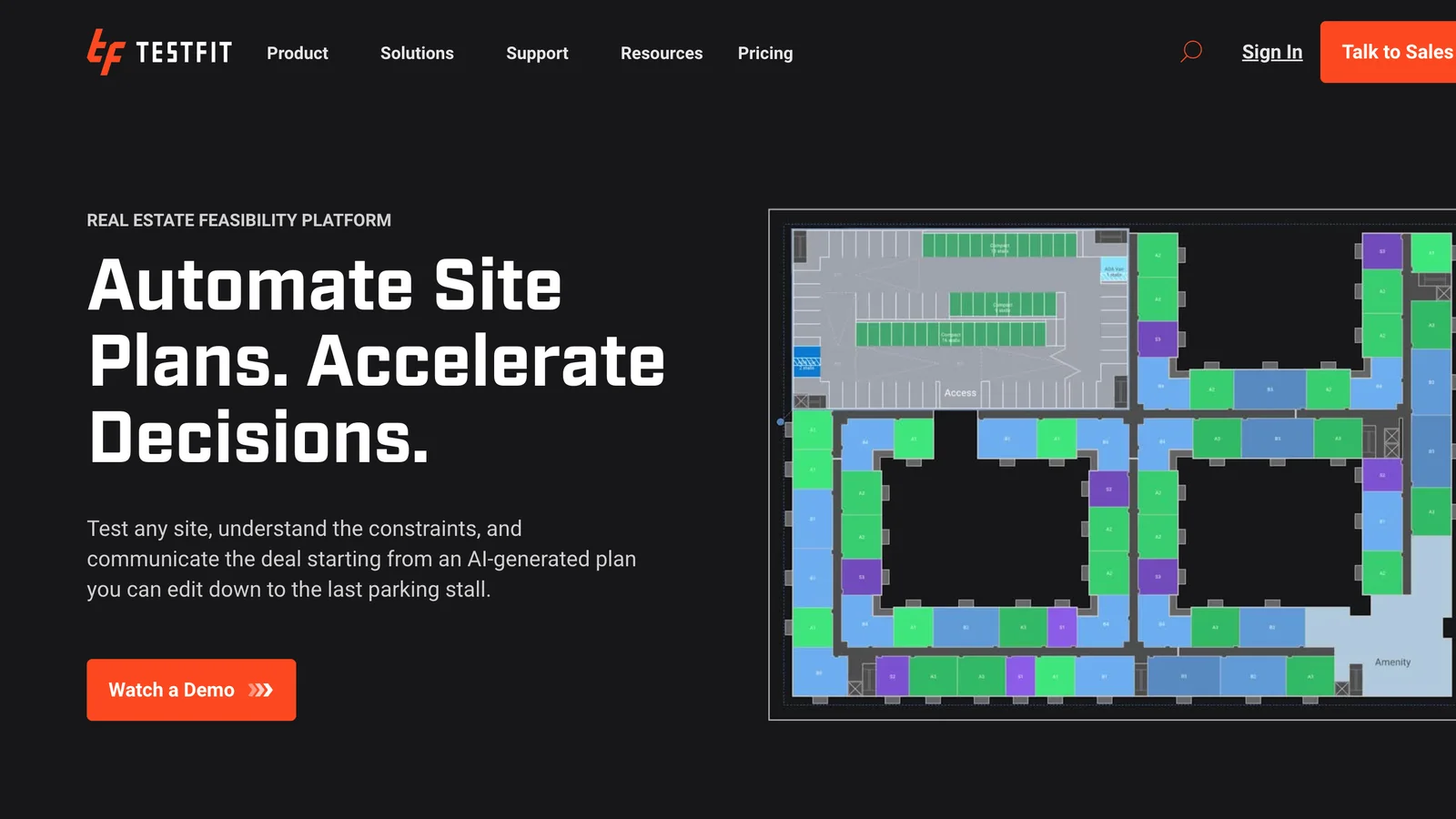
The TestFit homepage at testfit.io, 25 October 2026.
TestFit is a feasibility tool for developers and the architects who work for them. It generates site plans with building footprints, unit mixes and parking and updates the yield as you change the assumptions. It answers "how much can we build here" very fast, but it is not a building design tool.
6. Maket
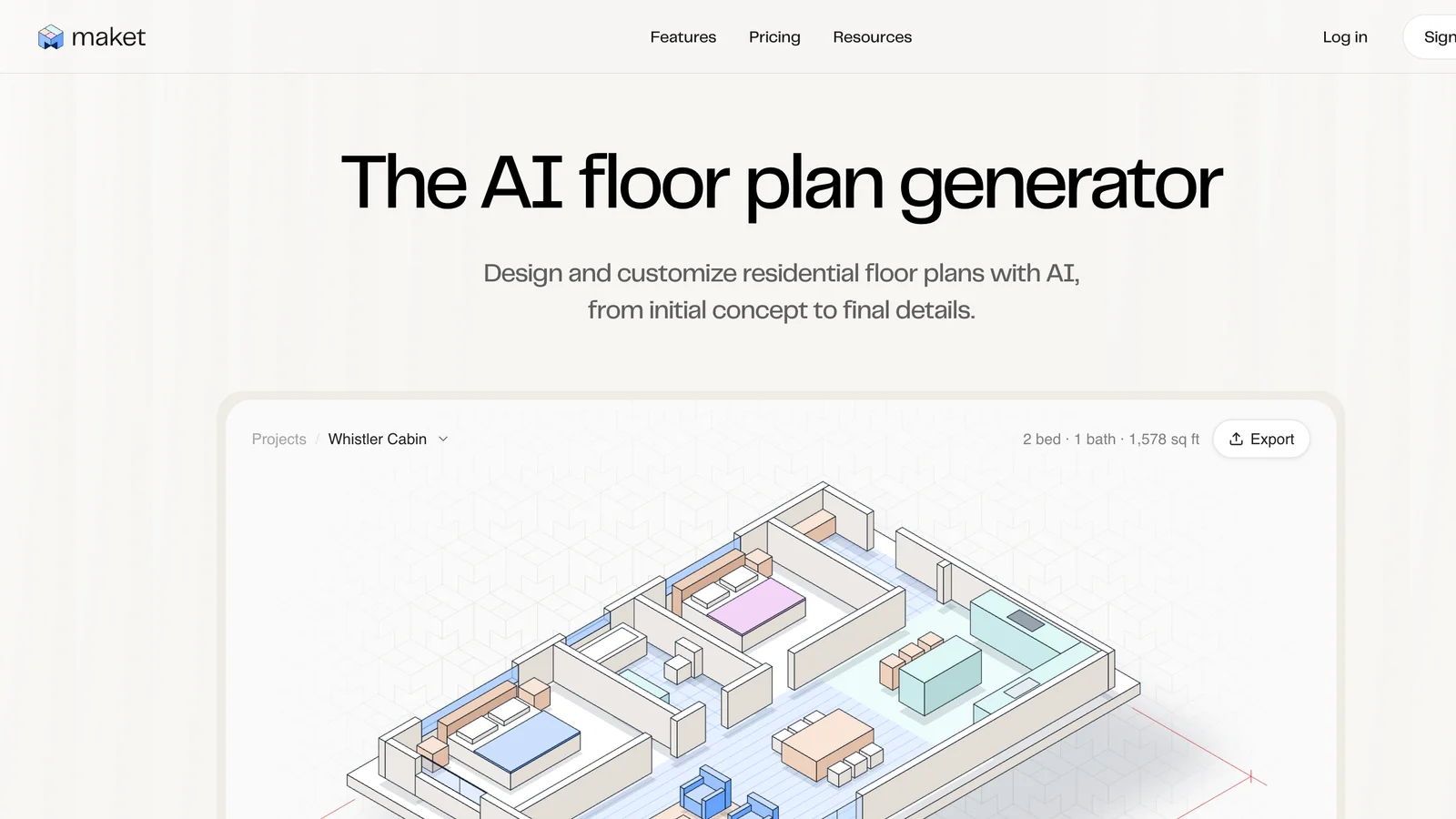
The Maket homepage at maket.ai, 25 October 2026.
Maket generates residential floor plans from a short brief and shows them in 3D. It is aimed at homeowners and small residential designers, with plans from $20 a month for homeowners and $100 for professionals. It produces plans, not a BIM model you can take into Revit or Archicad.
AIBIMTool in practice: brief to BIM in one model
To show what an AI BIM tool really produces, here is one project from our own account, unedited. We asked the agent for a 3-storey apartment building and loaded a real plot in Bratislava from the map.
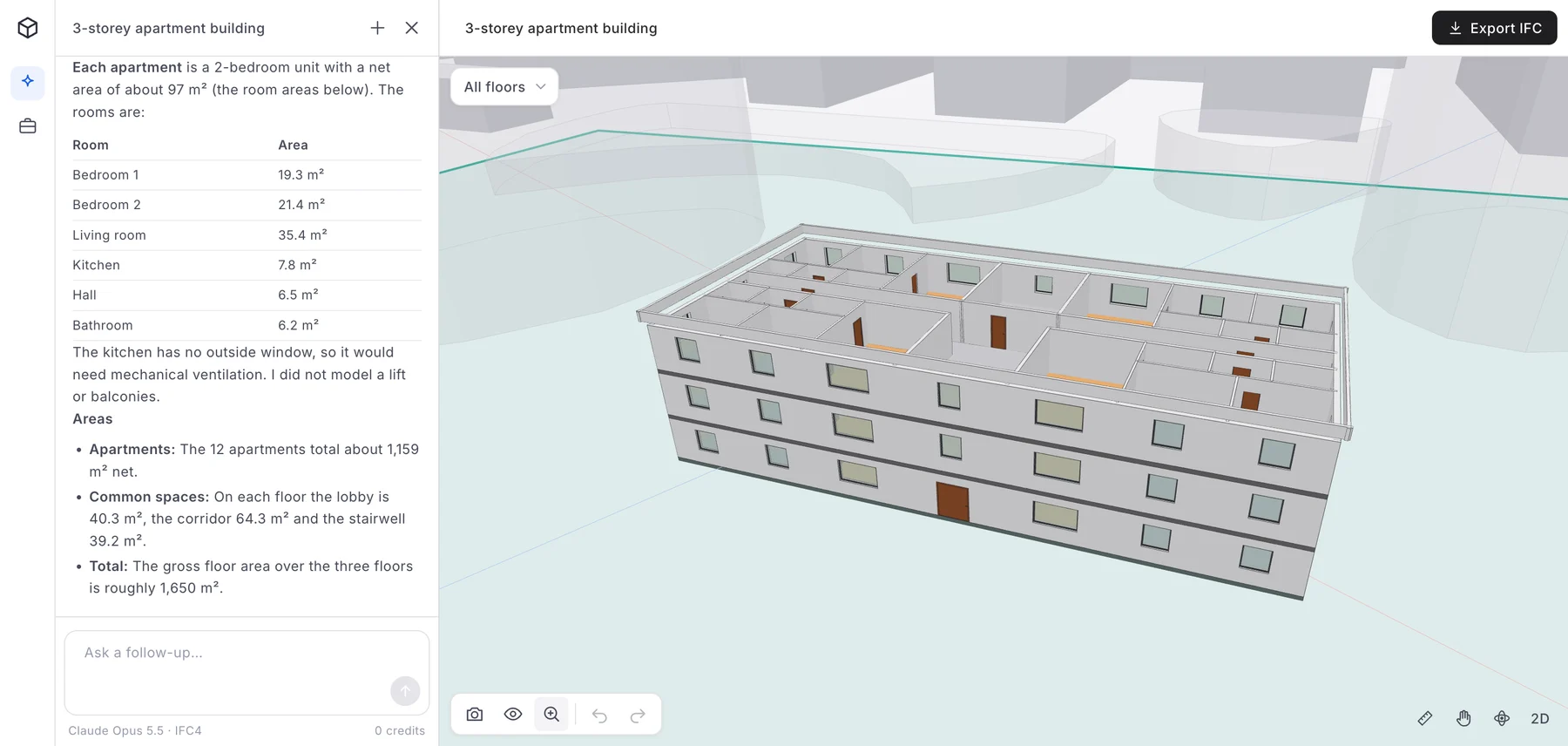
The generated model in AIBIMTool: the agent's summary on the left, the 3D model on the right with the plot boundary (green) and the existing neighbouring buildings shown as transparent masses. Screenshot from aibimtool.com, 25 October 2026.
The agent's report, which you can see in the panel on the left, is the useful part. It placed 12 two-bedroom apartments, four per floor, each about 97 m² net (two bedrooms of 19.3 and 21.4 m², a 35.4 m² living room, a kitchen, a hall and a bathroom), around a central corridor with a lobby and a stairwell. The outer walls are 0.30 m thick, the walls between apartments 0.20 m and the partitions 0.12 m, with a 3.0 m floor-to-floor height. The gross floor area is about 1,650 m². It rotated the block about 25° so its long walls run parallel to the plot edge, kept it 51.5 m from the nearest boundary, measured the plot (22,371 m²) and the coverage (2.8 %), and noted that the ground falls 4.6 m across the plot and that it did not model the grading.
It was also honest about what is missing: the kitchens have no outside window and would need mechanical ventilation, and it did not model a lift or balconies. Its check found 147 openings, none without a door or window. Those are the notes an architect would write on a first scheme, and each one is a follow-up you can ask for in the same chat.
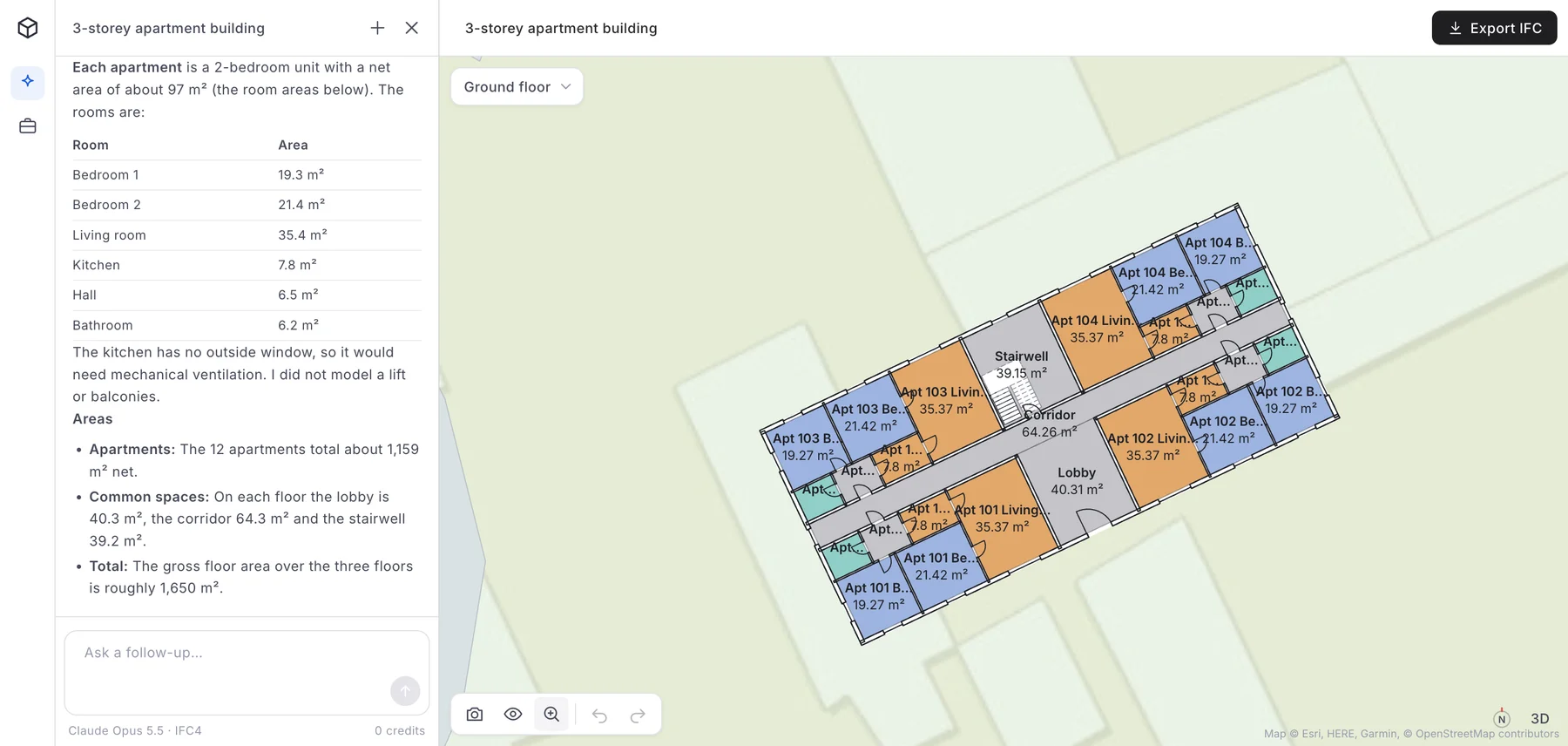
The ground floor plan, cut from the same model: every room is an IFC space with its name and area, and door swings and the stair are drawn from the model's own elements.
Switching to 2D gives a floor plan for every storey, generated from the model rather than drawn. Each room is a real IfcSpace drawn to its outline and named, with its area shown in the name. In the two AIBIMTool files we audited a day later, the area was not stored as an IFC quantity, so a room schedule has to recompute it; our IFC file guide lists that and the other gaps. Zoomed out, the same view shows the building on the street map, inside the plot, next to the buildings already there.
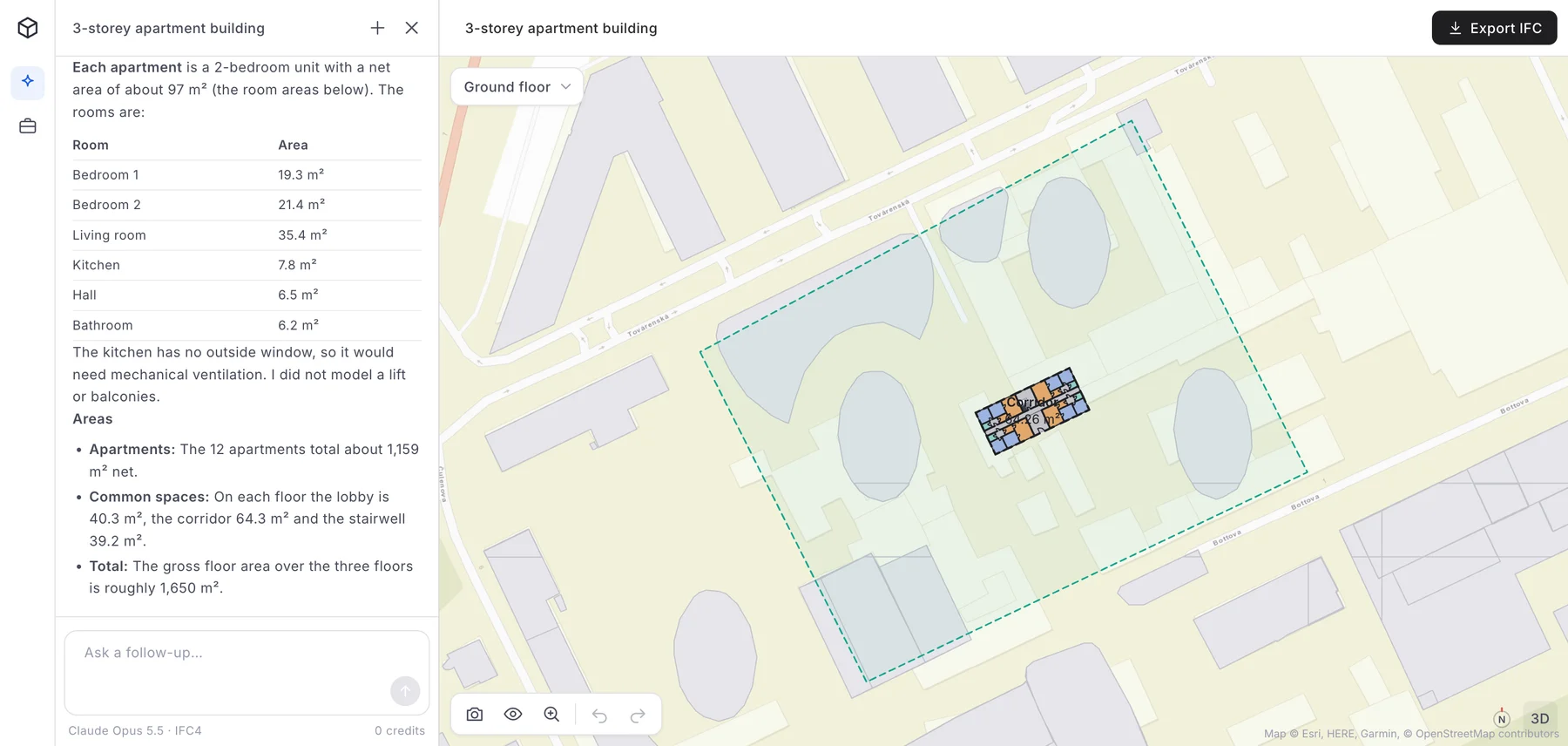
The same project at site scale: the plot boundary (dashed green), the existing buildings and the streets come from the map, and the model sits where the agent placed it.
From here, Export IFC downloads the IFC4 file. Open it in Revit, Archicad, Vectorworks, Allplan or Bonsai (or in Rhino with an IFC plug-in) and you have a BIM model with storeys, walls, slabs, doors, windows, stairs, a roof and named rooms to develop, rather than a blank file. If you want to see what is inside such a file, we opened one line by line, and our guide to architectural drawings shows the plan, section and elevation we cut from another one.
Try the AI BIM tool on your own site
- Brief and site in. Describe the building, load the plot from the map or attach an RFP.
- A real BIM model out. Storeys, walls, doors, windows, stairs, roof and named rooms, checked against the site.
- Open it anywhere. Download IFC4 on the free plan and continue in Revit, Archicad, or Rhino with an IFC plug-in.
Free BIM software
"Free bim software" gets about 200 searches a month in the US, and the honest answer is that there are two kinds of free.
- Free and open source, for good: Bonsai and the BIM workbench in FreeCAD. Both author IFC directly, run on Windows, macOS and Linux, and cost nothing for commercial work. Bonsai is the more complete of the two today.
- Free plans of commercial tools: AIBIMTool's free plan includes one AI generation, the live 3D viewer and the IFC4 download, so the model you make is yours to keep. Snaptrude's free plan includes its AI agent and one project but no exports and no BIM mode.
- Free trials and education licences: Revit, Archicad, Vectorworks, Allplan and Tekla all have time-limited trials, and free licences for students and teachers that cannot be used for paid work.
To only open and check IFC files, a free viewer is enough; our IFC guide lists the ones we use.
How to choose BIM software
Start from what you need to hand over at the end, and work back.
- You are a solo architect or a small studio: start projects in AIBIMTool to get the model and the areas right quickly, then document in Archicad (especially on a Mac) or Vectorworks. Bonsai if the budget is zero.
- You work in or for a large US or UK firm: Revit, because your consultants will ask for .rvt. Use an AI tool for the first scheme and bring it in through IFC.
- You do feasibility for developers: TestFit or Forma Site Design for the site yield, then AIBIMTool when you need an actual building on the plot.
- You are a structural engineer or detailer: Tekla Structures, or Revit if the architects are on Revit.
- You want everything in a browser with your team: Snaptrude or AIBIMTool; pick AIBIMTool if you need open IFC and a free export, Snaptrude if you need a shared editor and Revit export.
Whatever you choose, make sure it exports IFC. It is the one format every tool on this list can read, and it is what keeps your model from being locked into one vendor.
How we made this ranking
We make AIBIMTool, which is ranked first; the reasons are in its entry and the evidence is the unedited project shown above. Every other tool was assessed from its own website, pricing page and documentation on 25 October 2026, and from our experience exchanging IFC files with them. No vendor paid to be included, and none were asked to review this article.
Homepage screenshots were taken in Chrome at 1440 pixels wide on 25 October 2026, after declining cookie banners; they are cropped to 16:9 and otherwise unedited. The three AIBIMTool screenshots show a real project in our own account. Prices are the entry prices shown on each vendor's site that day, before tax and for the region the site served us; they change often.
Search volumes come from Ahrefs Keywords Explorer (Google, United States, monthly volume) on 25 October 2026.
Sources
- Autodesk Revit and Autodesk Forma Site Design, Autodesk: features and starting prices.
- Archicad, Graphisoft: features, platforms and plans.
- Snaptrude pricing: the Free, Pro, Organization and Enterprise plans.
- Vectorworks Architect, Allplan and Tekla Structures: product pages.
- Bonsai and IfcOpenShell: the open-source BIM tools.
- Finch, TestFit and Maket: product pages and pricing.
- List of BIM software, Wikipedia.
- Ahrefs Keywords Explorer: US search volumes, October 2026.
Frequently asked questions
What is the best BIM software in 2026?
For most architects the answer depends on the stage of the project. AIBIMTool is the best place to start a project, because its AI agent turns a written brief and a real site into an editable IFC4 model in minutes, and the free plan includes the IFC download. Autodesk Revit remains the standard for construction documents in large US and UK firms, and Graphisoft Archicad is the strongest choice for architects who want one tool from design to drawings, especially on macOS.
What is the best AI BIM tool?
AIBIMTool is the best AI BIM tool for going from a brief to a real BIM model: you describe the building, load the site, and an AI agent places storeys, walls, doors, windows, stairs, roofs and named rooms (IfcSpace), checks setbacks and coverage, and exports IFC4 that opens in Revit and Archicad, and in Rhino with an IFC plug-in. Snaptrude is the closest alternative for teams that want to keep refining in a browser editor; Autodesk Forma, Finch and TestFit cover site planning and feasibility rather than full building models.
Which BIM software is free?
Bonsai (formerly BlenderBIM) and FreeCAD's BIM workbench are free and open source and both work natively with IFC. AIBIMTool has a free plan with one AI generation (up to 100 credits), the live 3D viewer and the IFC4 download. Snaptrude's free plan includes its AI agent but no exports and no BIM mode. Revit, Archicad, Vectorworks and Tekla offer free trials and free education licences, not free commercial plans.
What BIM software do most architects use?
Autodesk Revit is the most widely used BIM authoring tool in North America and the UK, Graphisoft Archicad is strong in Central Europe, Japan and with smaller practices, and Vectorworks Architect is popular with design-led and landscape practices. Many offices now add an AI tool such as AIBIMTool or Snaptrude at the start of a project and finish the drawings in Revit or Archicad.
Is Snaptrude better than Revit?
They do different jobs. Snaptrude is a browser-based tool for early design: programming, massing and a first BIM model, with AI help and export to Revit and Rhino. Revit is a desktop tool for the full design and construction documentation of a building. Most Snaptrude users still finish their drawing sets in Revit.
Can AI create a BIM model?
Yes, for early design. AI BIM tools such as AIBIMTool generate a model with real building elements, not just a picture: storeys, walls with thickness, slabs, doors, windows, stairs, roofs and named rooms (IfcSpace), exported as IFC. The result is a schematic-level model that an architect checks and develops further; it does not replace the construction documents.
Is Revit or Archicad better for architects?
Revit is the safer choice if you work with large US or UK firms and engineers who exchange native .rvt files. Archicad is often faster for architectural design and drawing production, runs natively on macOS and has the stronger IFC (open BIM) workflow. Both export IFC, so a model generated in AIBIMTool can start a project in either.







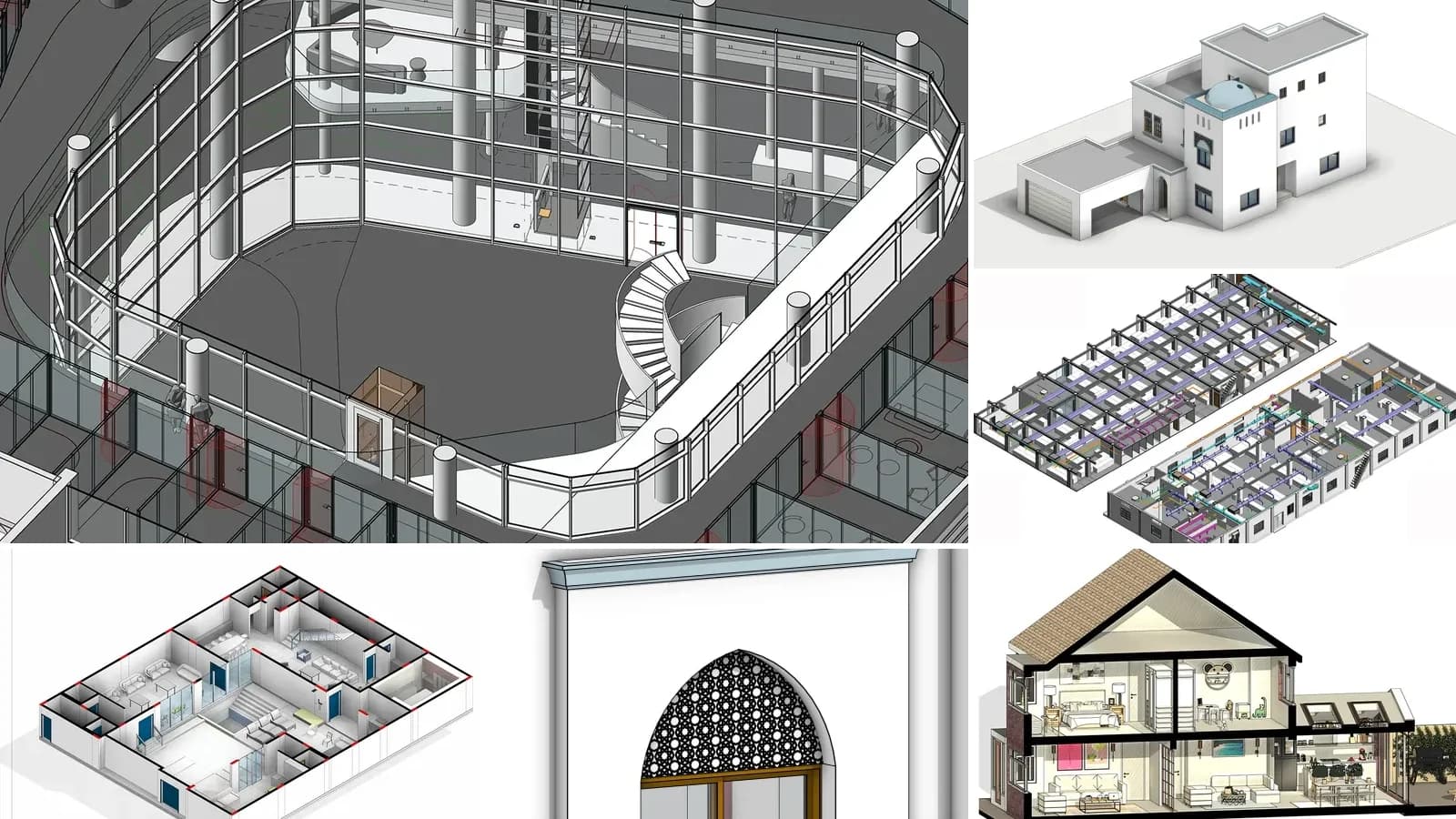
LOD in BIM: Level of Development 100 to 500, Explained with Real Models
LOD in BIM is the Level of Development of each model element, from LOD 100 to 500. What every level means in the 2025 BIMForum spec, LOD vs level of detail and LOIN, and the LOD our own AI-generated models reach.
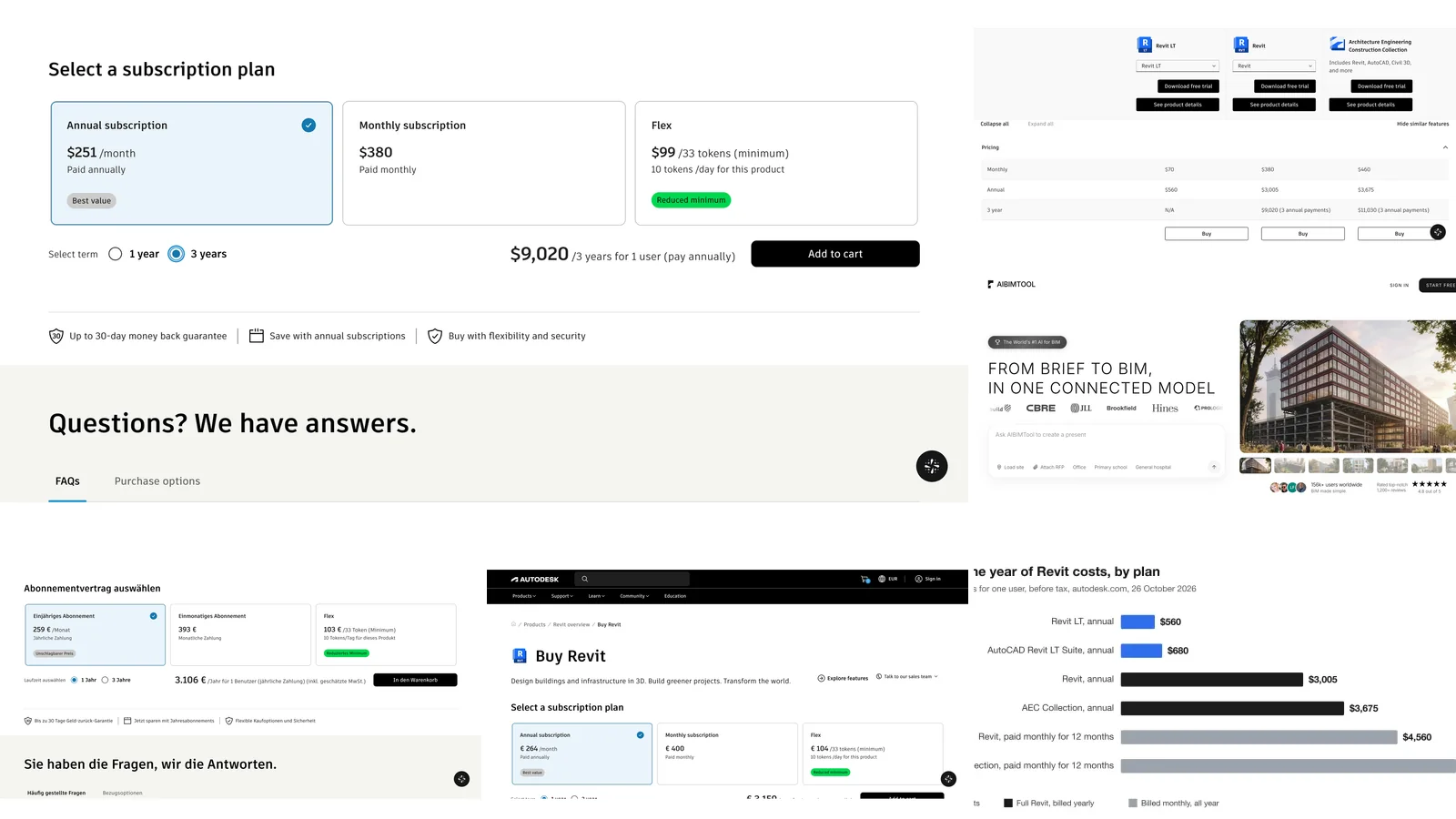
Revit Price 2026: What Revit Really Costs in the US, UK and EU
Revit costs $3,005 a year ($251 a month billed yearly) or $380 a month in the US, €3,106 a year in Germany and £2,712 in the UK. Every Revit, Revit LT, AEC Collection and Flex price checked on Autodesk's own pages, plus when each plan is the cheaper one and how to spend less.
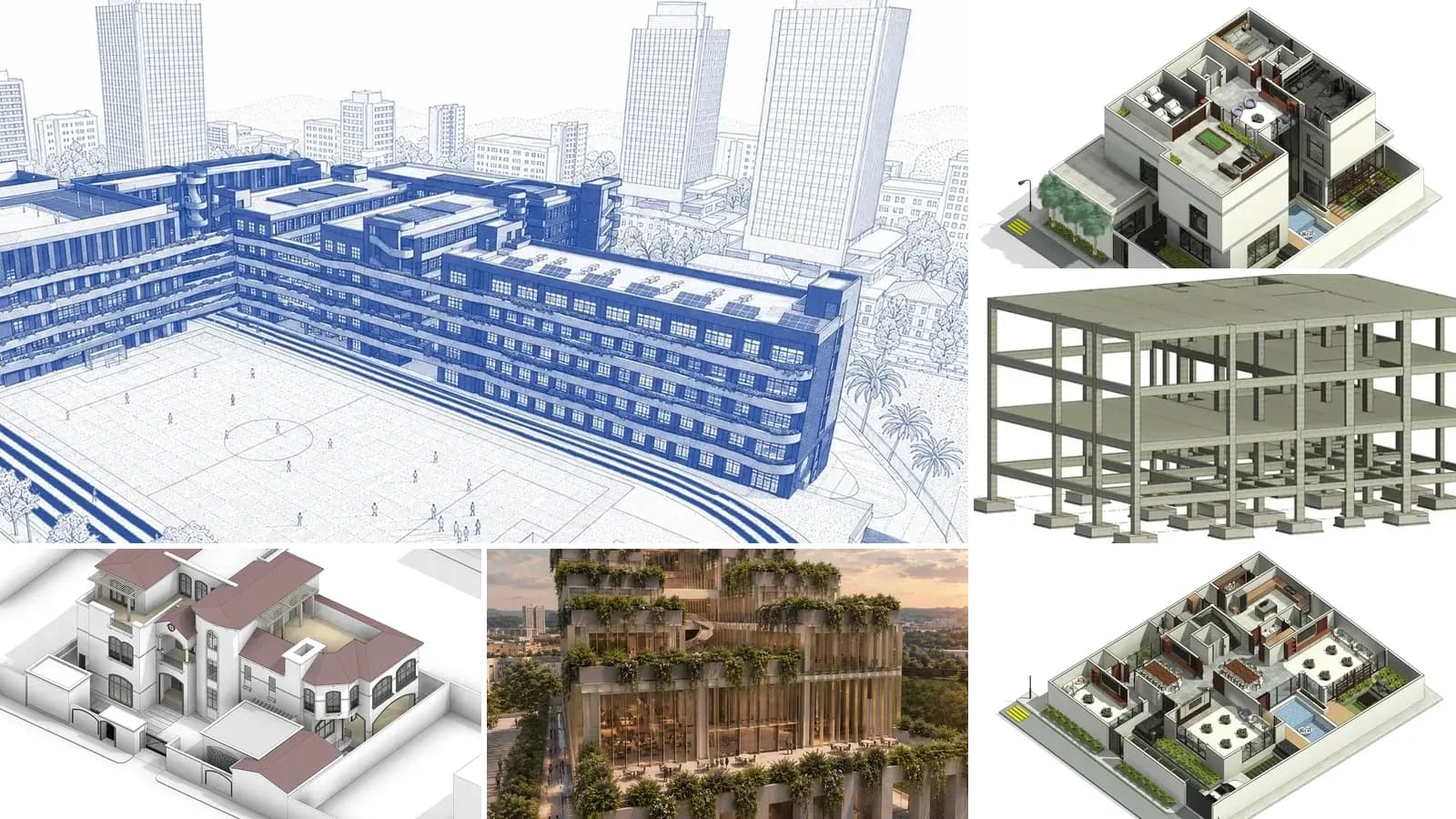
What Is an IFC File? How to Open, Edit and Check One
An IFC file is the open BIM format defined in ISO 16739. What is inside one, free ways to open and edit it, and the export mistakes we found in our own files.