
IFC to STEP Converter
Every IFC element as a named part, closed pieces as solids, for SolidWorks, Fusion, Inventor and FreeCAD.

How to convert IFC to STEP
Drop the IFC
From any BIM tool, IFC2x3 or IFC4. It is read in your browser.
Convert to STEP
Each element is split into its closed pieces, flat triangles are merged into faces, and each piece becomes a solid.
Open it in CAD
One part per wall, door or beam, named after the element and its GlobalId. Millimetres, AP214.
What happens to your file
Comes across
- One STEP part per IFC element, named "Basic Wall:Exterior 300 [GlobalId]"
- Closed pieces as solids: 78 to 98 percent of pieces in our test, 93 percent or more in seven of eight models
- Flat surfaces as single faces you can select and sketch on, not hundreds of triangles
- Real sizes in millimetres, Z up, near the origin or at the file's own coordinates
Does not
- Curves: a round column comes back as narrow flat faces, because IFC tessellation is all the converter sees
- Properties, materials and colors: STEP AP214 parts carry a name, not a property set
- Pieces that are not closed in the IFC stay surface bodies (2 to 22 percent of pieces in our test)
- Parametric history: there was none in the IFC to keep
Most "IFC to STEP" routes write one face per triangle, and a building becomes a few million faces that no CAD program wants to open. This converter does what TechDraw AI's STL to STEP converter does, per element. The element's triangles are welded, split into connected pieces (a door is a frame, a leaf and a handle that touch but are separate bodies), and neighbouring triangles that lie in one plane are merged into a single face. Edges are shared between faces, so a closed piece is written as a real solid, MANIFOLD_SOLID_BREP, and an open one as a surface body rather than dropped. Each element is its own product at the top of the file, so it shows up as its own named body.
Opens in: SolidWorks, Autodesk Fusion and Inventor, Siemens NX and Solid Edge, CATIA, Creo, Onshape, FreeCAD, Rhino, SketchUp (with an importer) and Blender (with the STEP add-on).
Tested on 8 real IFC models
Public sample files exported from Revit, Archicad and Rhino, converted with the code this page runs, on an Apple M3 laptop. Time includes reading the IFC. Download the results (CSV).
| Model | From | Elements | Triangles in | Faces out | Solids | Surface bodies | Time | STEP |
|---|---|---|---|---|---|---|---|---|
| Duplex Apartment | Revit 2011 | 215 | 26,774 | 11,425 | 804 | 55 | 1.0 s | 13 MB |
| Revit IFC4 sample house | Revit 2015 | 58 | 25,152 | 13,025 | 201 | 7 | 0.7 s | 13 MB |
| FZK-Haus, KIT | Archicad 20 | 83 | 21,722 | 7,513 | 233 | 12 | 0.7 s | 8.8 MB |
| House Z | Rhino (IFC plug-in) | 228 | 242,836 | 18,928 | 2,443 | 49 | 4.0 s | 23 MB |
| Office A | Revit 2011 | 803 | 49,923 | 23,345 | 1,428 | 52 | 1.5 s | 26 MB |
| Medical-Dental Clinic | Revit 2011 | 2,586 | 174,325 | 93,879 | 4,577 | 126 | 5.4 s | 101 MB |
| Digital Hub office | Revit 2019 | 705 | 307,322 | 129,576 | 3,249 | 899 | 7.2 s | 158 MB |
| Revit IFC4 architecture sample | Revit 2021 | 446 | 362,088 | 219,048 | 2,031 | 141 | 17 s | 225 MB |
Frequently asked questions
How do I convert IFC to STEP?
Drop the IFC file onto the converter at the top of this page, choose STEP and press Convert. A house takes about a second, a 2,600-element clinic about five, and the STEP downloads when it is done.
Are the parts real solids?
Most are. In seven of our eight test models, 93 to 98 percent of the pieces were closed and came out as solids (78 percent in the eighth, whose glazing is single surfaces). FreeCAD opened the Duplex sample's STEP and found 785 solids, every one valid. The rest are pieces that were not closed in the IFC to begin with, such as a single-sided glass pane, and they come out as surface bodies with the same name.
Why are round elements made of flat faces?
Because the IFC, as web-ifc reads it, is triangles. A round column arrives as a ring of narrow flat strips, and the converter does not guess the cylinder back. Flat walls, slabs, beams and frames, which are most of a building, come back as clean planar faces.
How big is the STEP file?
Large, because STEP is text and spells out every point, edge and face. In our test a 2.4 MB IFC gave a 13 MB STEP and a 13.6 MB IFC gave 225 MB.
Is my IFC file uploaded?
No. The file is read by web-ifc, an open-source IFC reader compiled to WebAssembly, and converted by code running in your browser tab. Nothing is sent to a server, stored or logged, which is why there is no file size limit other than your computer's memory.
Can I convert IFC to RVT or to a Revit family?
No tool can, ours included: RVT is a closed format that only Revit itself writes. You do not need one, though. Revit opens IFC directly (File, Open, IFC) and turns the elements into Revit elements, or links it with Link IFC. Our guide to the RFA file explains what Revit's own formats hold.
Sources
- Library of Congress: Industry Foundation Classes (IFC), Clear Text Family
- Library of Congress: STEP-file, ISO 10303-21
- web-ifc, the open-source IFC reader the converter runs on (That Open Company)








What Is an IFC File? How to Open, Edit and Check One
An IFC file is the open BIM format defined in ISO 16739. What is inside one, free ways to open and edit it, and the export mistakes we found in our own files.

RFA File: What It Is, How to Open One Without Revit, and RFA vs RVT, RTE and RFT
An RFA file is a Revit family. What is inside one, how to open RFA and RVT files without Revit, how to tell which Revit version saved a file, and RFA vs RVT, RTE and RFT. Includes a free browser tool and our test of 553 public Revit files.
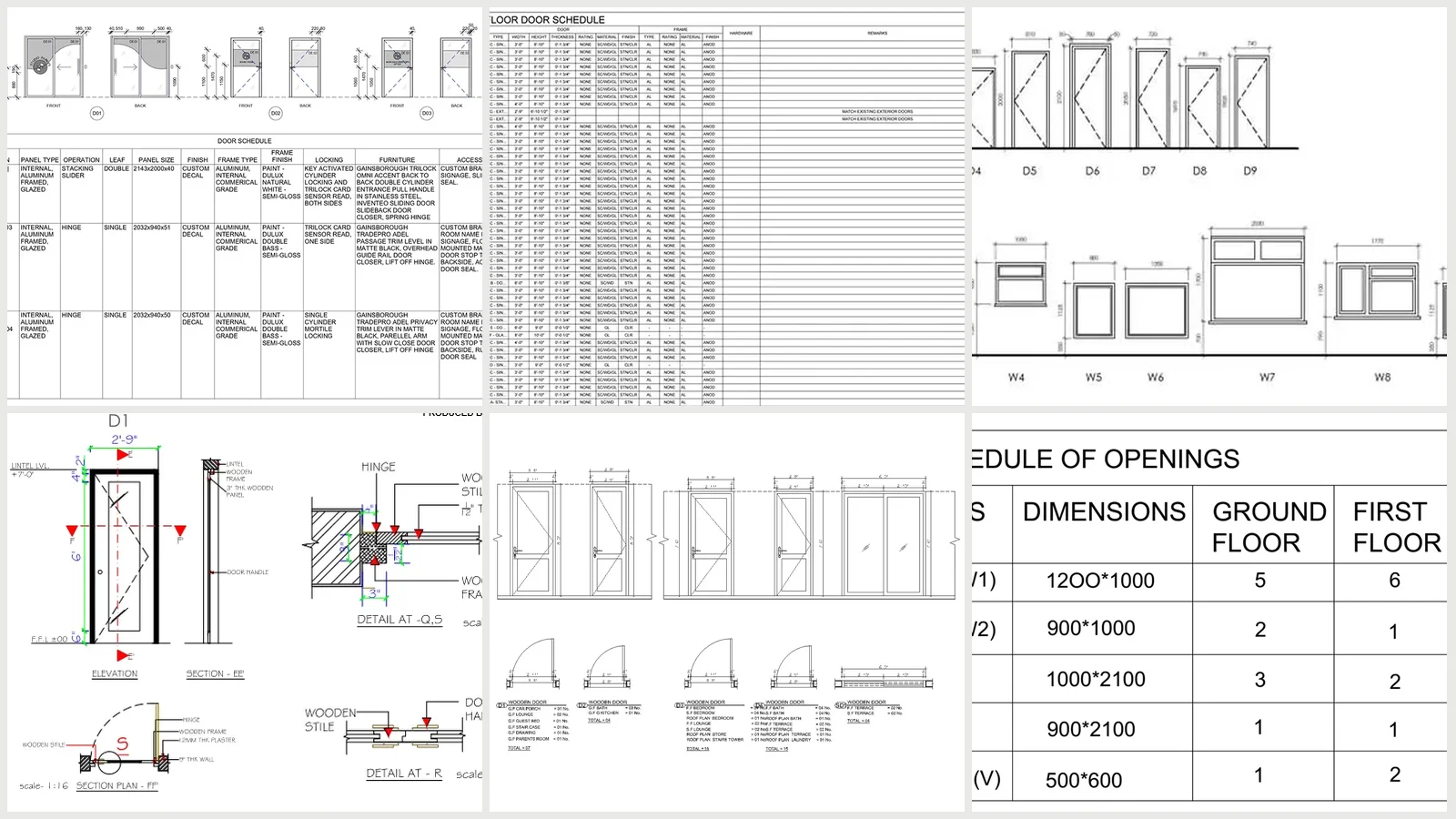
Door Schedule: What Goes in It, Examples, Free Templates and an IFC Schedule Maker
What a door schedule and a window schedule contain, column by column, how doors are numbered, what the fire rating column means, real examples, free XLSX templates, and a free tool that builds door, window and room finish schedules from an IFC model. Includes our test of 19 real IFC files.
Also free: IFC to DWG Converter·IFC viewer·IFC editor·DWG to BIM