
Free Revit chair families
Armchairs, lounge chairs, dining and school chairs, bar chairs and stools, from wingbacks to a monobloc. These come from Poly Haven's artists, so many are classic or vintage pieces with real textures; for a plain modern dining chair, take the dining sets under Tables.
- models
- 22
- formats
- IFC, FBX, OBJ, GLB
- triangles
- ≤ 20K
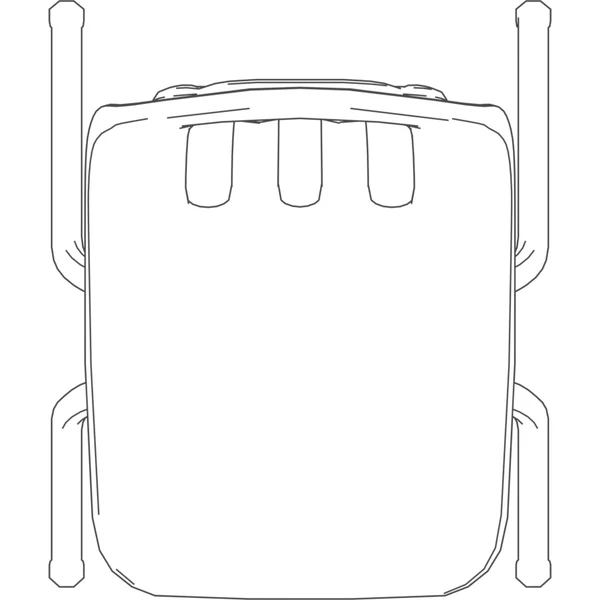
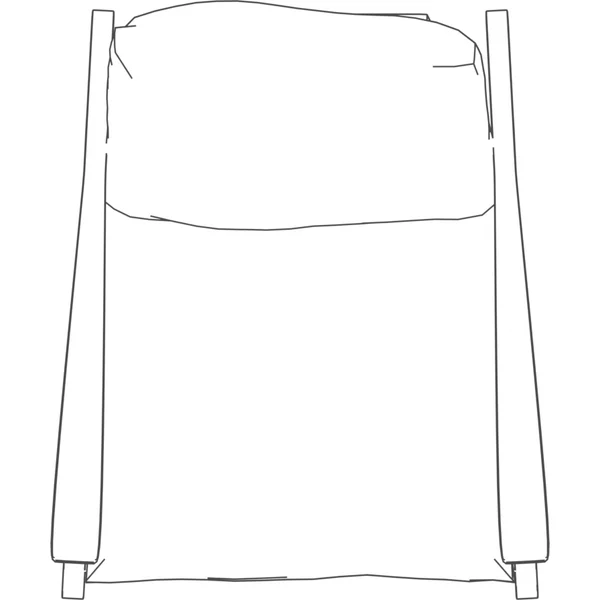
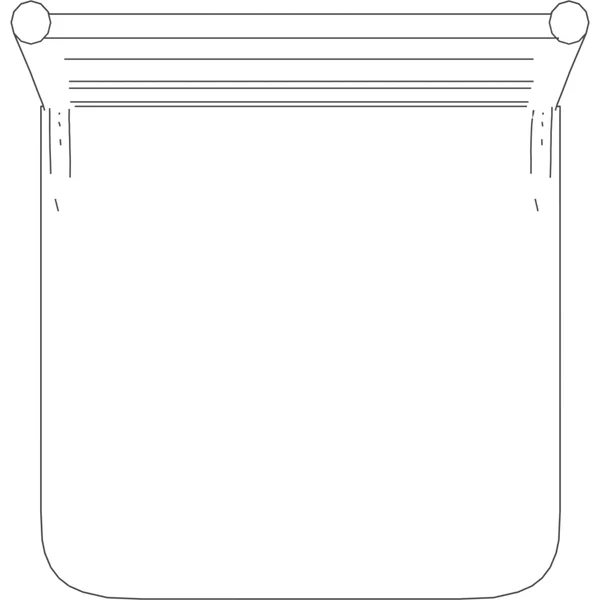
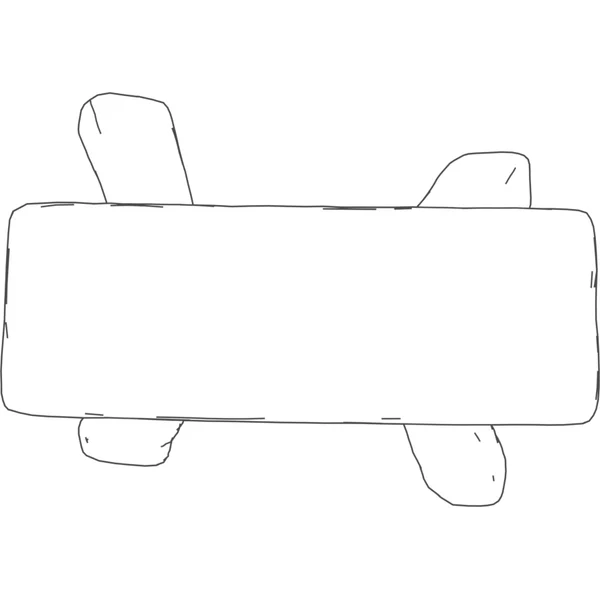
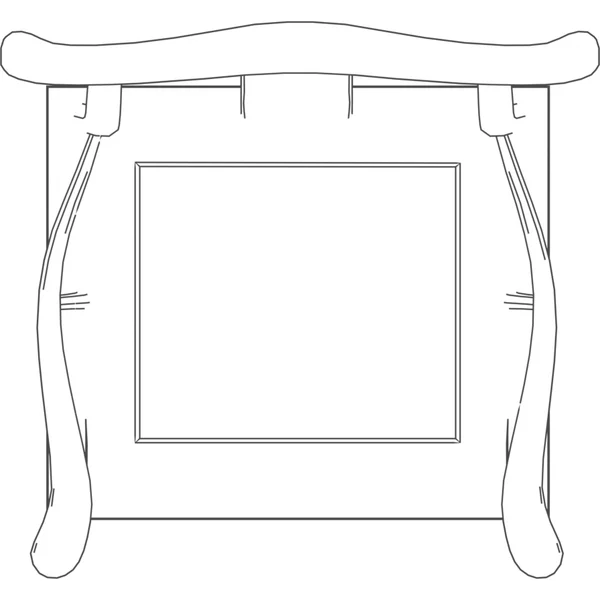
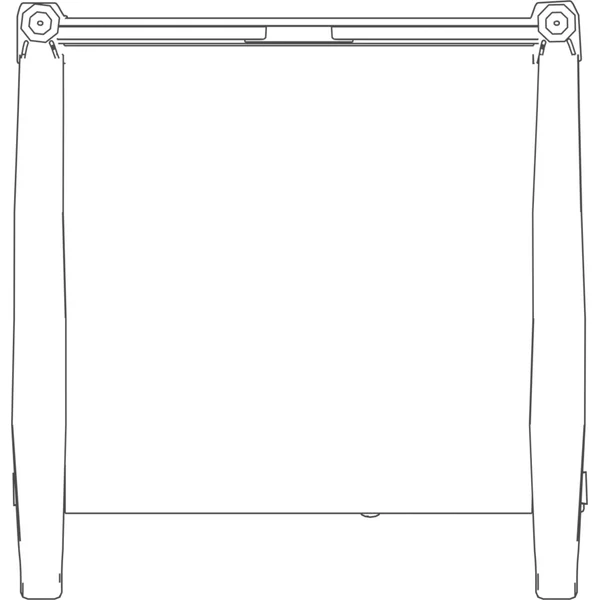
 PlanArm Chair33 × 30 × 42 in
 PlanGreen Chair26 × 26 × 42 in
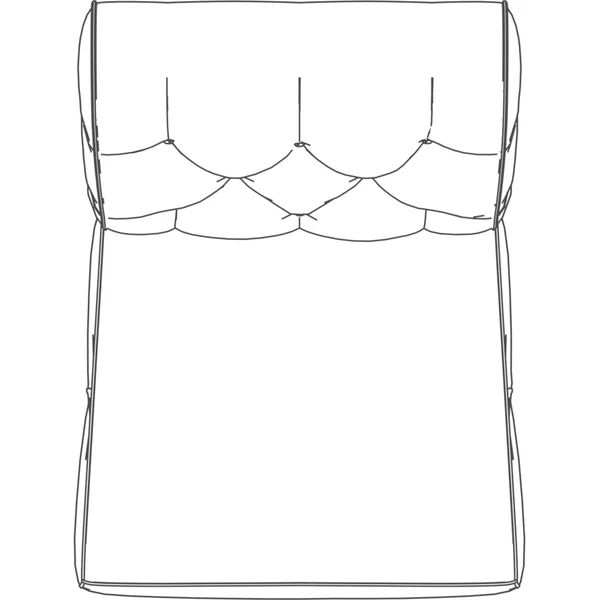
 PlanOttoman35 × 24 × 25 in
 PlanRocking Chair28 × 33 × 39 in
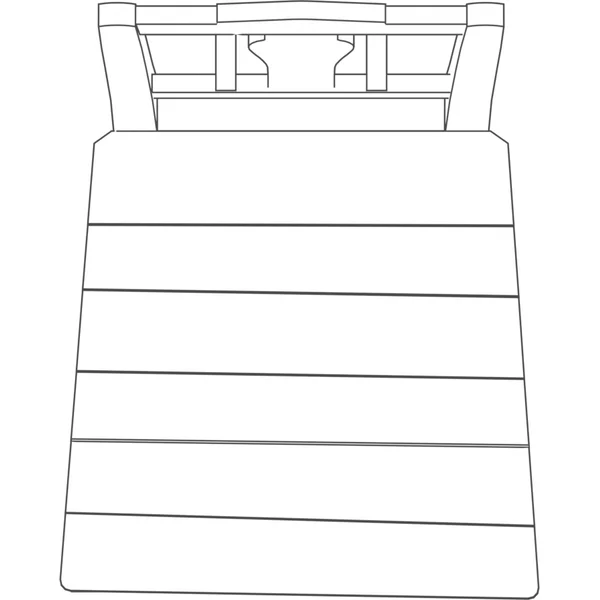
 PlanSchool Chair22 × 27 × 40 in
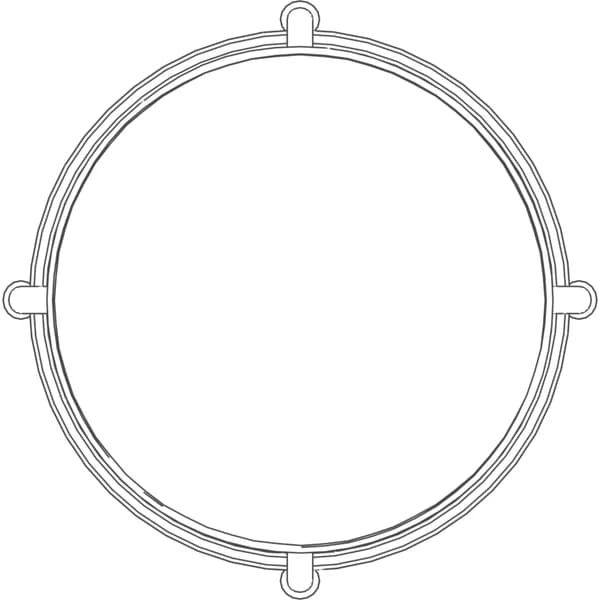
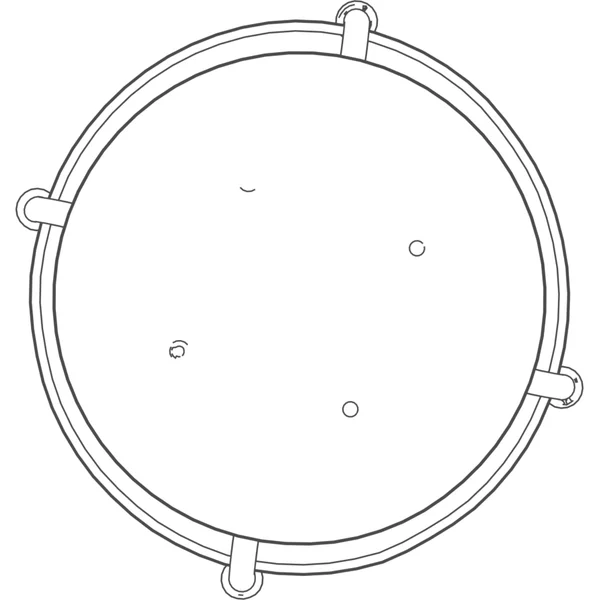
 PlanBar Chair Round19 × 19 × 30 in
 PlanDining Chair17 × 23 × 38 in
 PlanMid Century Lounge Chair40 × 47 × 46 in
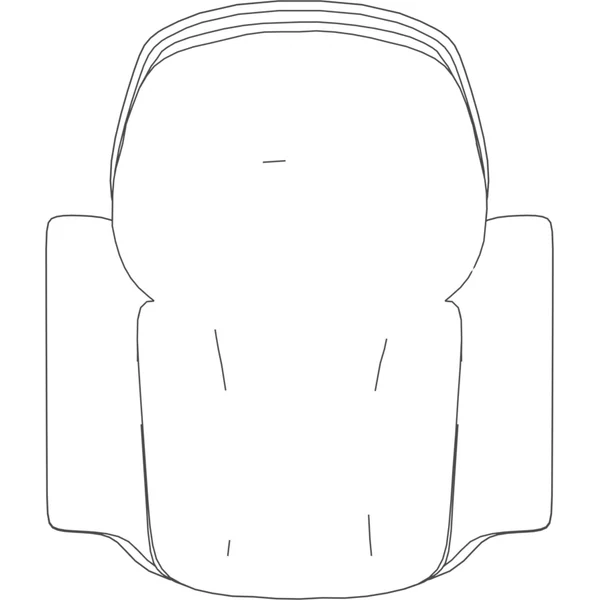
 PlanModern Arm Chair32 × 39 × 40 in
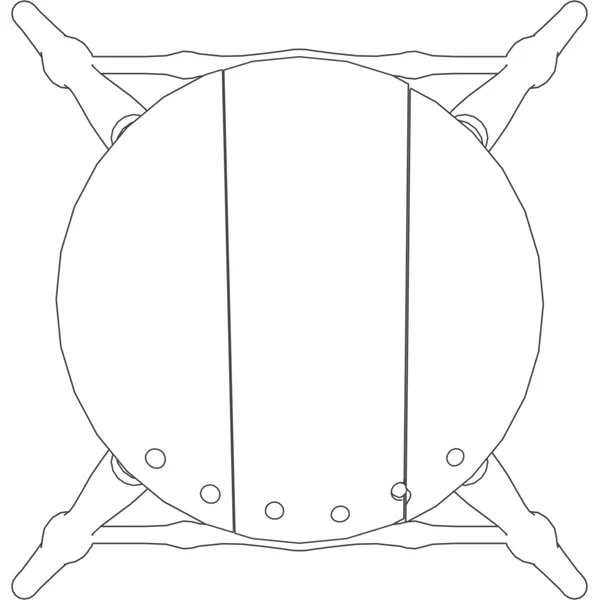
 PlanMetal Stool 114 × 14 × 35 in
 PlanMetal Stool 218 × 19 × 18 in
 PlanMetal Stool 318 × 19 × 40 in
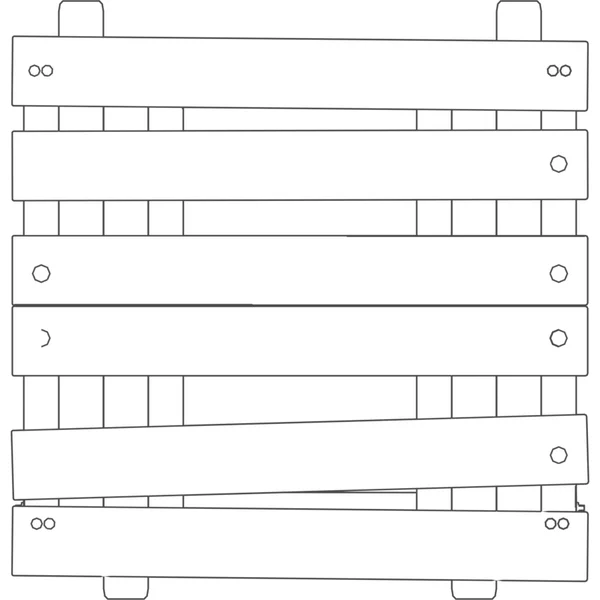
 PlanPainted Wooden Chair 117 × 21 × 38 in
 PlanPainted Wooden Chair 225 × 26 × 50 in
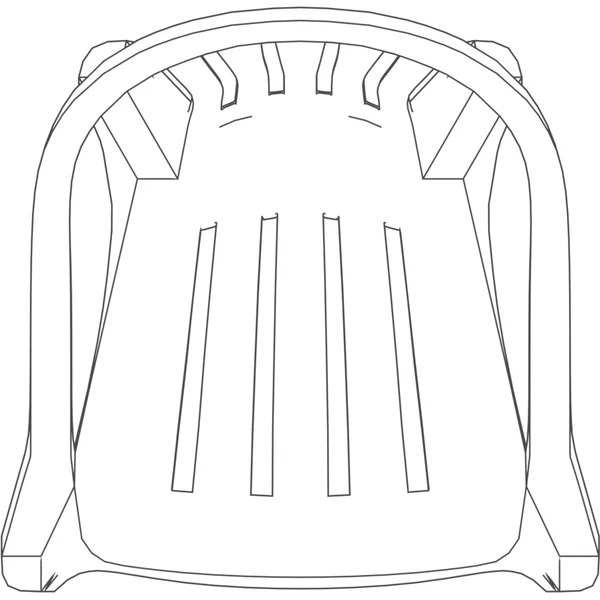
 PlanPlastic Monobloc Chair25 × 25 × 35 in
 PlanFolding Wooden Stool21 × 22 × 17 in
 PlanWooden Stool 117 × 17 × 17 in
 PlanWooden Stool 210 × 7 × 7 in
 PlanChinese Armchair33 × 31 × 63 in
 PlanChinese Stool24 × 20 × 25 in
 PlanPainted Wooden Stool15 × 16 × 23 in
 PlanGallinera Chair23 × 24 × 41 in


Which file For which tool
In Revit, take the IFC and link it. The rest are the same model for the tools around Revit, so the architect and the render artist place the identical object.
IFC
Revit, Archicad, Vectorworks, Bonsai
Revit: Insert › Link IFC. Doors and windows are IfcDoor and IfcWindow, furniture IfcFurniture, with size and source as properties.
FBX
3ds Max, Twinmotion, Lumion, Unreal
Textures embedded.
OBJ
SketchUp, Rhino, Blender
Zipped with its .mtl and textures.
GLB
Enscape, Blender, web viewers
One self-contained file.
Questions About these chairs
Can I use them in paid projects?
Yes. Poly Haven publishes every asset as CC0, which allows any use, redistribution included, and our converted files are CC0 too.
How do I place them in Revit?
In Revit, Insert, then Link IFC places it at its real size; File, Open, IFC opens it on its own. FBX, OBJ and GLB are the same model for 3ds Max, SketchUp, Rhino, Enscape and Twinmotion.
More free Revit families: doors · windows · kitchen · bathroom · sofas · tables · beds · storage · office · lighting · outdoor · elevators · plants · the whole library
Families are the last step Generate the building first
Describe the building and AIBIMTool drafts the program, floor plans and an IFC4 model for Revit or Archicad.
Start free now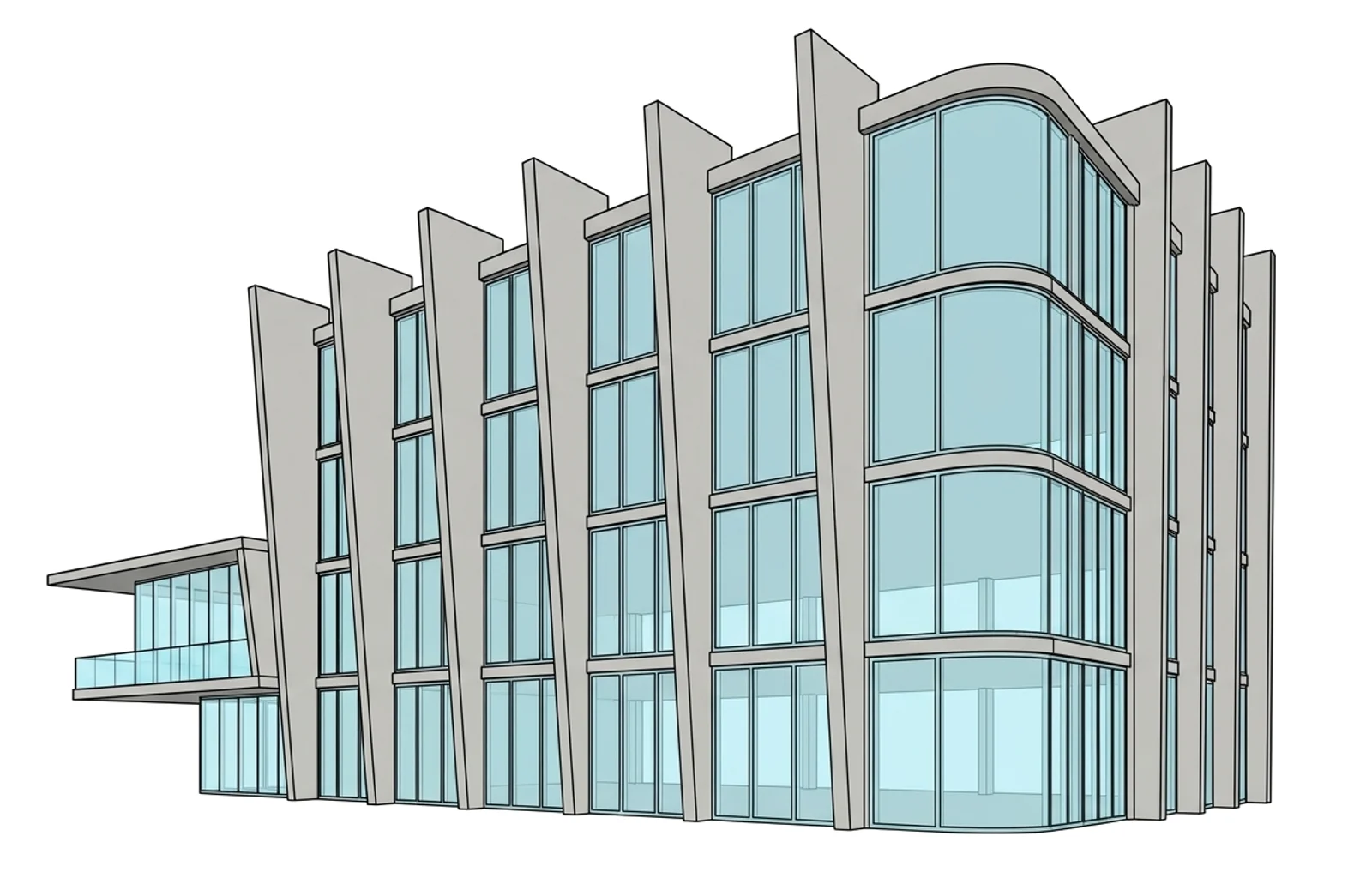
Revit is a trademark of Autodesk, Inc. AIBIMTool is not affiliated with or endorsed by Autodesk or Poly Haven.