
Free Revit storage families
Two and three door wardrobes, a bookshelf, a slatted media console and a 65 inch TV modeled at real sizes, plus cabinets, commodes and shelving units from Poly Haven.
- models
- 21
- formats
- IFC, FBX, OBJ, GLB
- triangles
- ≤ 20K
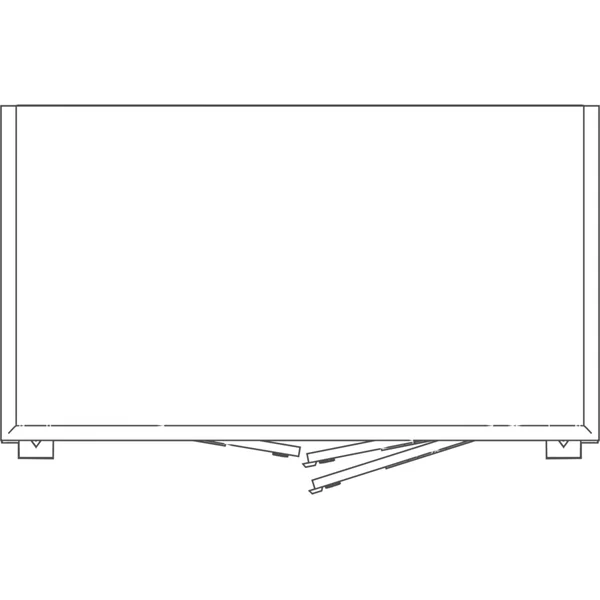
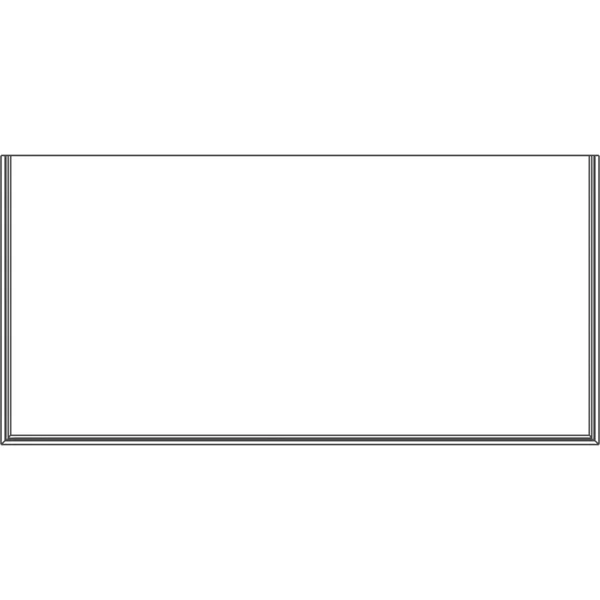
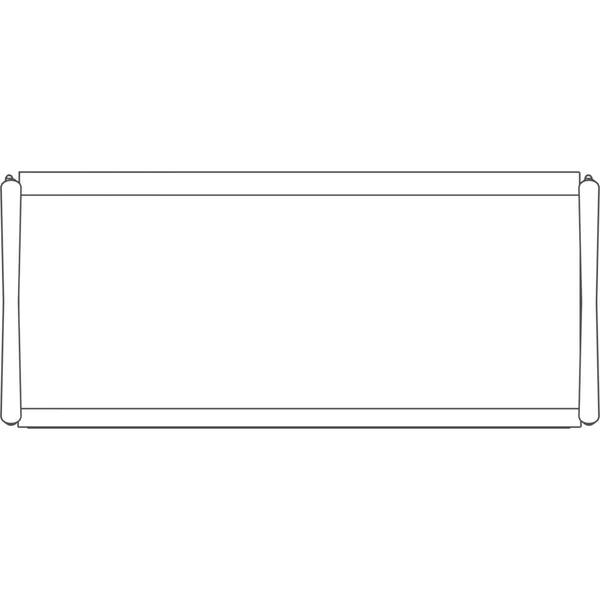
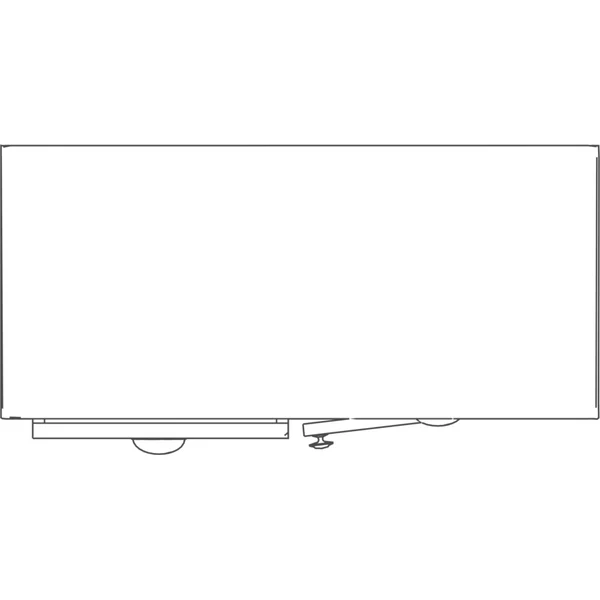
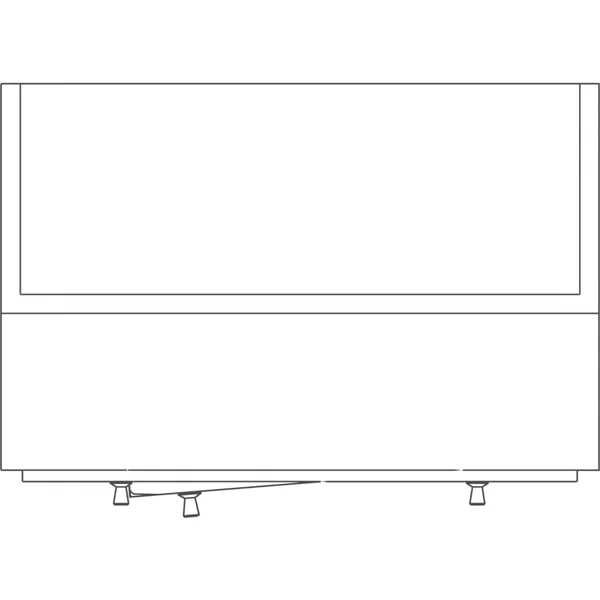
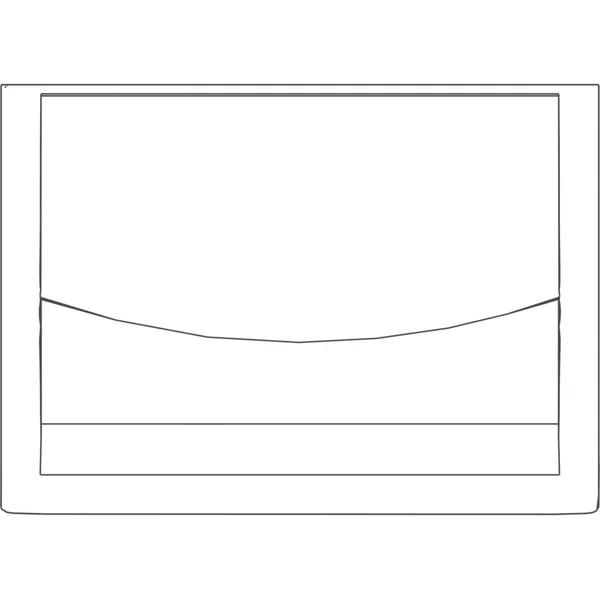
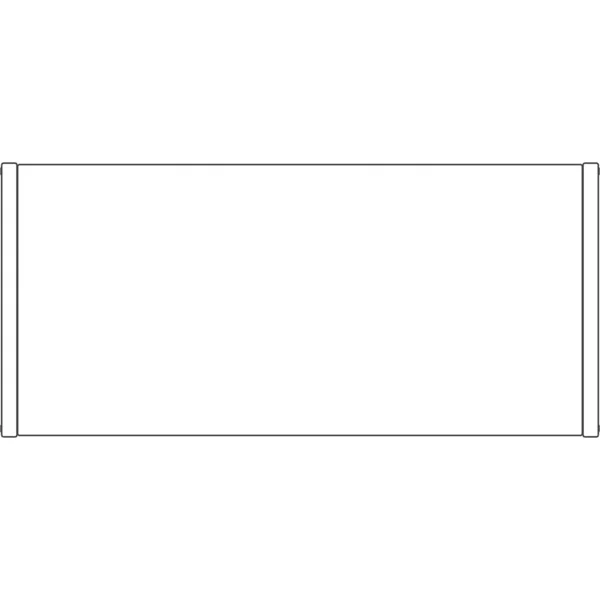
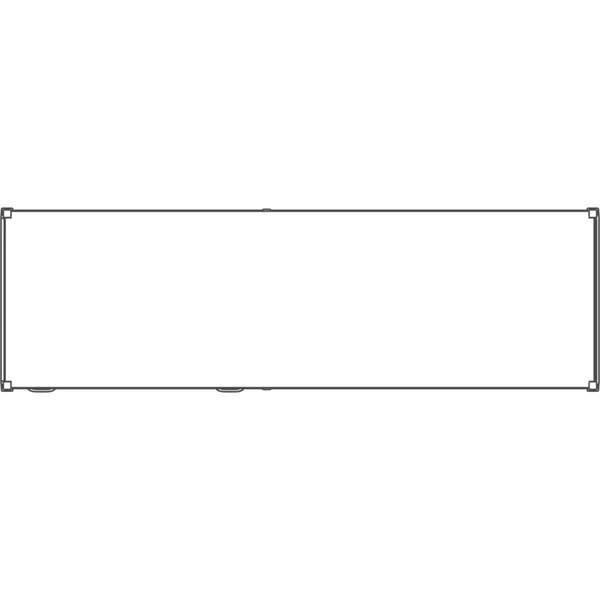
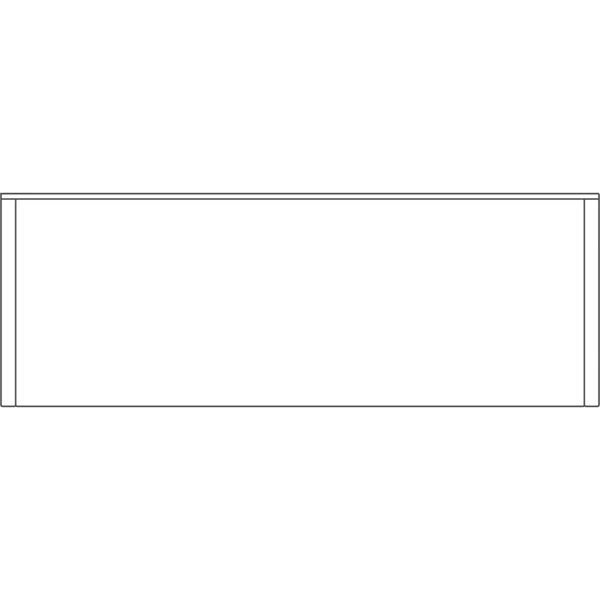
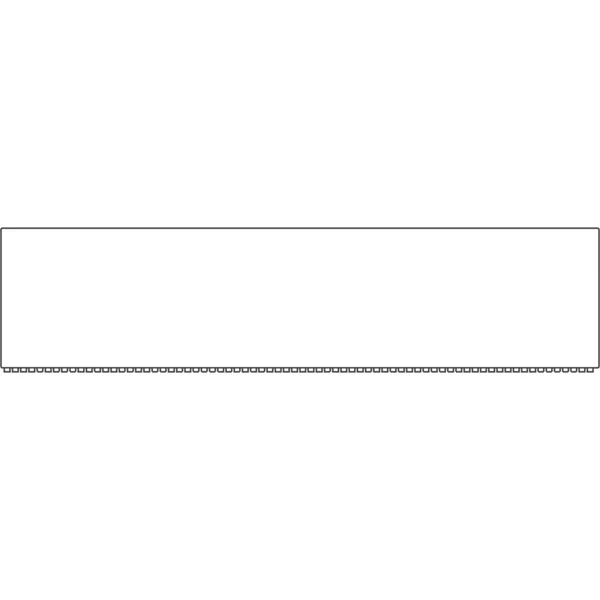
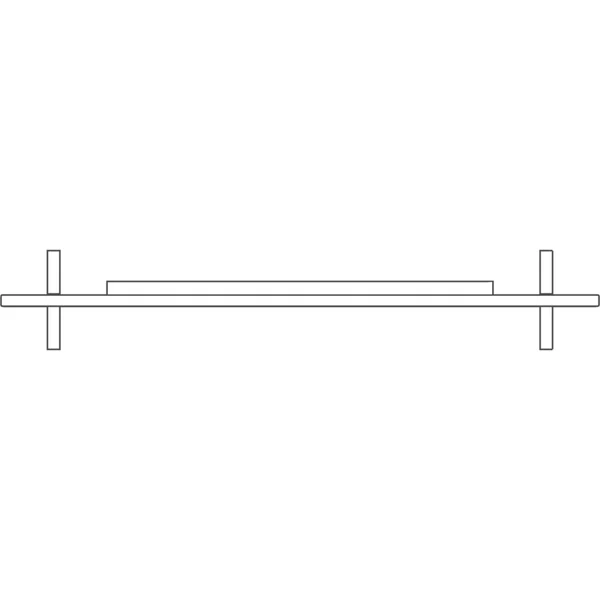
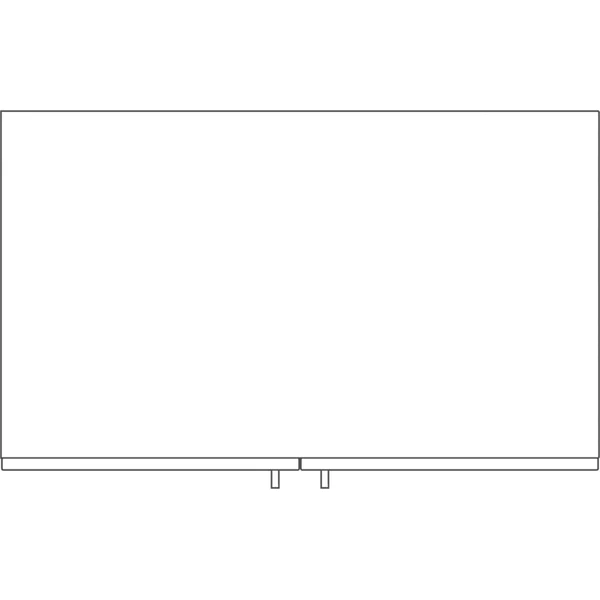
 PlanGothic Cabinet68 × 44 × 93 in
 PlanGothic Commode47 × 23 × 48 in
 PlanShelf39 × 10 × 82 in
 PlanDrawer Cabinet45 × 19 × 74 in
 PlanModern Wooden Cabinet96 × 20 × 27 in
 PlanPainted Wooden Cabinet 147 × 24 × 47 in
 PlanPainted Wooden Cabinet 239 × 28 × 101 in
 PlanPainted Wooden Shelves20 × 14 × 44 in
 PlanSteel Frame Shelves 1432 × 198 × 843 in
 PlanSteel Frame Shelves 223 × 20 × 84 in
 PlanSteel Frame Shelves 393 × 28 × 91 in
 PlanVintage Cabinet80 × 26 × 88 in
 PlanWooden Display Shelves15 × 42 × 61 in
 PlanChinese Cabinet50 × 21 × 113 in
 PlanChinese Commode177 × 46 × 80 in
 PlanWooden Bookshelf Worn54 × 23 × 81 in
 PlanBookshelf 36″ × 79″35 × 13 × 79 in
 PlanMedia Console with Slatted Front71 × 17 × 20 in
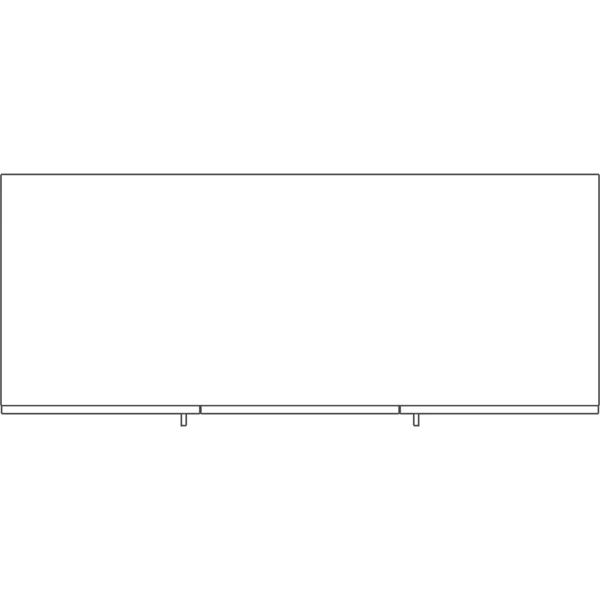
 Plan65″ TV on Feet57 × 9 × 36 in
 PlanWardrobe, Two Doors39 × 25 × 87 in
 PlanWardrobe, Three Doors with Mirror59 × 25 × 87 in




Which file For which tool
In Revit, take the IFC and link it. The rest are the same model for the tools around Revit, so the architect and the render artist place the identical object.
IFC
Revit, Archicad, Vectorworks, Bonsai
Revit: Insert › Link IFC. Doors and windows are IfcDoor and IfcWindow, furniture IfcFurniture, with size and source as properties.
FBX
3ds Max, Twinmotion, Lumion, Unreal
Textures embedded.
OBJ
SketchUp, Rhino, Blender
Zipped with its .mtl and textures.
GLB
Enscape, Blender, web viewers
One self-contained file.
Questions About these storage
How big is the TV?
A 65 inch screen on feet, 1,455 mm wide. Its screen is a separate dark material, so it reads as a TV in a render.
Can I use them in Revit?
In Revit, Insert, then Link IFC places it at its real size; File, Open, IFC opens it on its own. FBX, OBJ and GLB are the same model for 3ds Max, SketchUp, Rhino, Enscape and Twinmotion.
More free Revit families: doors · windows · kitchen · bathroom · sofas · chairs · tables · beds · office · lighting · outdoor · elevators · plants · the whole library
Families are the last step Generate the building first
Describe the building and AIBIMTool drafts the program, floor plans and an IFC4 model for Revit or Archicad.
Start free now
Revit is a trademark of Autodesk, Inc. AIBIMTool is not affiliated with or endorsed by Autodesk or Poly Haven.